
MO-101 Online Practice Questions and Answers
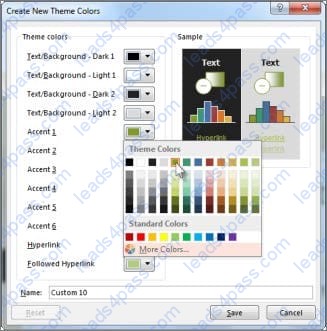
Modify the Subtitle style to apply a solid Green Accent 5 text till effect and a solid Black. Text 1, Lighter 25% text outline effect. Save the style changes in this document only.
A. See the explanation:
B. PlaceHolder
C. PlaceHolder
D. PlaceHolder
Connect to the MailingList mail merge data source in the Documents folder. Preview the merge results for record 1.
A. see the explanation below.
B. PlaceHolder
C. PlaceHolder
D. PlaceHolder
Edit the 'Club' macro to change the macro name to "Footer".
A. See the steps below.
B. PlaceHolder
C. PlaceHolder
D. PlaceHolder
You are creating a broachure for potential clients of VanArshdel, Ltd.
In the ‘’Team Building’’ section, set the proofing language for the word ‘’expeditions’’ to French (France).
A. See the steps below.
B. PlaceHolder
C. PlaceHolder
D. PlaceHolder
Mark an index entry for the "ABOUT US' heading immediately after the text.
A. See the steps below.
B. PlaceHolder
C. PlaceHolder
D. PlaceHolder
In the 'Our Team" section, select the first instance of 'Team Builder and record a macro named ''Role'' that applies bold and italic formatting of the selected text. Then stop recording. Store the macro in the current document.
A. See the steps below.
B. PlaceHolder
C. PlaceHolder
D. PlaceHolder
Create a character style named ‘’Warning’’ that applies the Arial Black font and Color Dark Red (from the Standard Color palette).
A. See the steps below.
B. PlaceHolder
C. PlaceHolder
D. PlaceHolder
This project has only one task.
Combine the current document with the DonaitionLetter2 document from the Documents folder. Show the changes in the original document.
Do not accept or reject the tracked changes.
Note: Use Donationletter as the original document and DonationLelter2 as the revised document.
A. See the steps below.
B. PlaceHolder
C. PlaceHolder
D. PlaceHolder
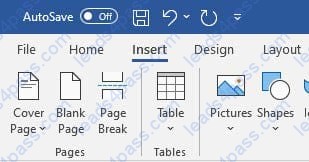
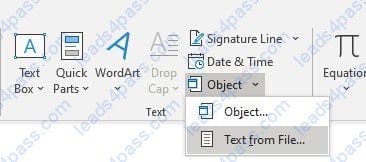
Save the styles in the document as a style set named Wells". Save the style set file in the default location.
A. See the steps below.
B. PlaceHolder
C. PlaceHolder
D. PlaceHolder
To the right of "Figure 1'. select the paragraph that begins 'Bellows College students'.
Configure the pagination options so that all lines of the paragraph will always stay together on the same page.
A. See the steps below.
B. PlaceHolder
C. PlaceHolder
D. PlaceHolder





All rights are reserved by
leads4pass.com. Any changes, copy or trademarks abuse will be
regarded as infringement.
leads4pass.com will reserve the right to pursue accountability.
Copyright © 2004-
2026 leads4pass.com.