
GSUITE Online Practice Questions and Answers
In a Google Hangouts video call, your customer asks if there are any summer discounts. You want to show them a draft document without giving them direct access to the Google Docs document. What should you do? (Choose two.)
A. From your Gmail inbox, send your customer an attachment of the summer discount flyer
B. From Google Drive, add the customer as a collaborator to the folder with the summer discount flyer document
C. From the Google Hangouts video call, present only the window with the summer discount flyer
D. From Google Docs, add the customer as a collaborator to the summer discount flyer document
E. From the Google Hangouts video call, present your entire screen
You need to set up a way to easily access a Google Drive folder that your team shared with you. The Team Drive with this shared folder has over 1,000 different folders. What should you do to have quick access to the shared folder?
A. Create a new folder in My Drive on Google Drive. Copy all the files from your team's folder to the new folder
B. Create a new folder in My Drive on Google Drive. Move your team's folder into this new folder
C. Find the shared folder on Google Drive. Change the color of the folder to red
D. Find the shared folder in Shared with me on Google Drive. Right-click on the folder, and then click Add to My Drive
You have a folder saved locally on your laptop. You need to upload the folder to Google Drive. What should you do?
A. In Google Drive, click New, and then click File Upload. Select the file you want to upload from your laptop
B. In Google Drive, click New, and then click Folder. Give a name to the new folder, and then click Create
C. In Google Drive, navigate to My Drive. Click Upload files and upload the relevant files from your local drive to Google Drive
D. In Google Drive, click New, and then click Folder Upload. Select a folder you want to upload, and then click Upload
SIMULATION
Overview
In the following tasks, you will demonstrate your ability to work in Google Docs. Dream Digital Design is a web design company known for building exceptional websites. You will be editing the job description for the new web designer role that will open shortly. Use the Dream Digital Design Job Description for all the tasks in this scenario.
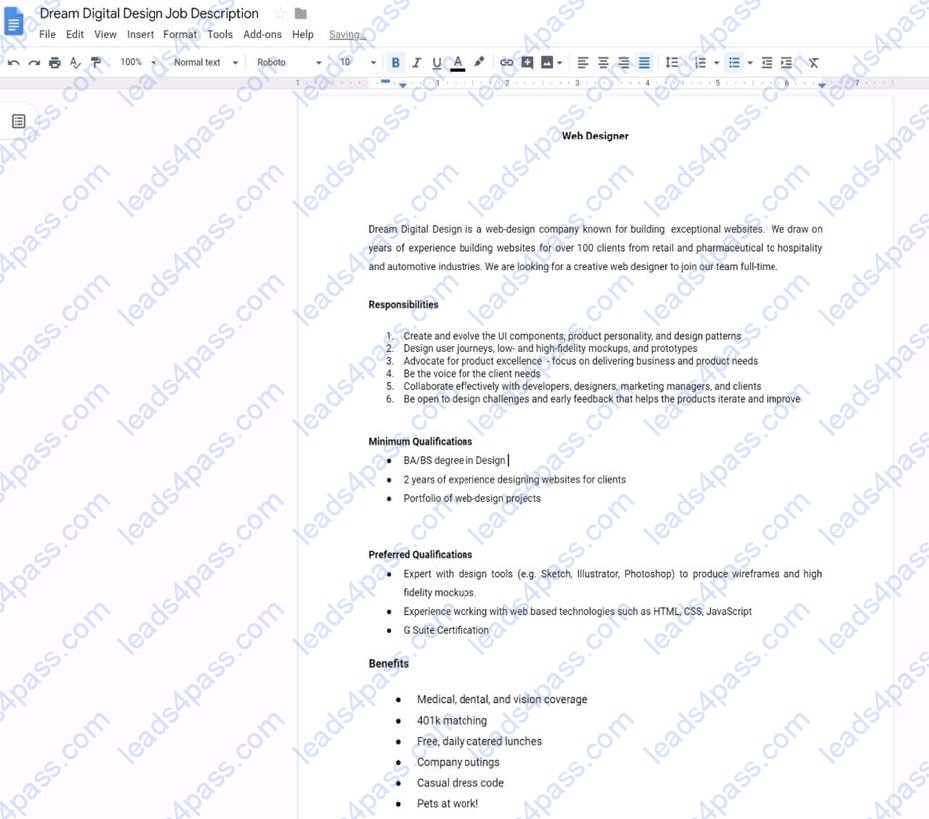
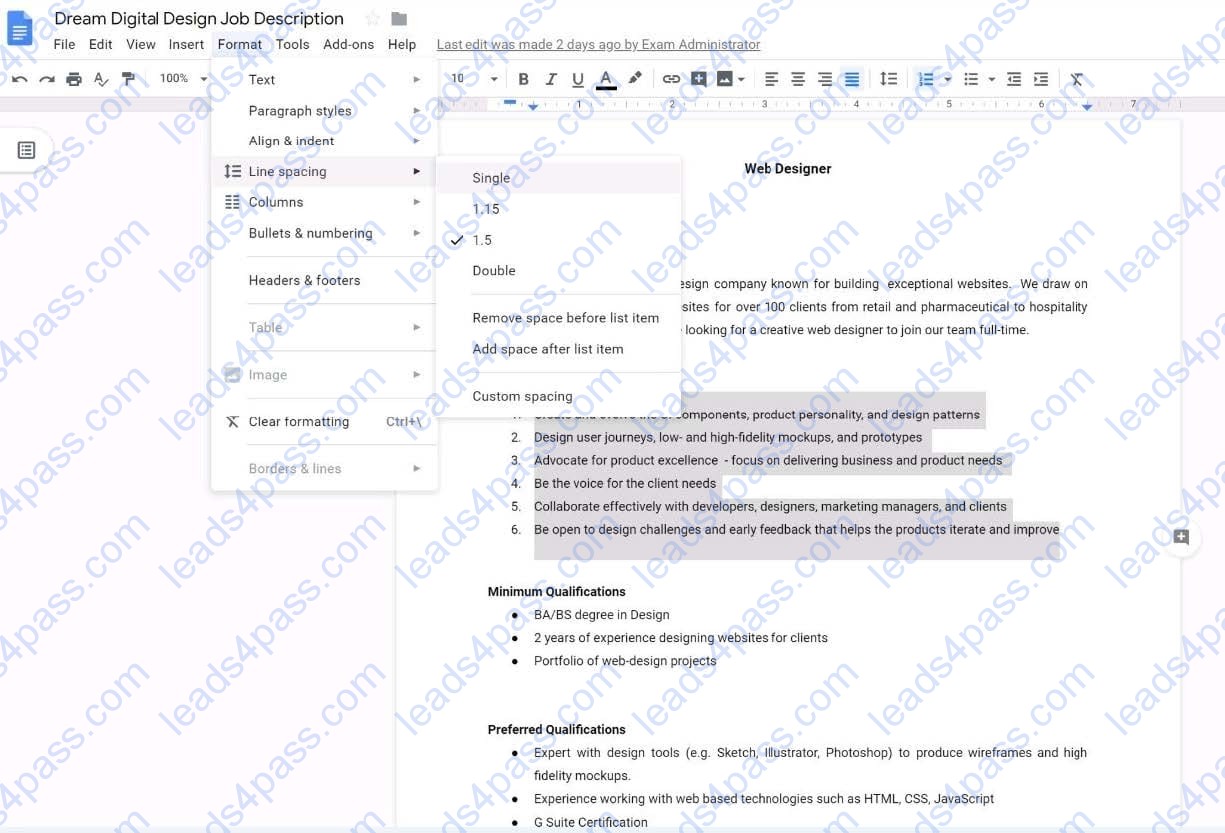
Change the line spacing of the Dream Digital Design Job Description from 1.5 to single spacing.
A. See explanation below.
SIMULATION Overview In the following tasks, you will demonstrate your ability to work in Google Docs. Dream Digital Design is a
web design company known for building exceptional websites. You will be editing the job description for the new web designer role that will open shortly. Use the Dream Digital Design Job Description for all the tasks in this scenario.
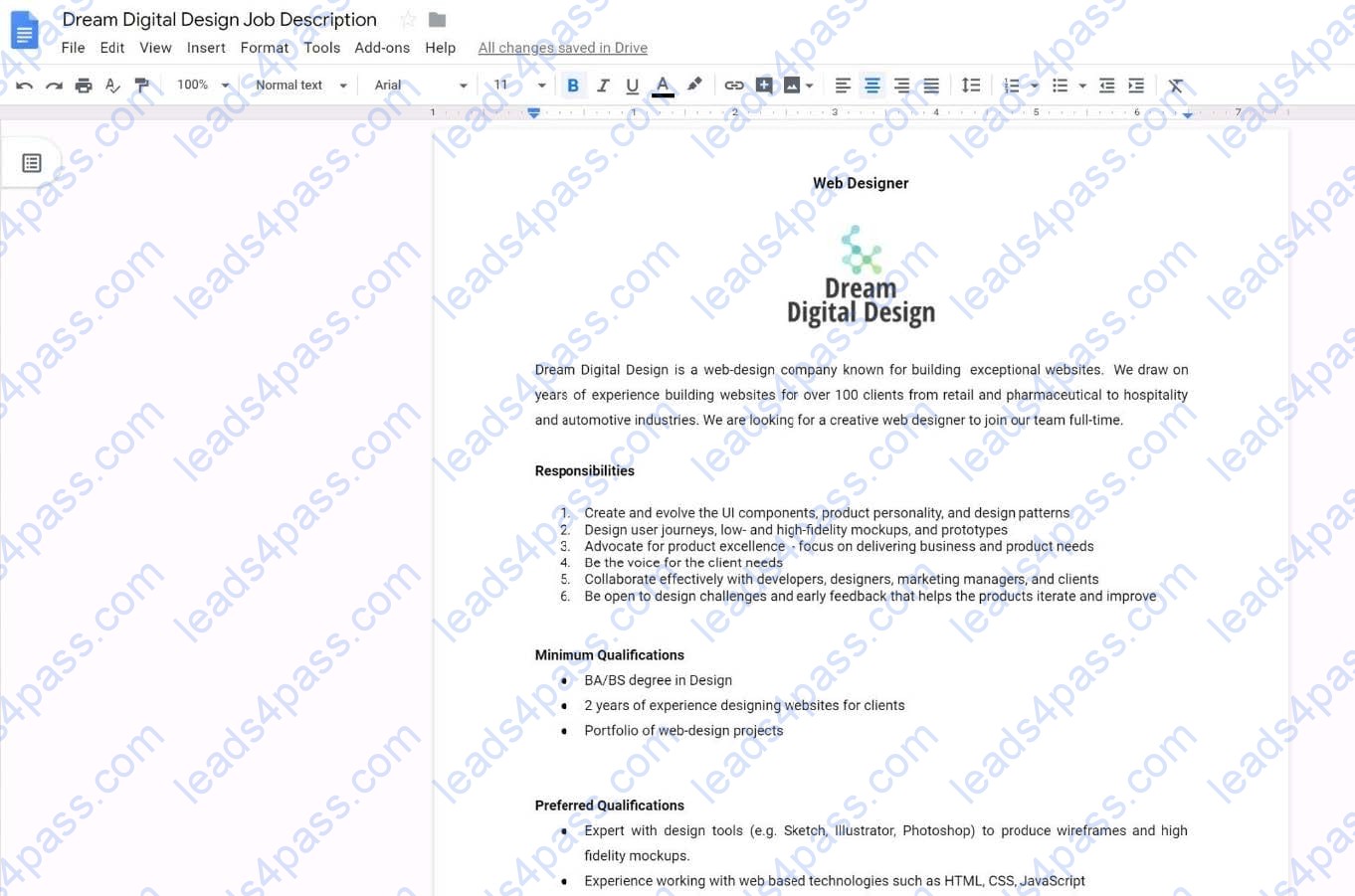
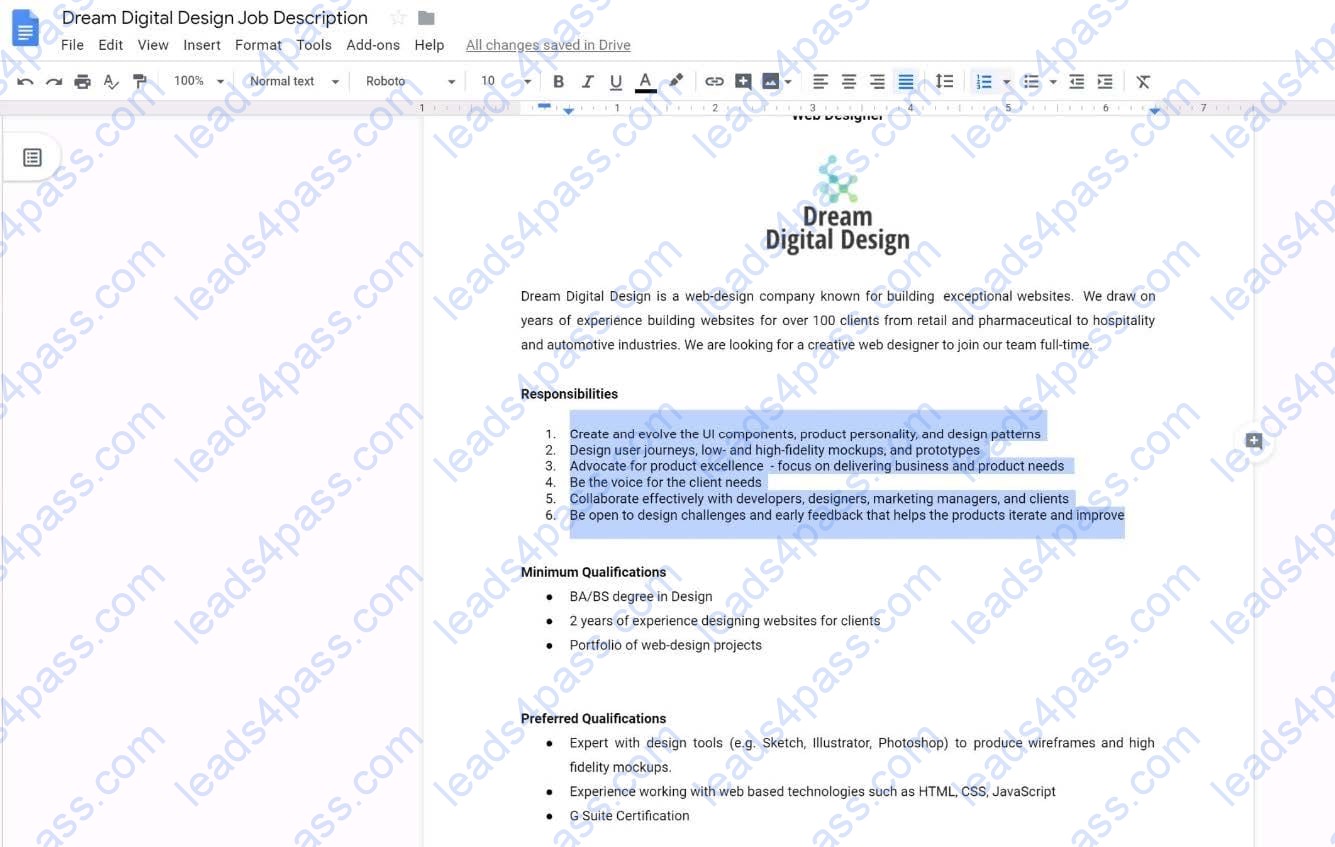
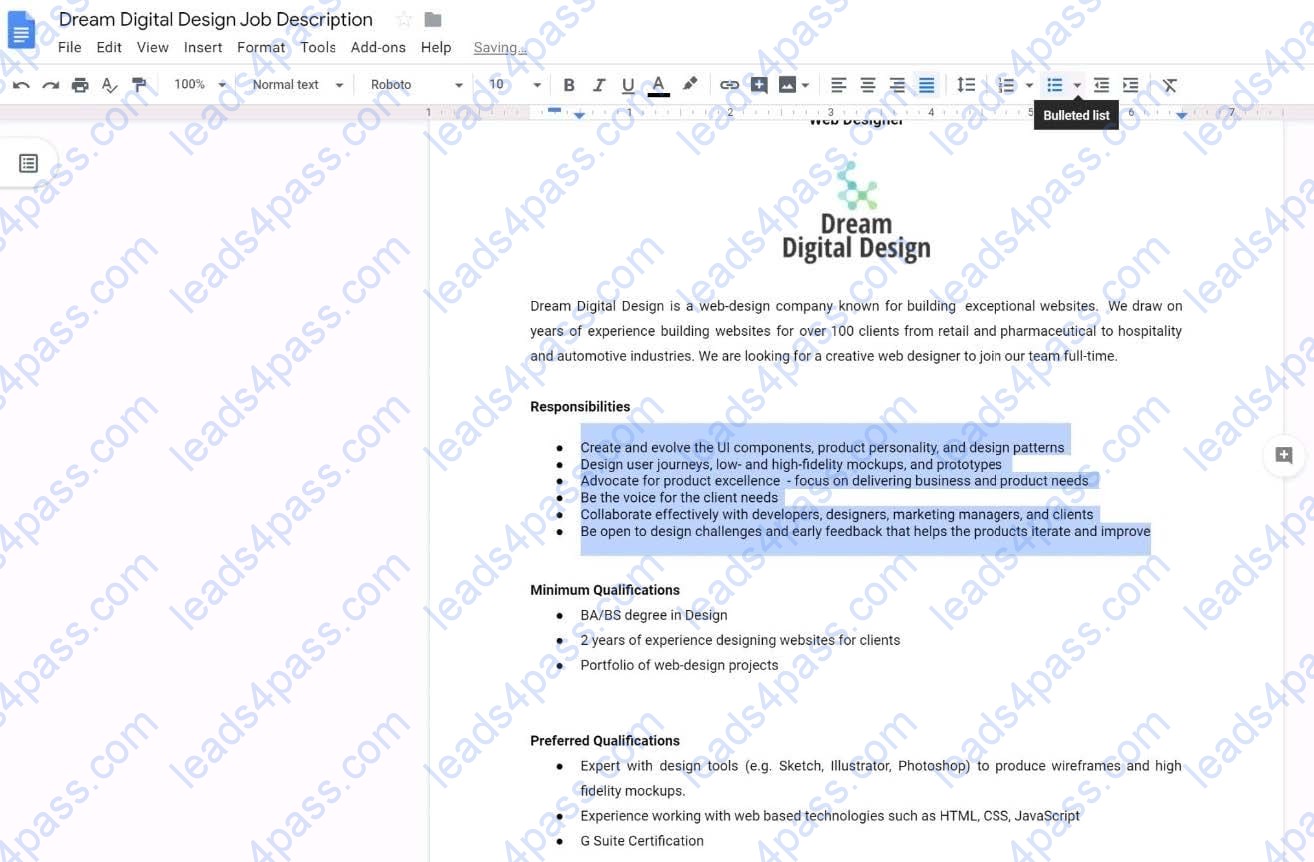
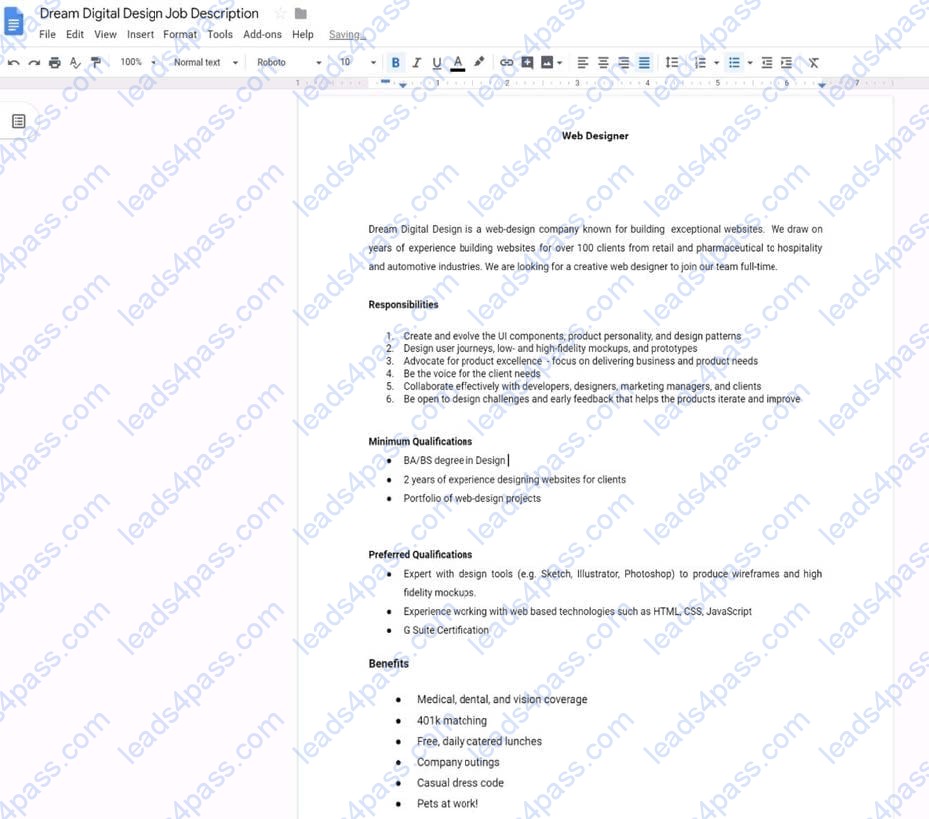
Place the Dream Digital Design Job Logo directly under the Web Designer job title. Resize the image, if needed, for all the text to fit on one page.
A. See explanation below.
SIMULATION Overview
In the following tasks, you will demonstrate your ability to work in Google Docs. Dream Digital Design is a web design company known for building exceptional websites. You will be editing the job description for the new web designer role that will open shortly. Use the Dream Digital Design Job Description for all the tasks in this scenario.
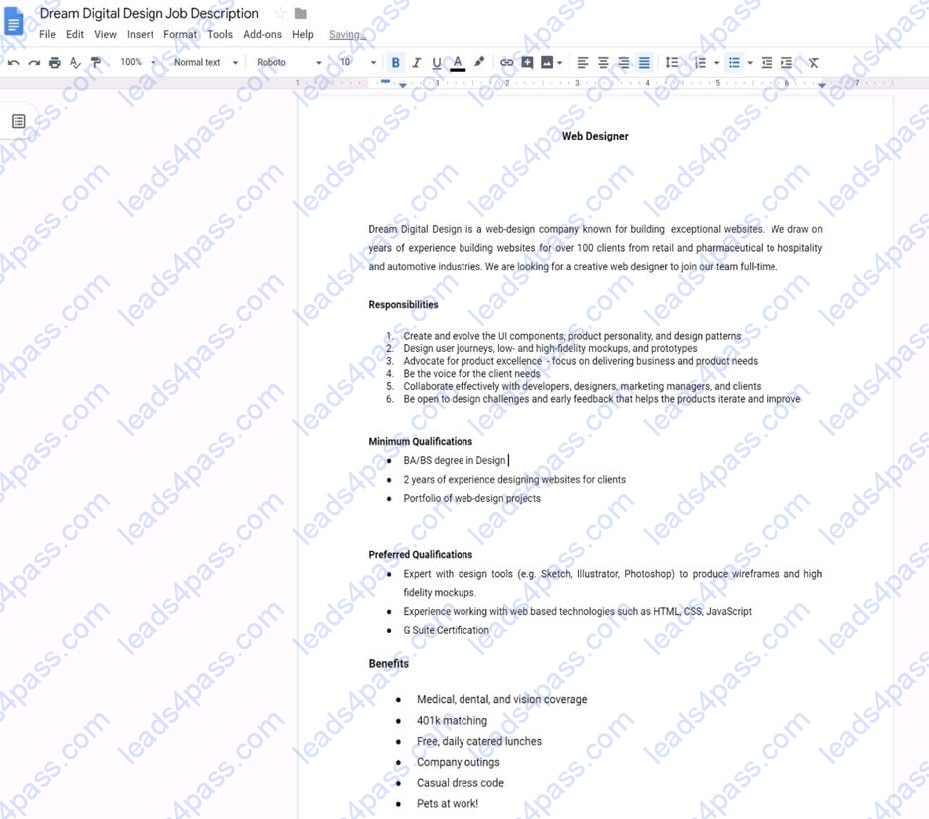
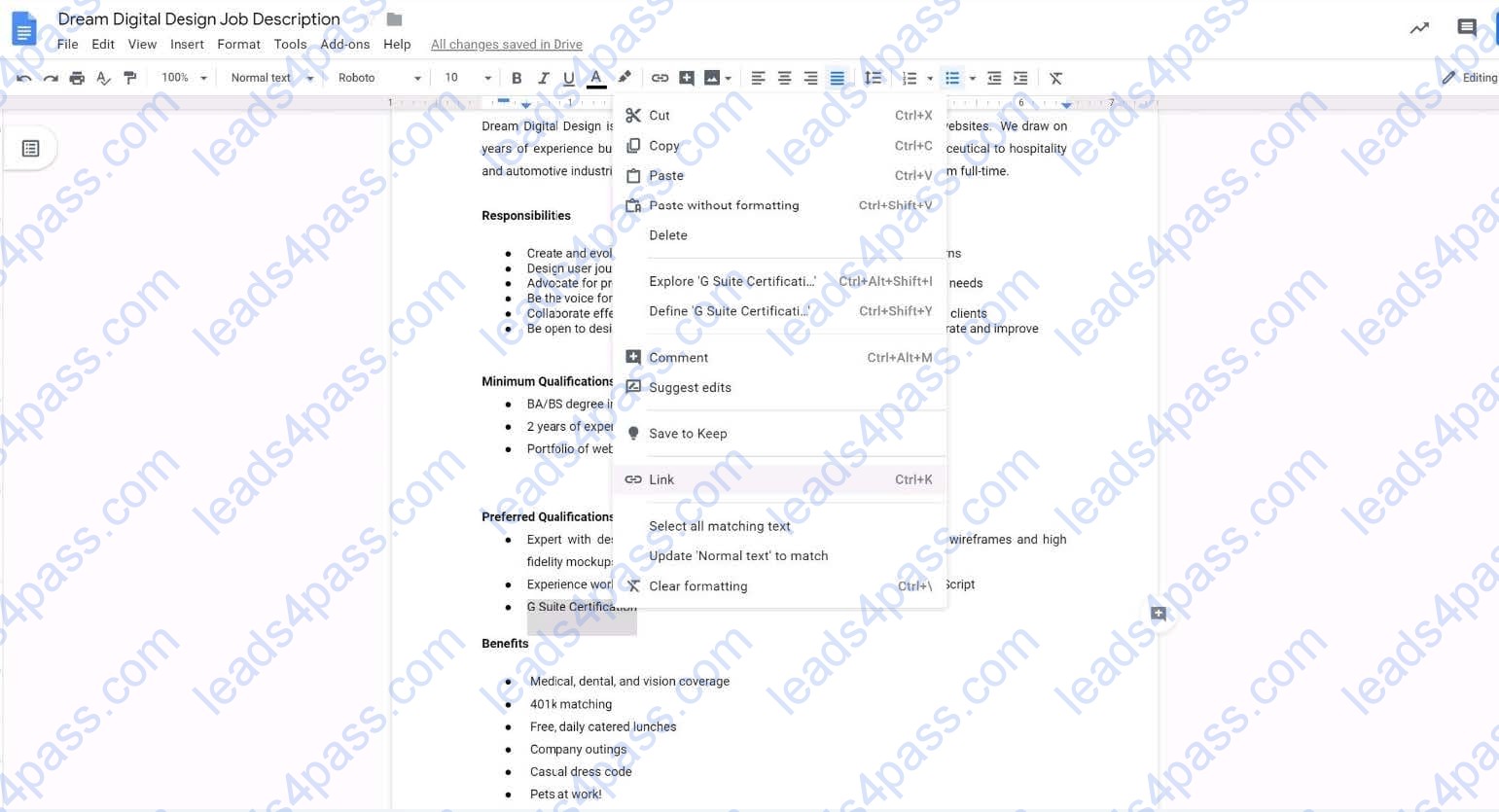
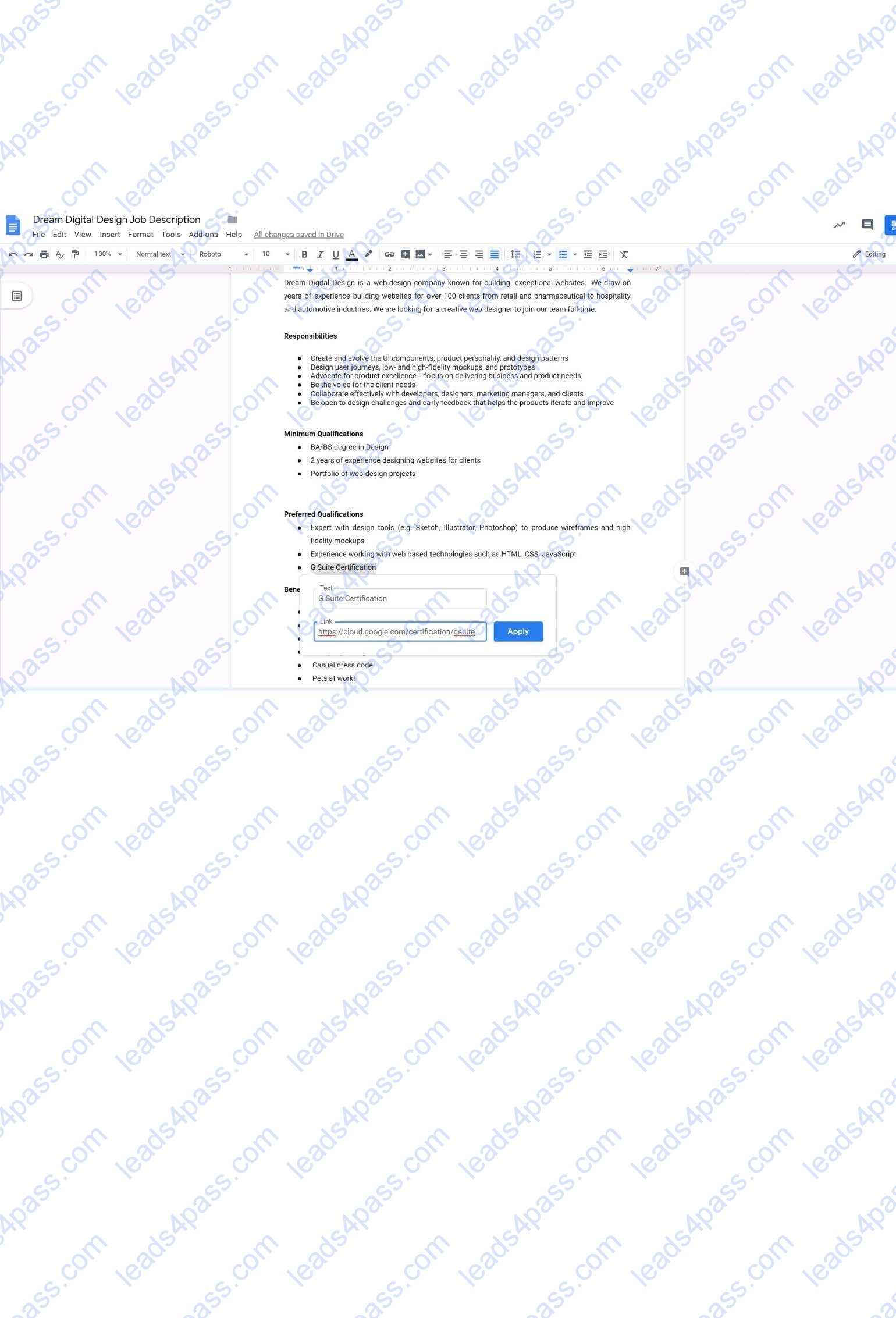
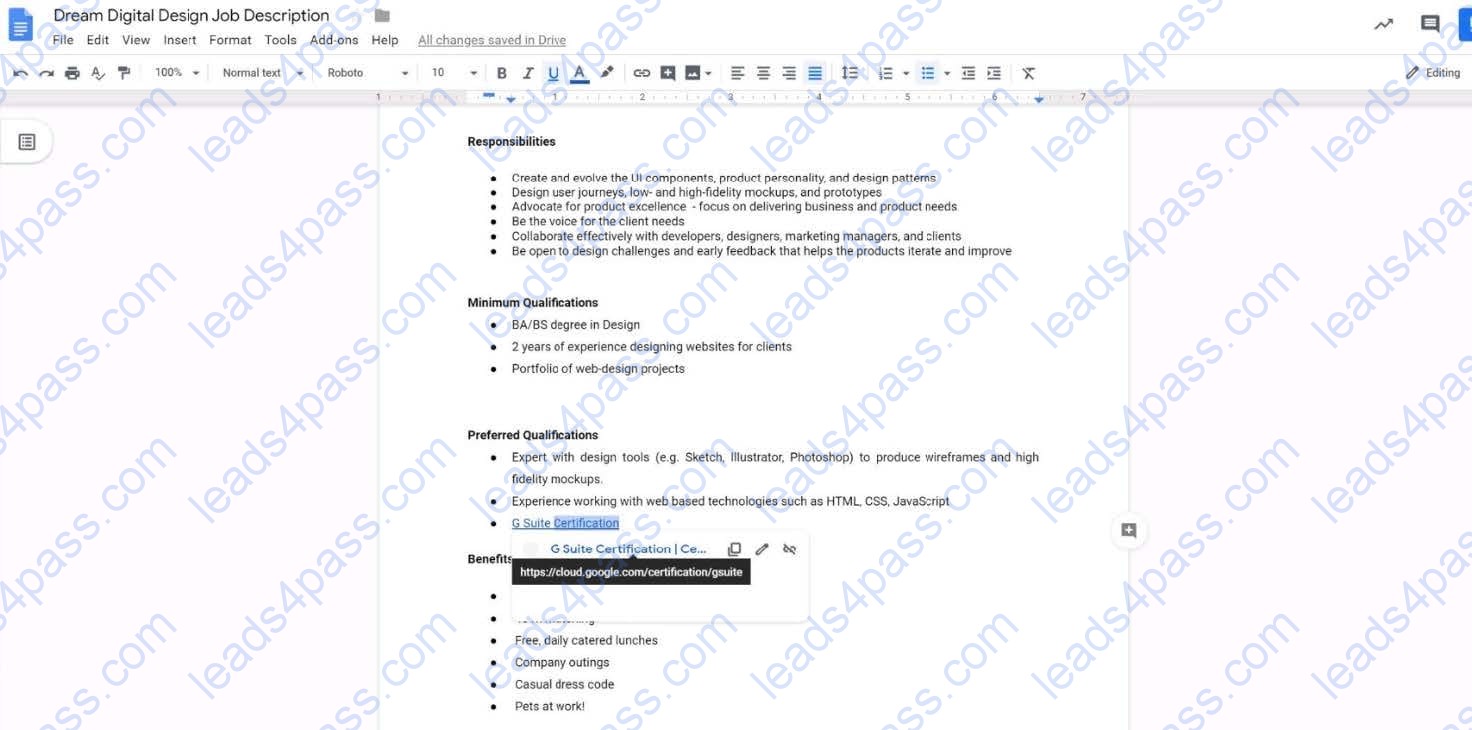
In the Preferred Qualifications, add a link to https://cloud.google.com/certification/gsuite to the G Suite Certification text.
A. See explanation below.
SIMULATION
Overview
In the following tasks, you will demonstrate your ability to work in Google Sheets. You are organizing and analyzing the schedule of employee shifts. Use the Employee Shift Schedule for Kelvin Cars sheet for all the tasks in this scenario.
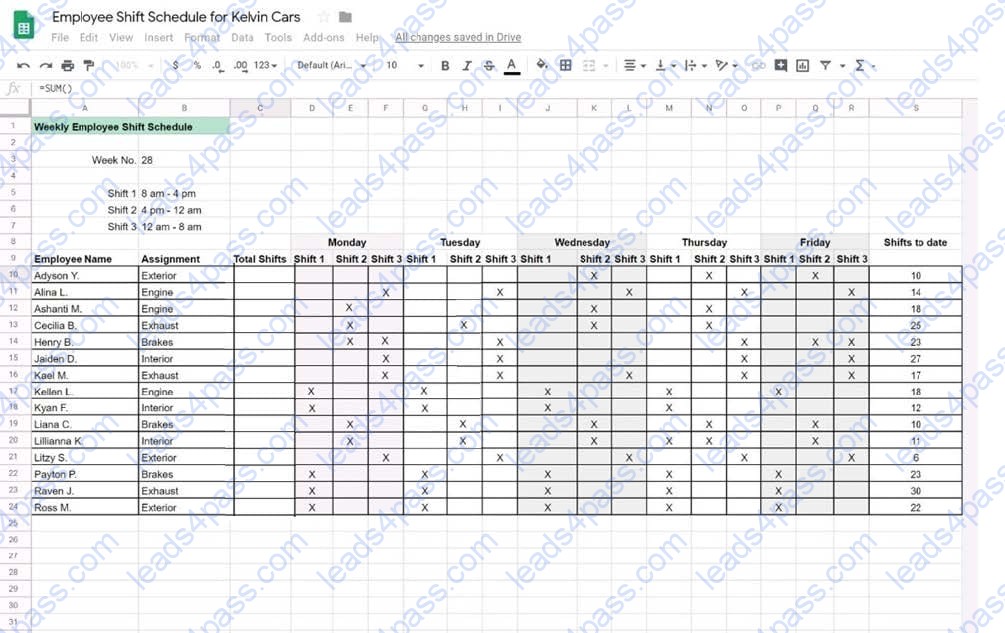
Change the fill color of the cells in the Tuesday and Thursday columns to any color of your choosing.
A. See explanation below.
SIMULATION
Overview
In the following tasks, you will demonstrate your ability to work in Google Docs. Cascara is a furniture wholesaler with warehouses located in Europe. You will be filling out a form to ship a load of goods to one of the warehouses. Use the Carriage of Goods by Road (CGR) for all the tasks in this scenario.
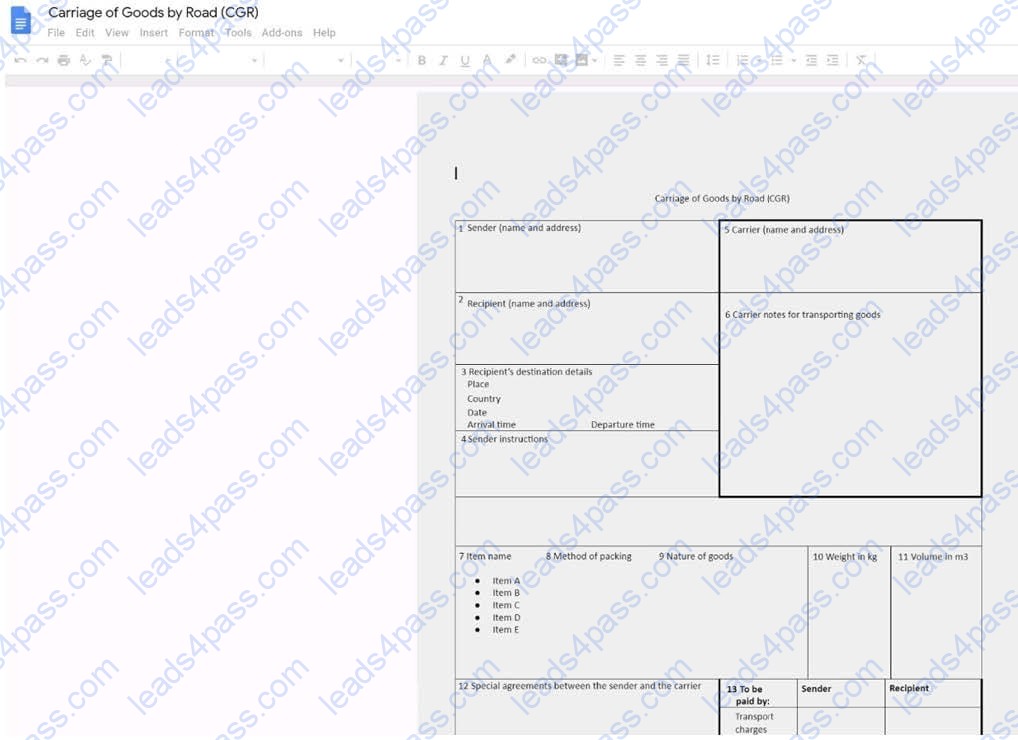
Insert the company logo, cascara_logo.png, at the top of the page, under Carriage of Goods by Road (CGR) title.
A. See explanation below.
SIMULATION
Overview
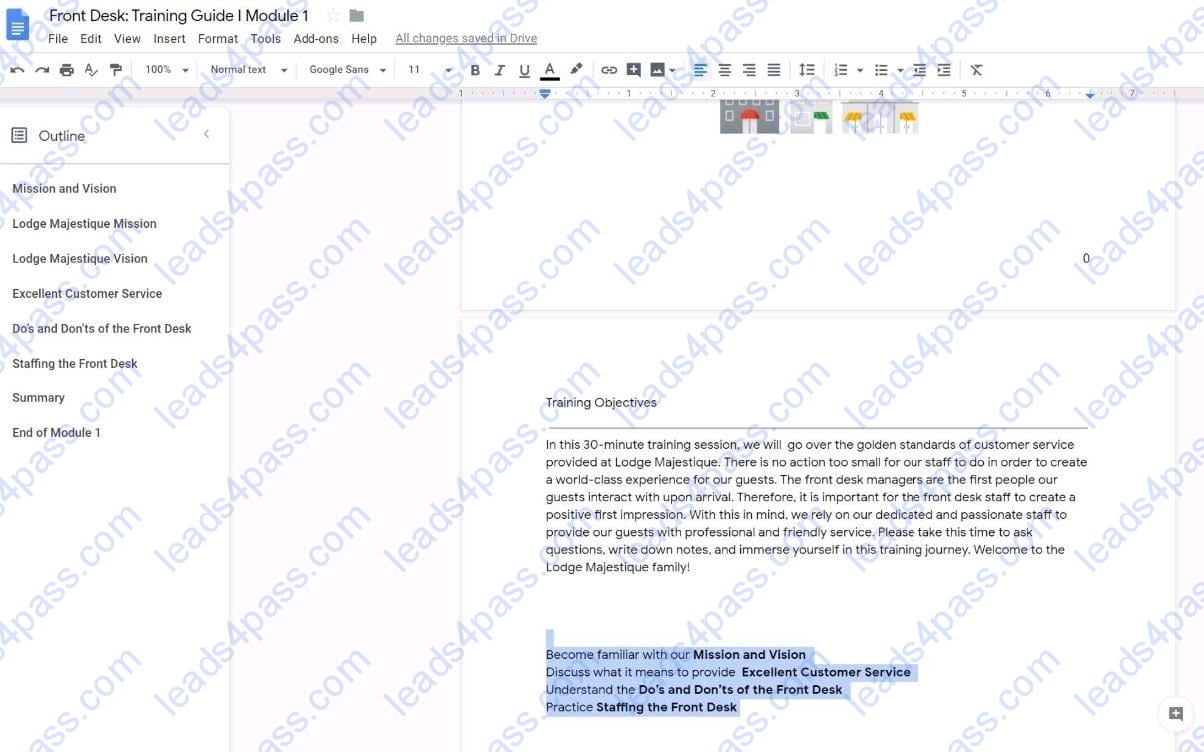
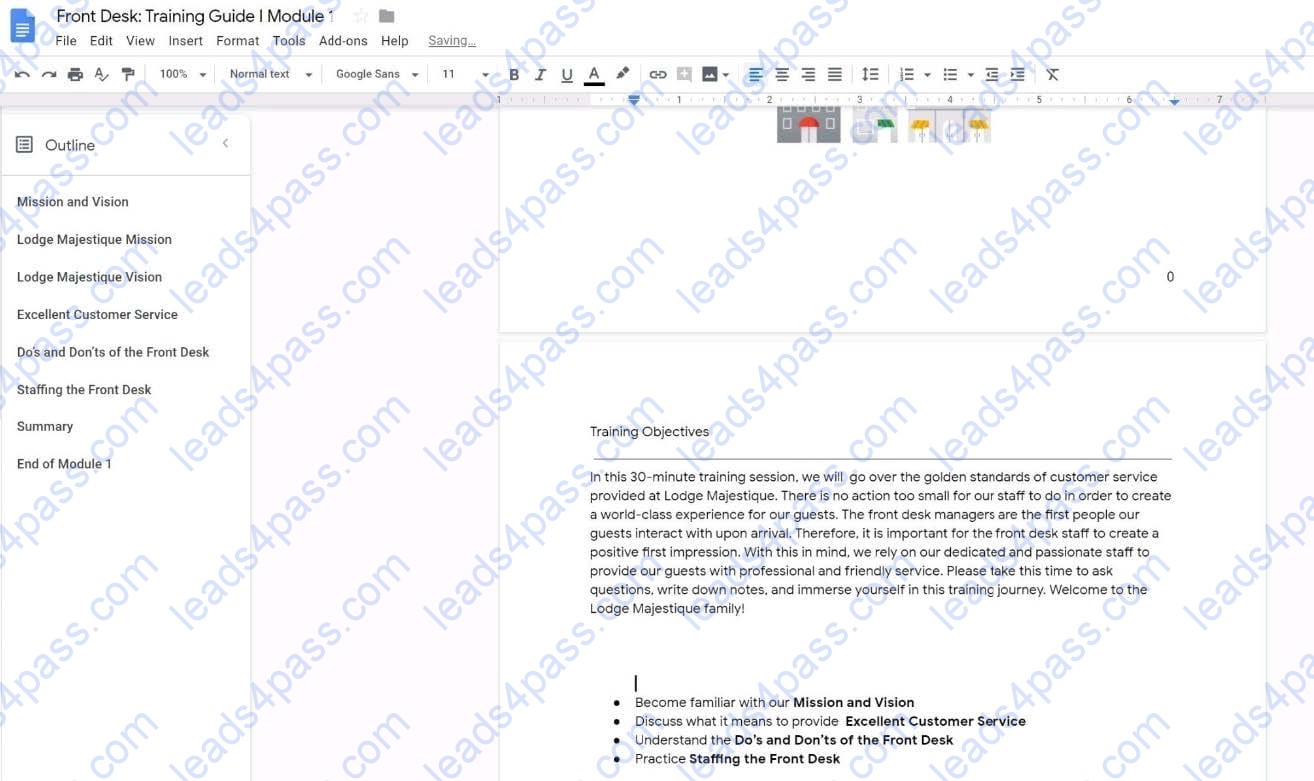
In the following tasks, you will demonstrate your ability to work in Google Docs. Lodge Majestique is a prominent vacation destination known for its great customer service. You will be finalizing a training guide for the Lodge Majestique Front Desk. Use the Front Desk: Training Guide | Module 1 for all the tasks in this scenario.
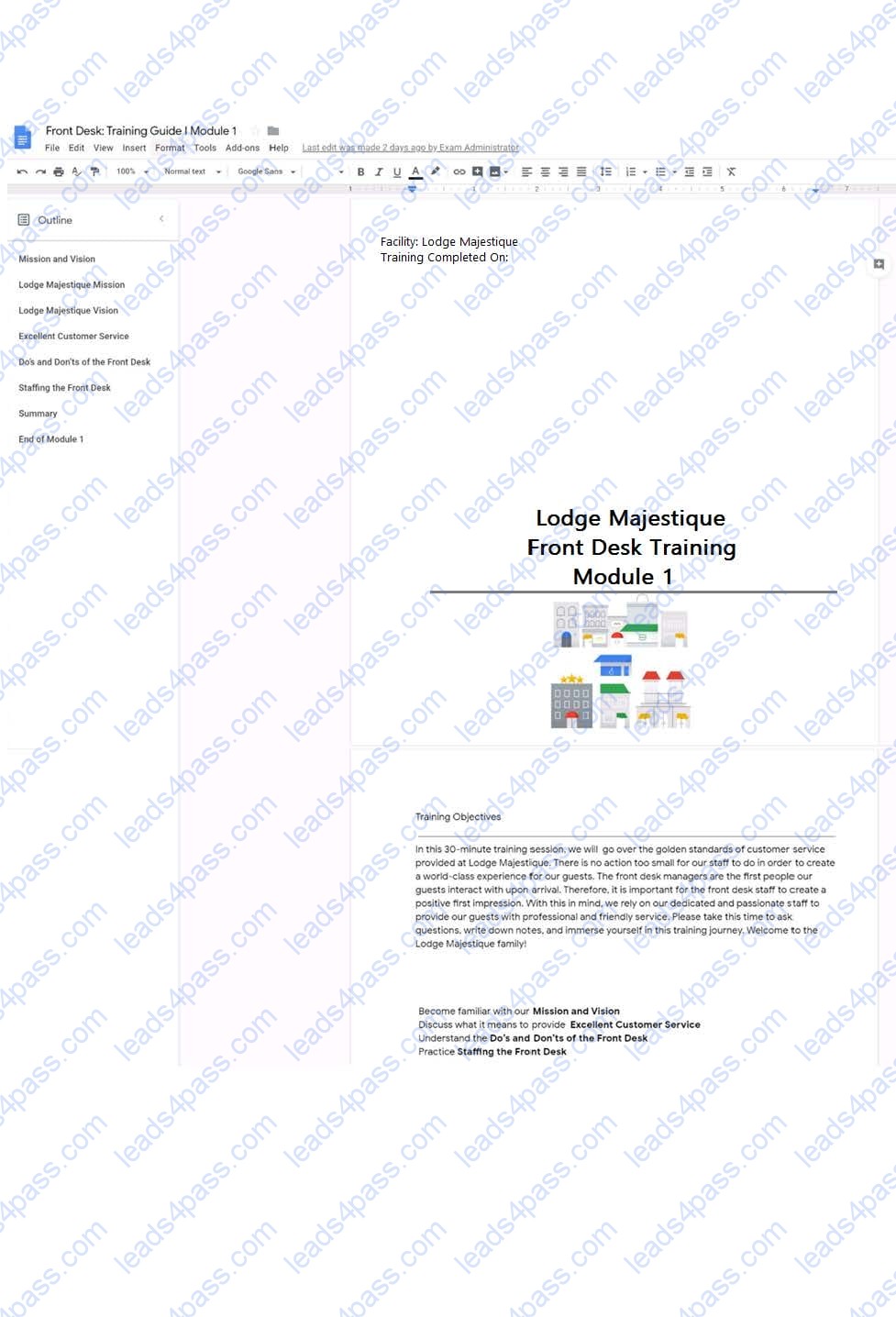
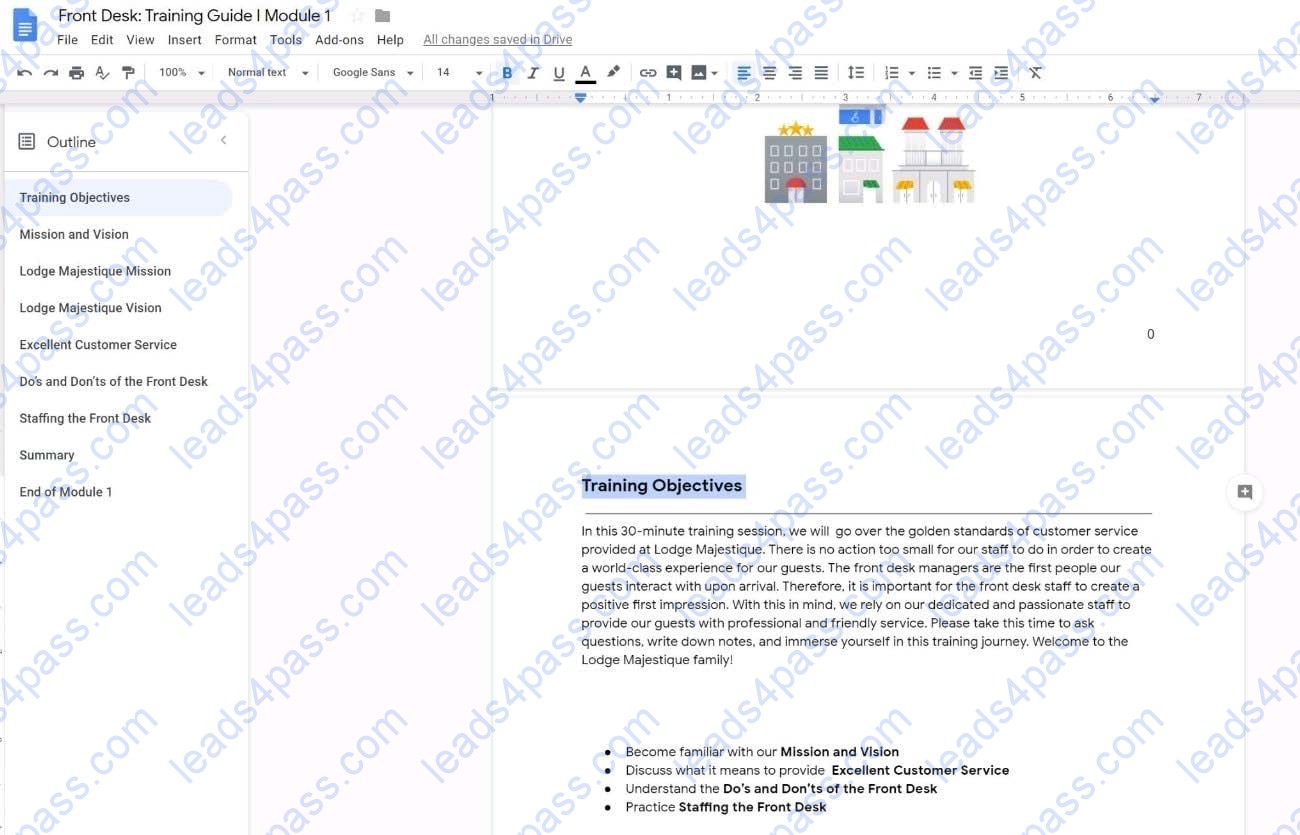
On page 2 of the Front Desk: Training Guide | Module 1, increase the font size of the Training Objectives section title to 14.
A. See explanation below.
SIMULATION Overview
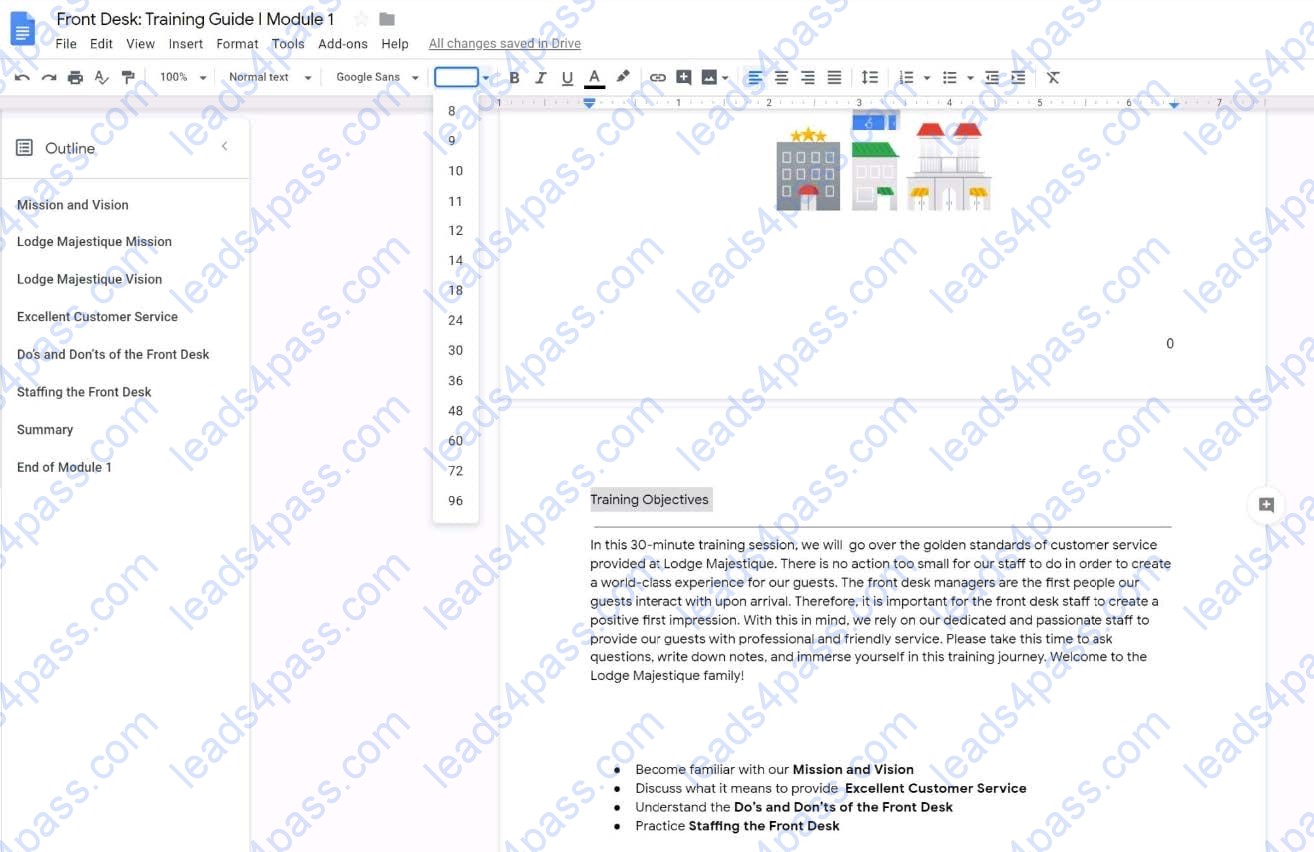
In the following tasks, you will demonstrate your ability to work in Google Docs. Lodge Majestique is a prominent vacation destination known for its great customer service. You will be finalizing a training guide for the Lodge Majestique Front Desk. Use the Front Desk: Training Guide | Module 1 for all the tasks in this scenario.
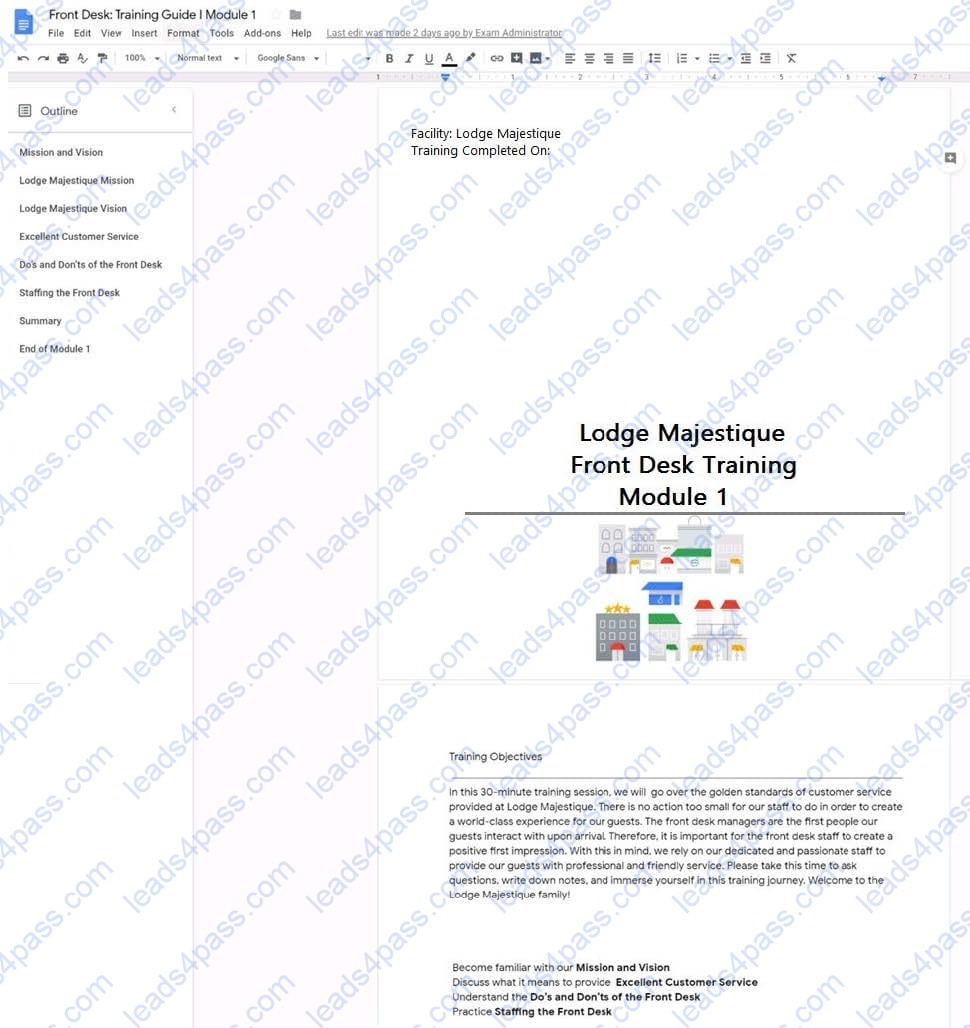
On page 2 of the training guide, make the Training Objectives title bold.
A. See explanation below.





All rights are reserved by
leads4pass.com. Any changes, copy or trademarks abuse will be
regarded as infringement.
leads4pass.com will reserve the right to pursue accountability.
Copyright © 2004-
2026 leads4pass.com.