
77-727 Online Practice Questions and Answers
SIMULATION
Project 1 of 7: Tailspin Toys Overview
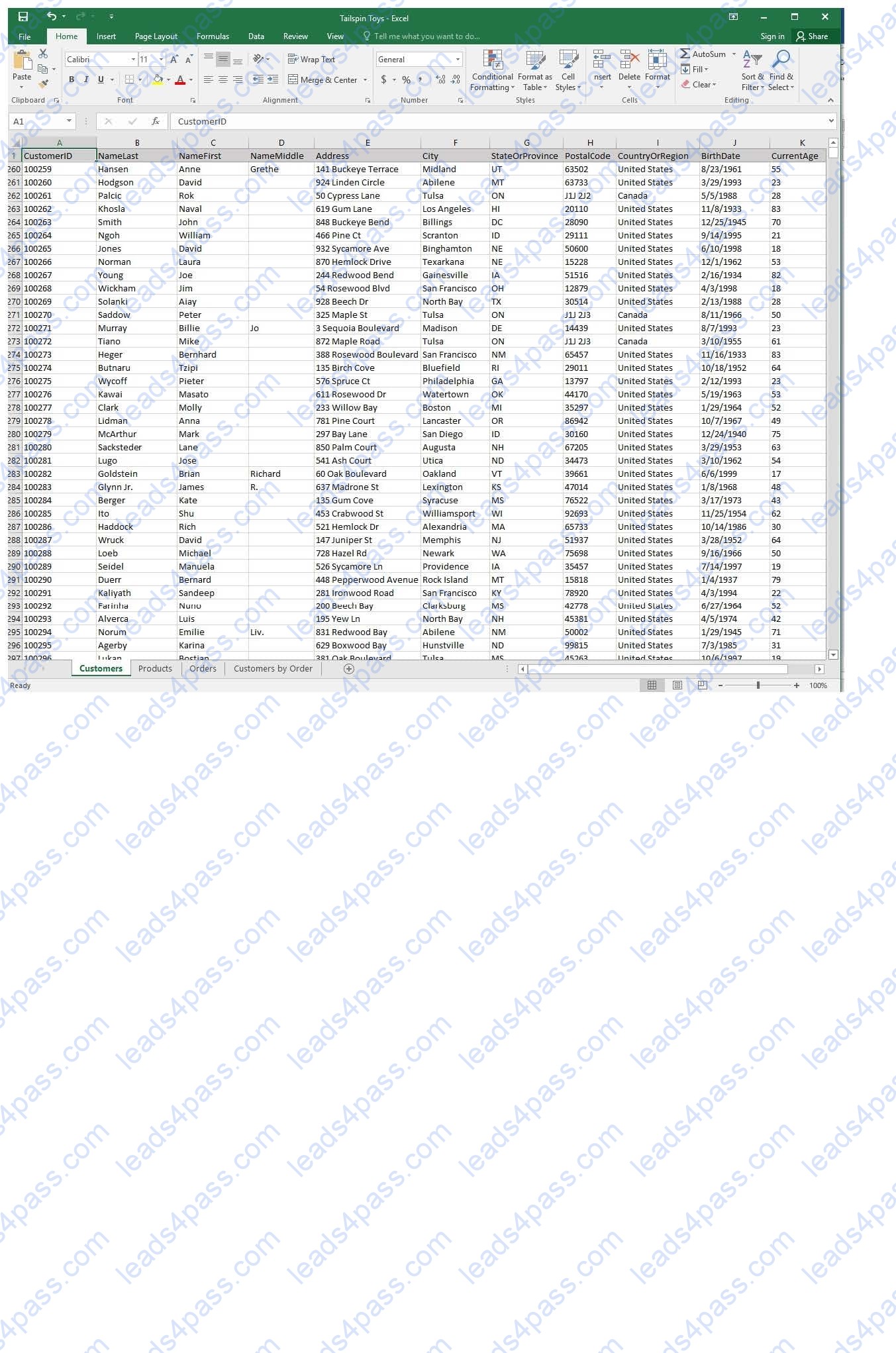
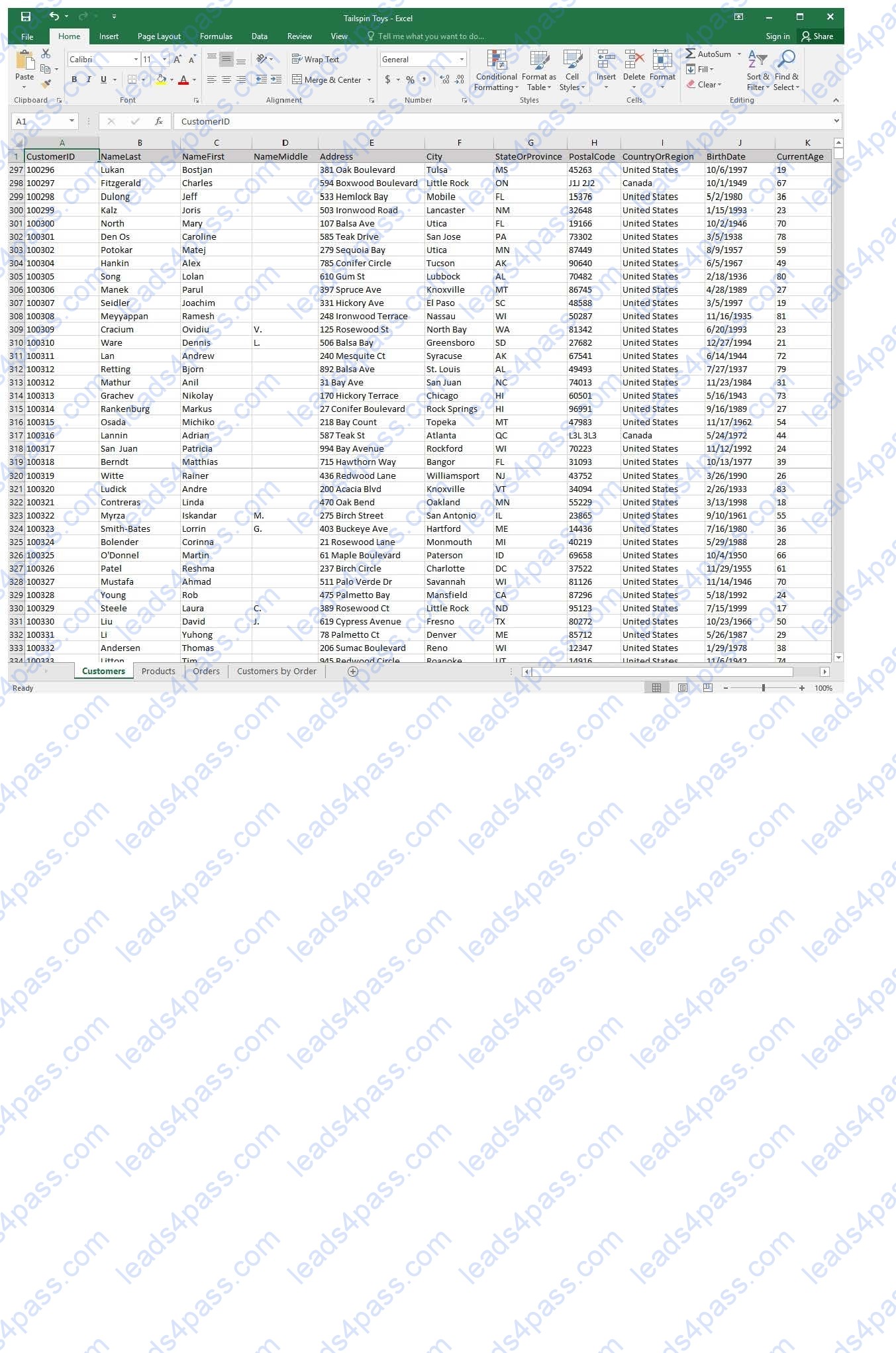
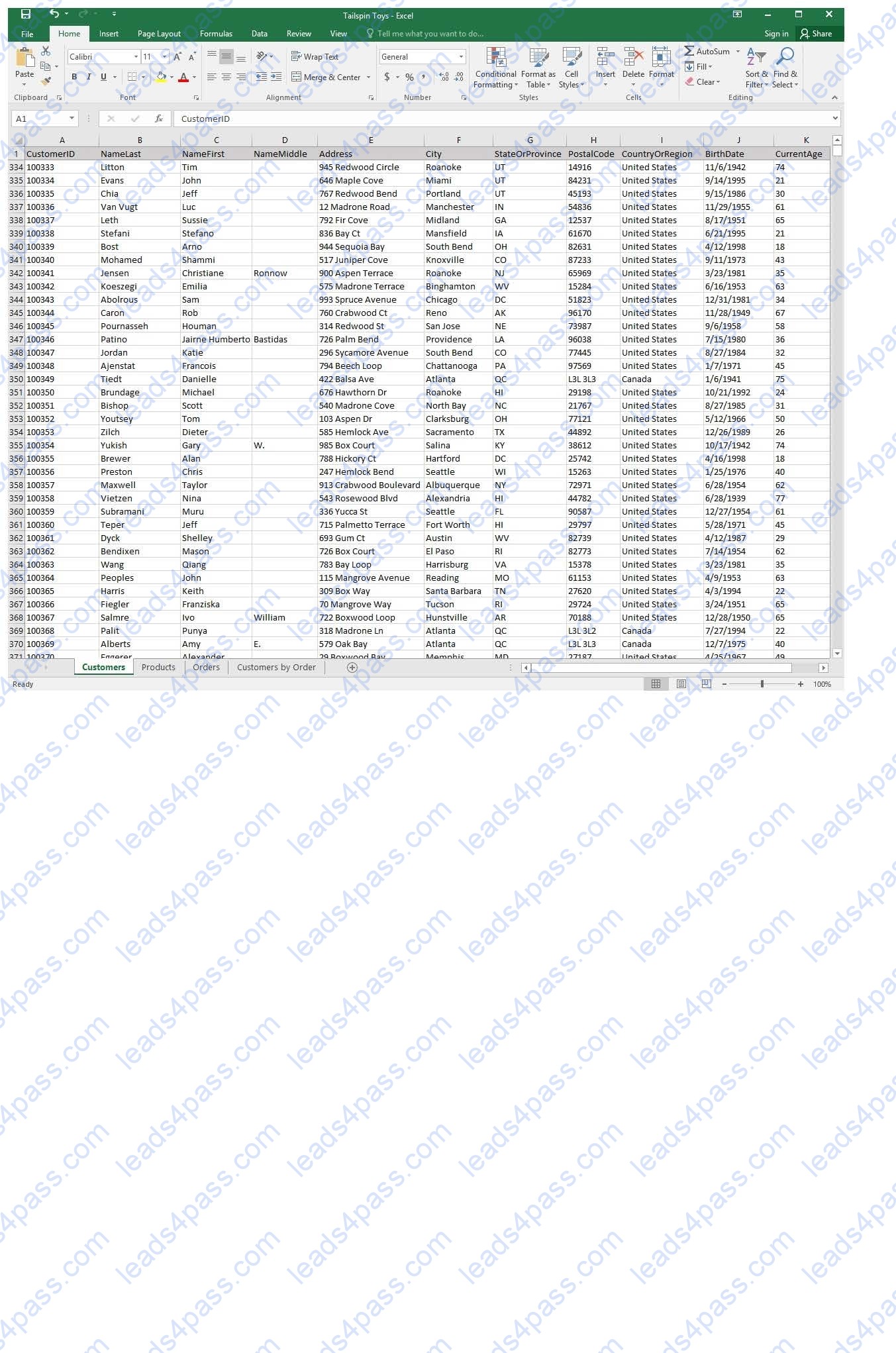
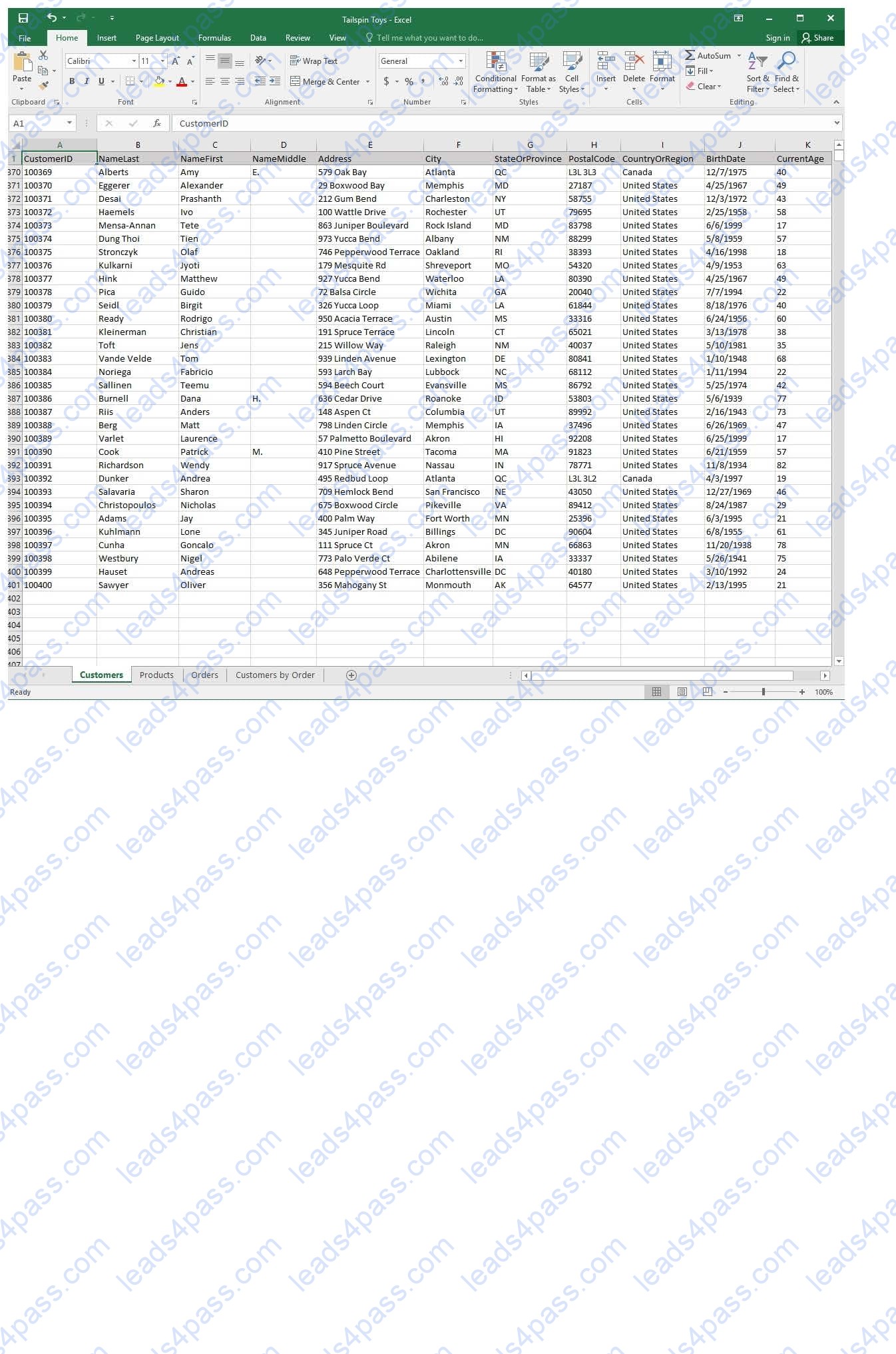
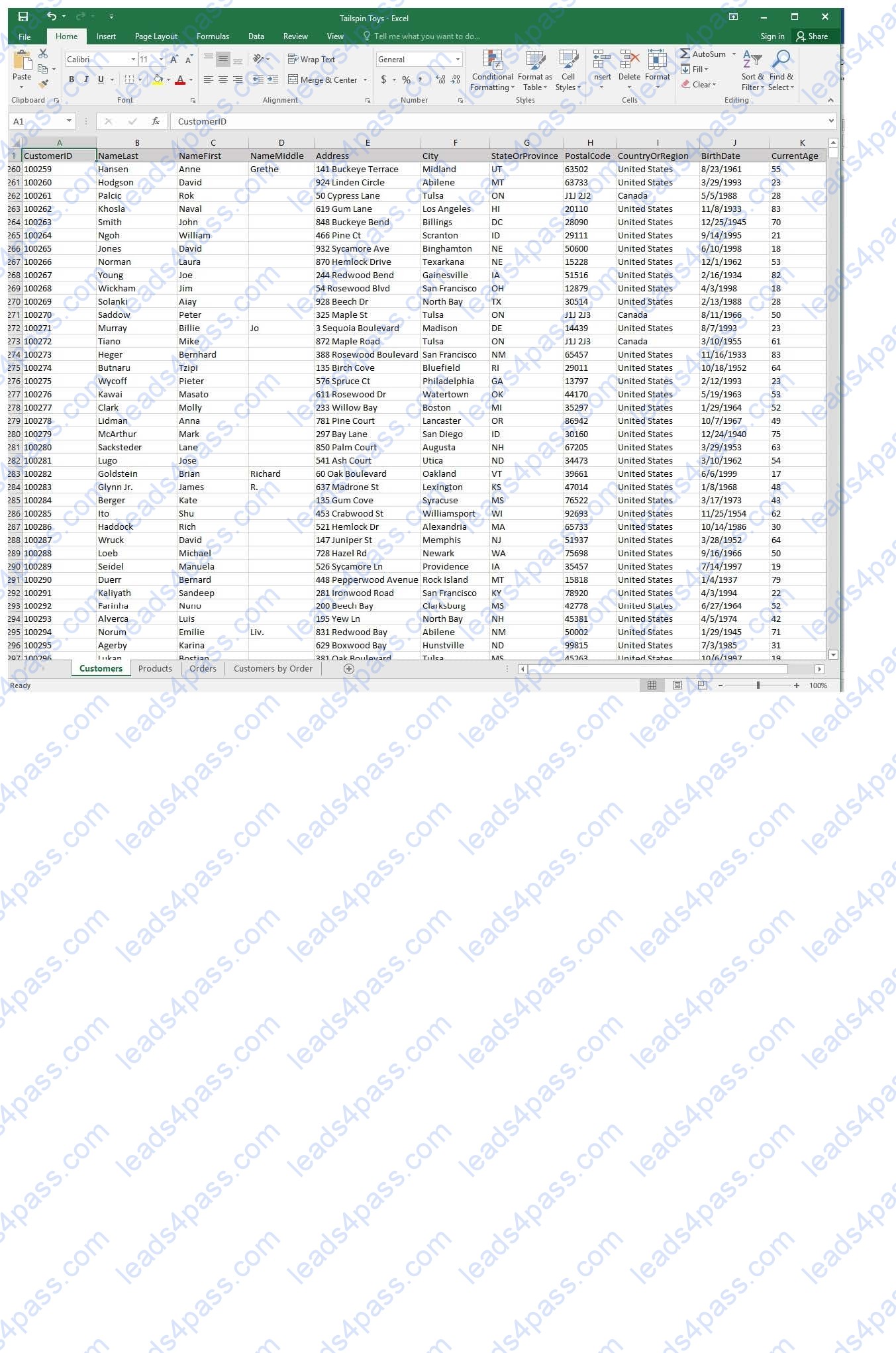
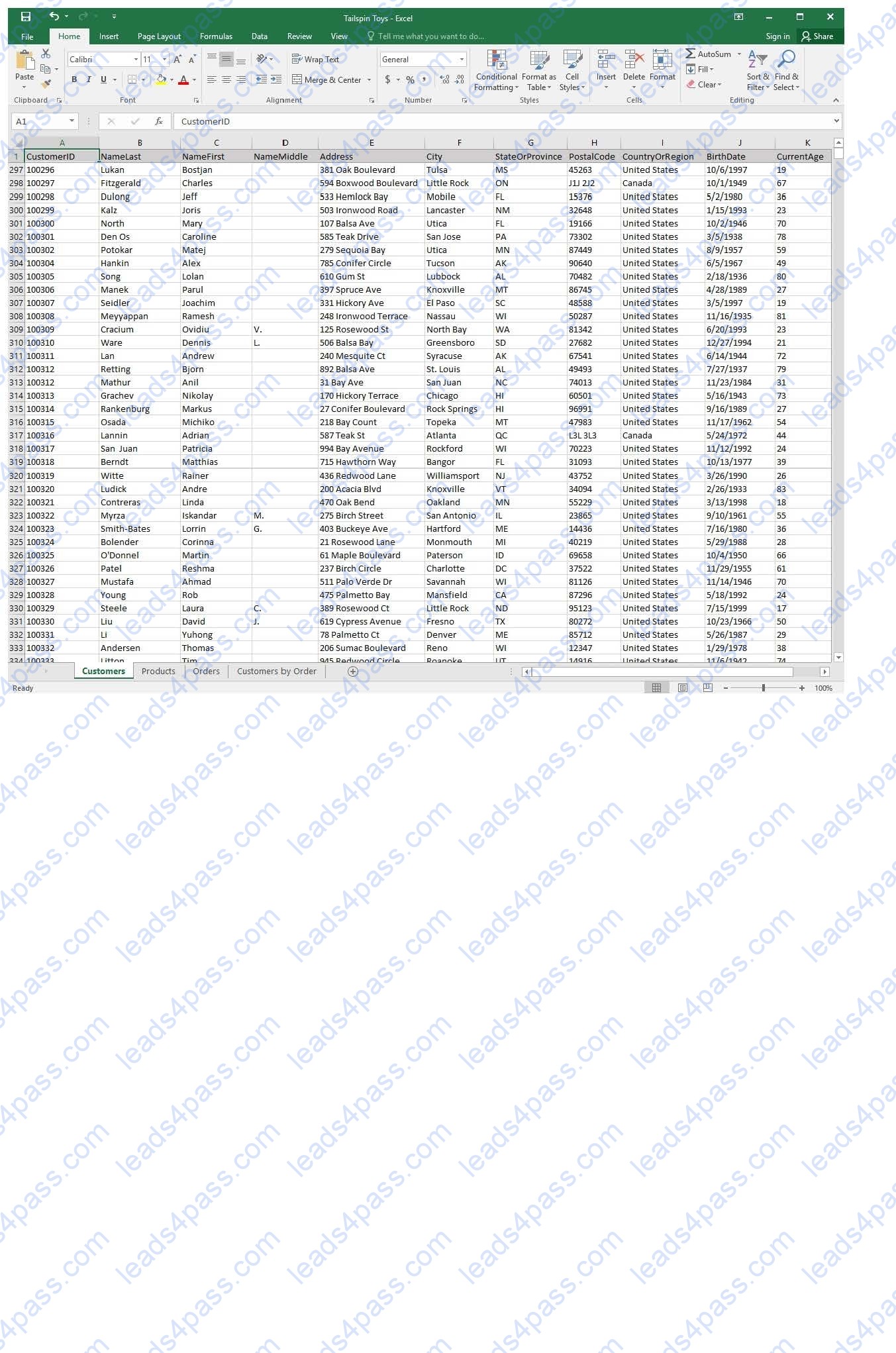
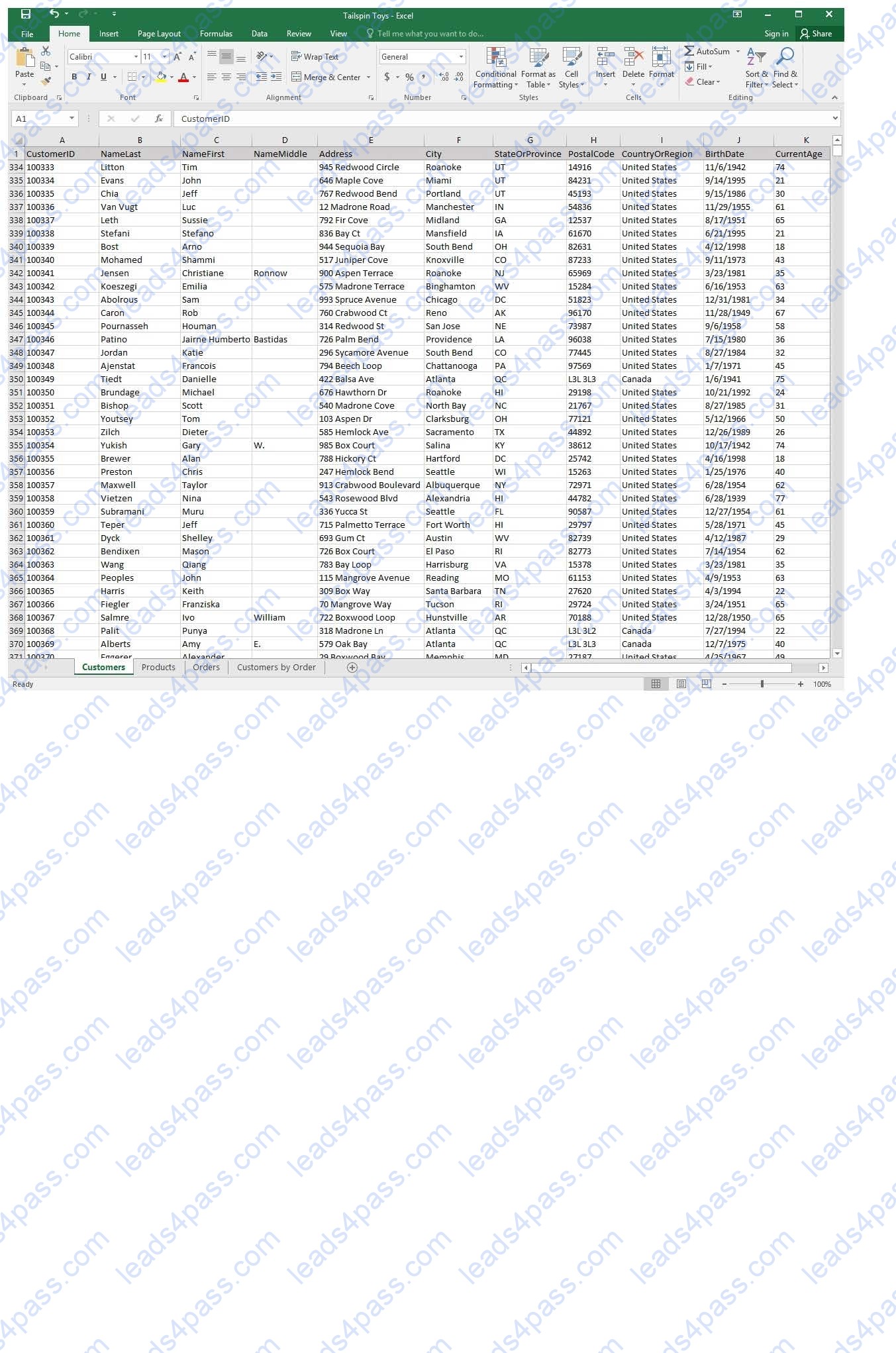
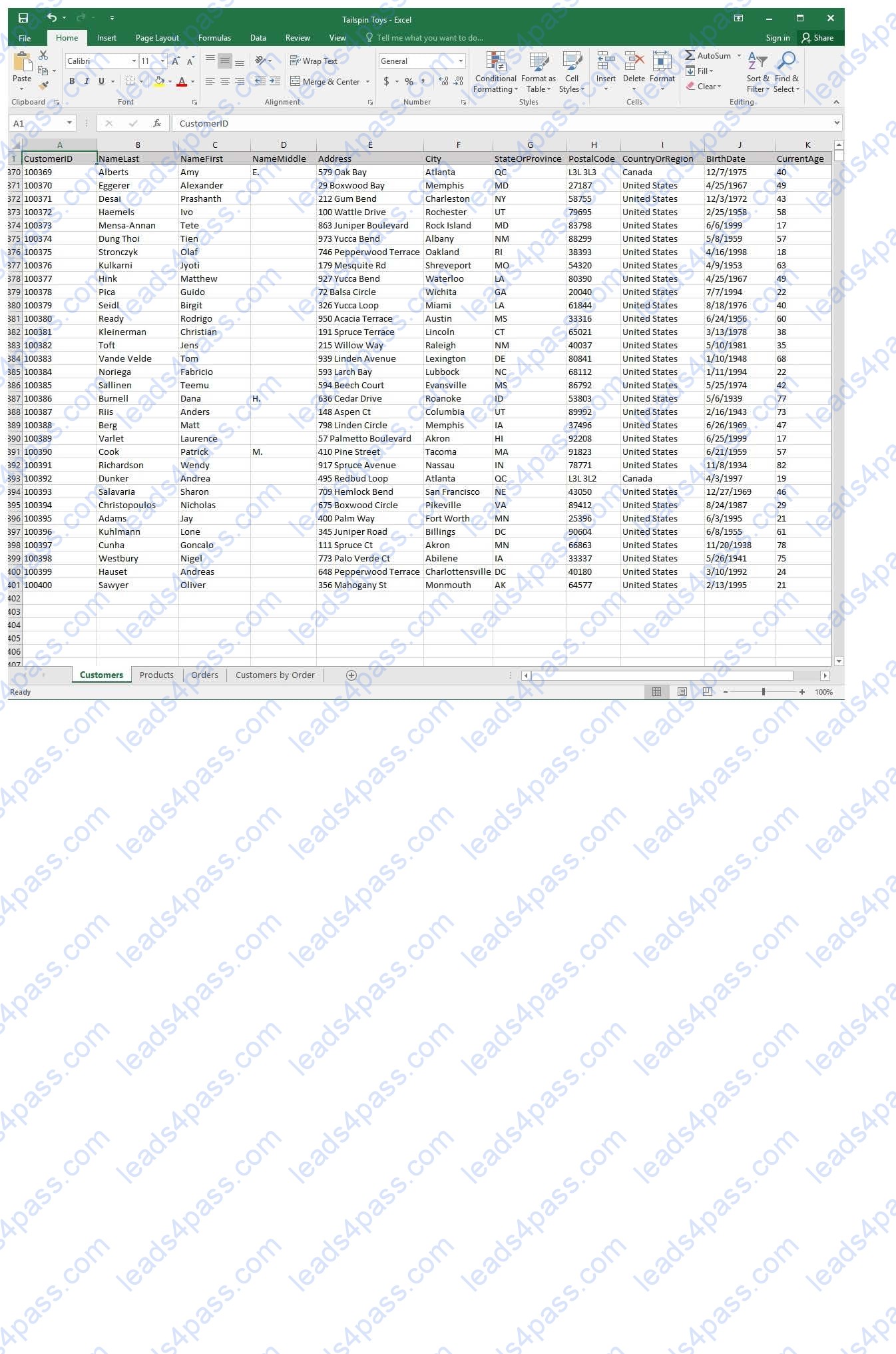
You recently opened an online toy store. You have sold products to 500 individual customers. You are evaluating customer data and order data.
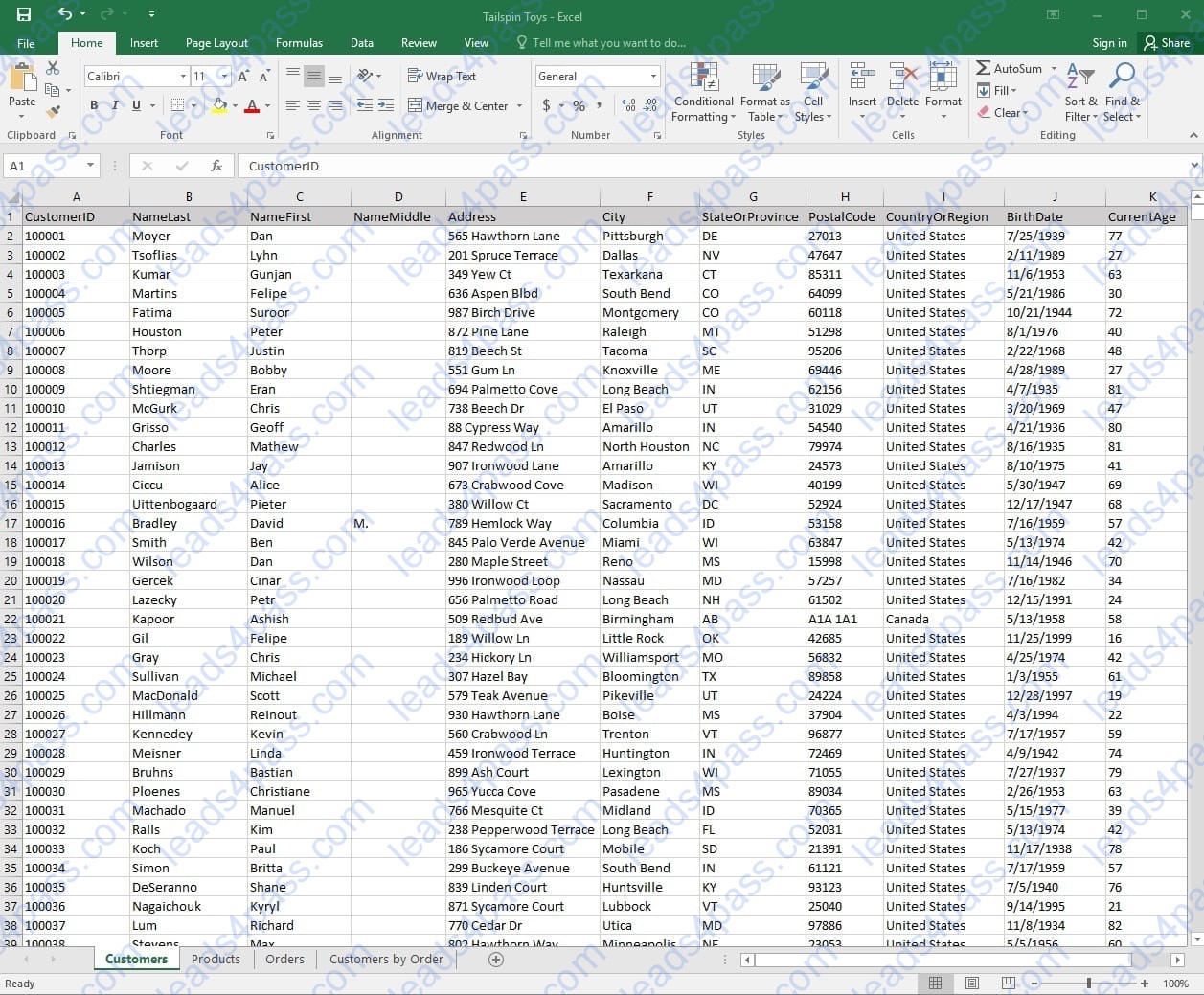
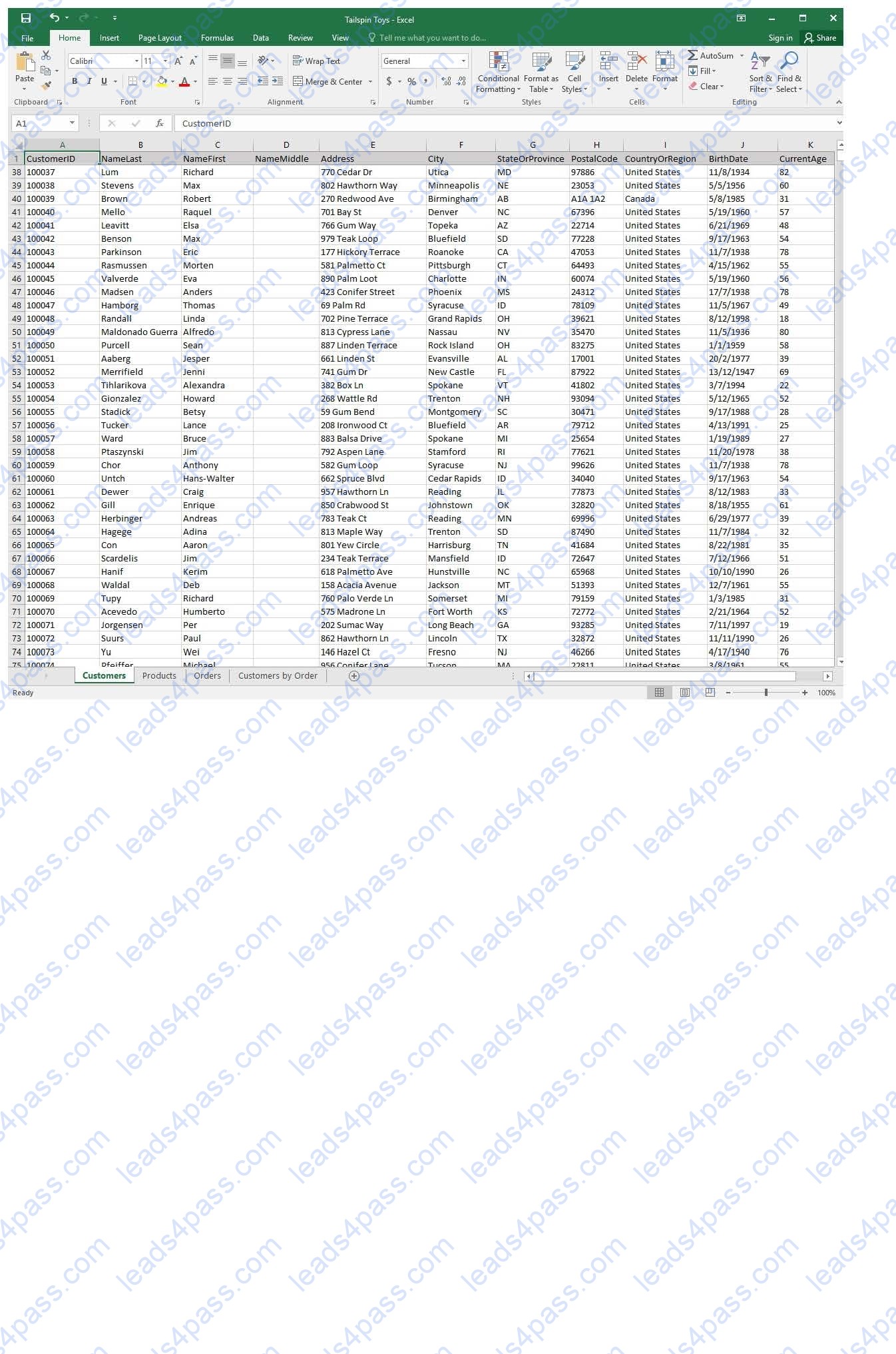
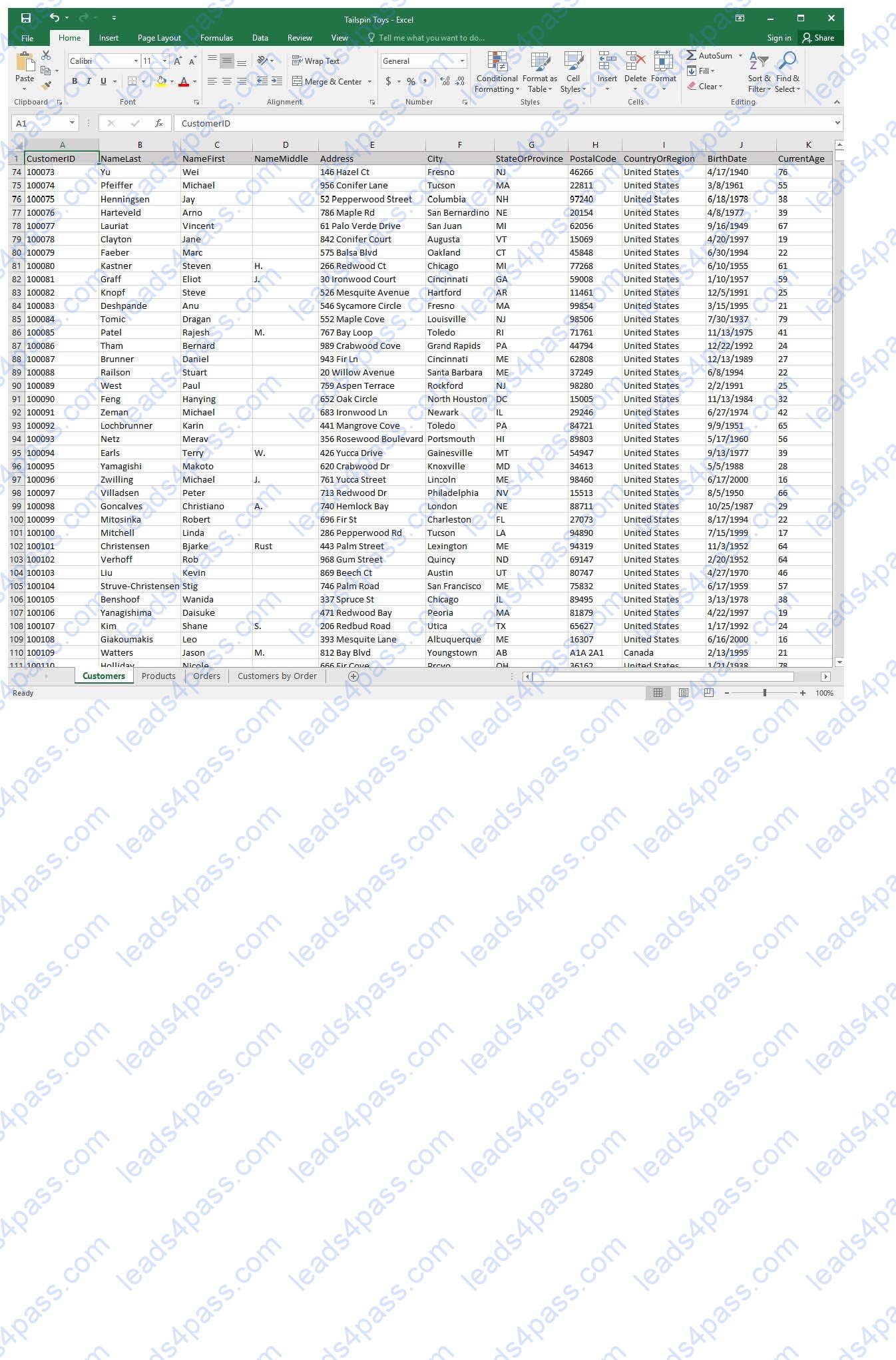
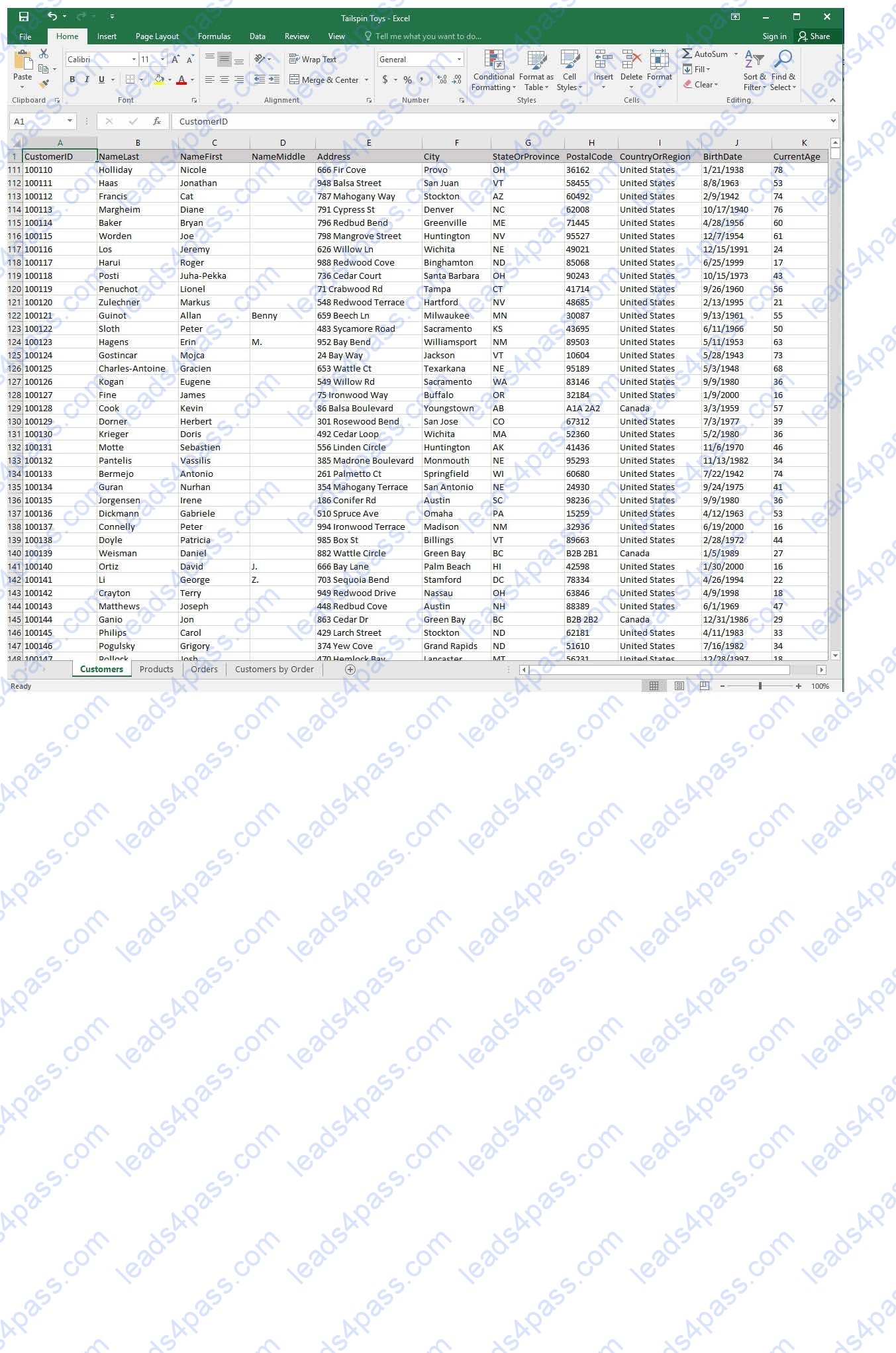
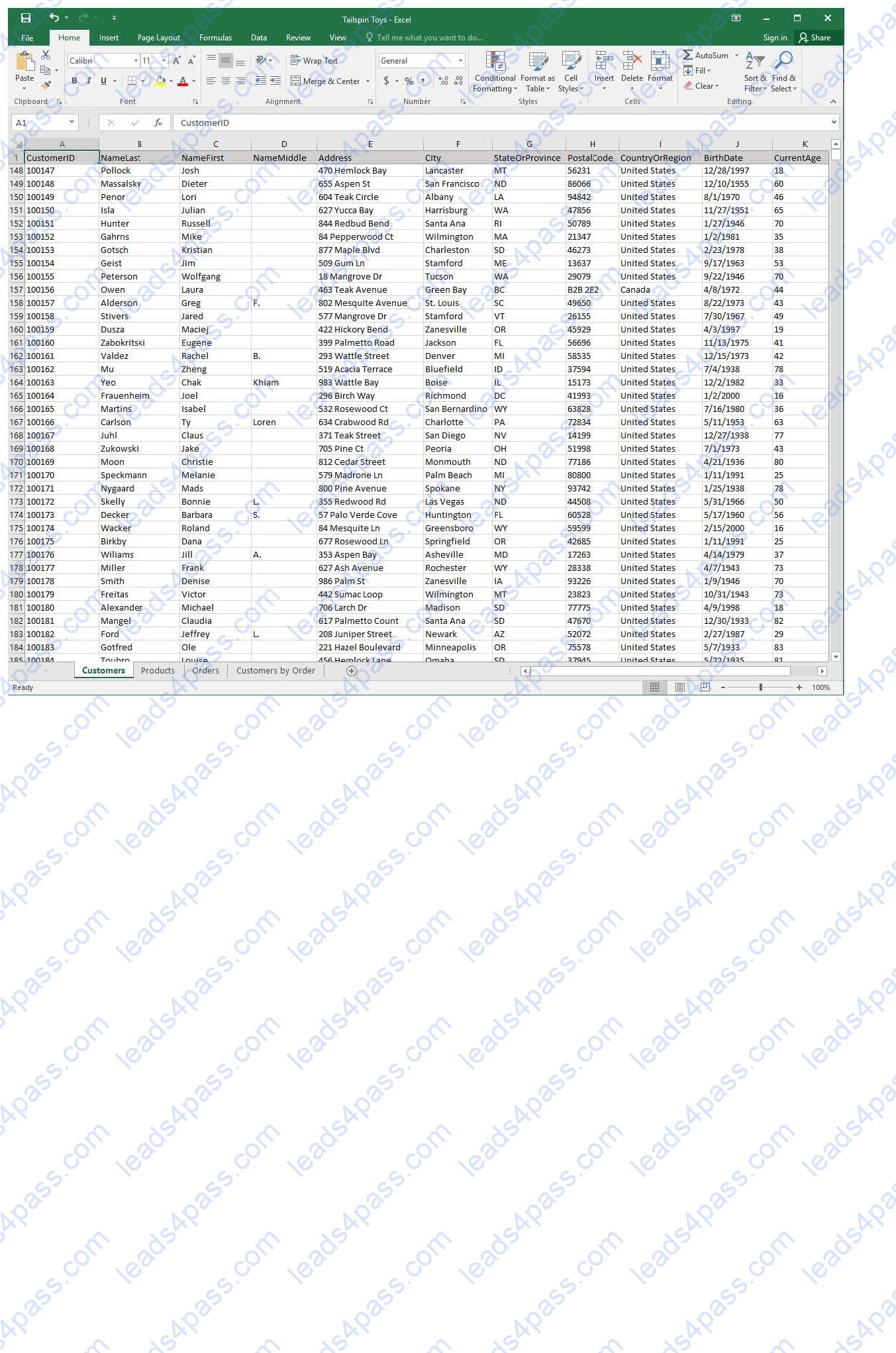
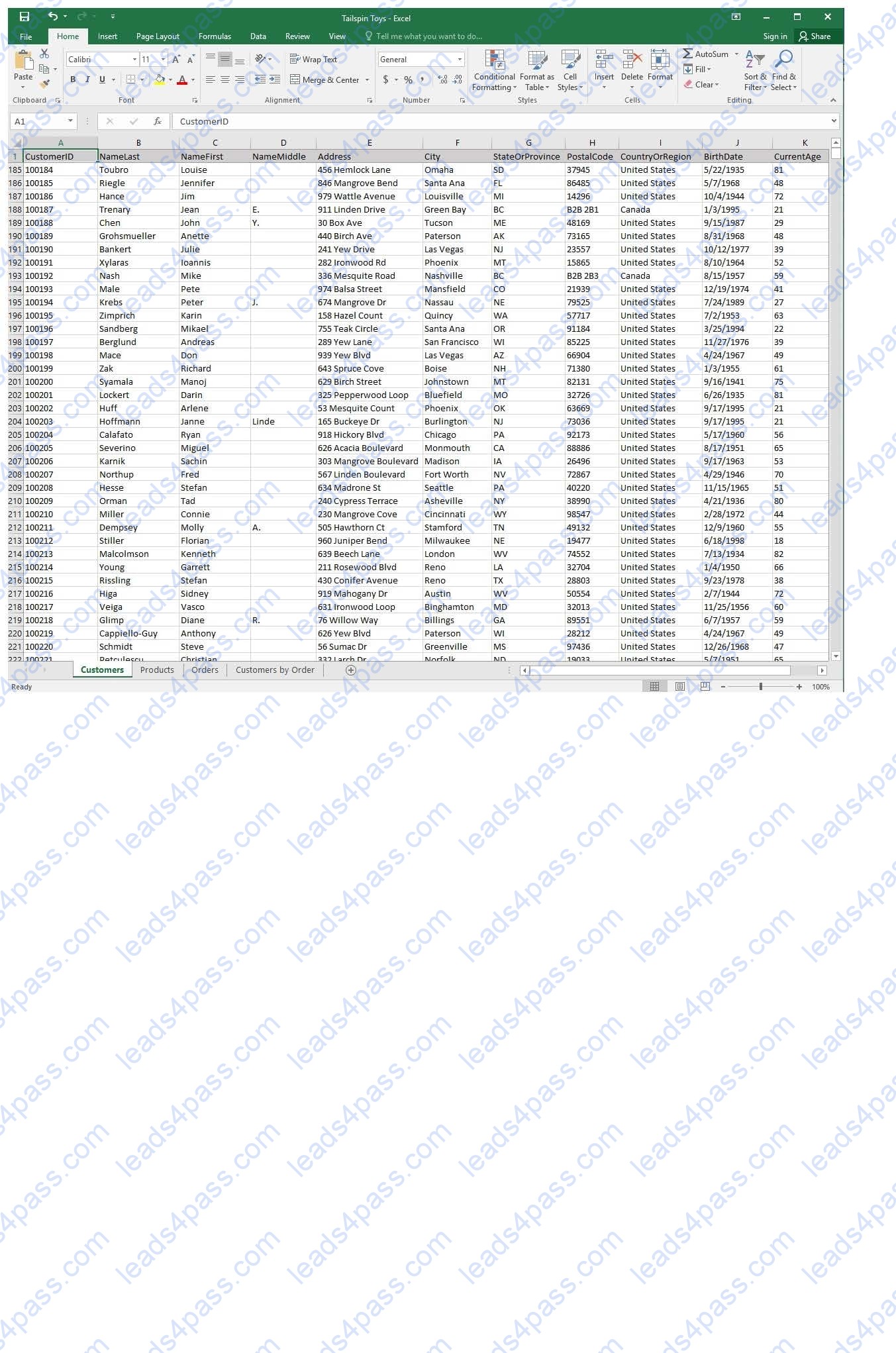
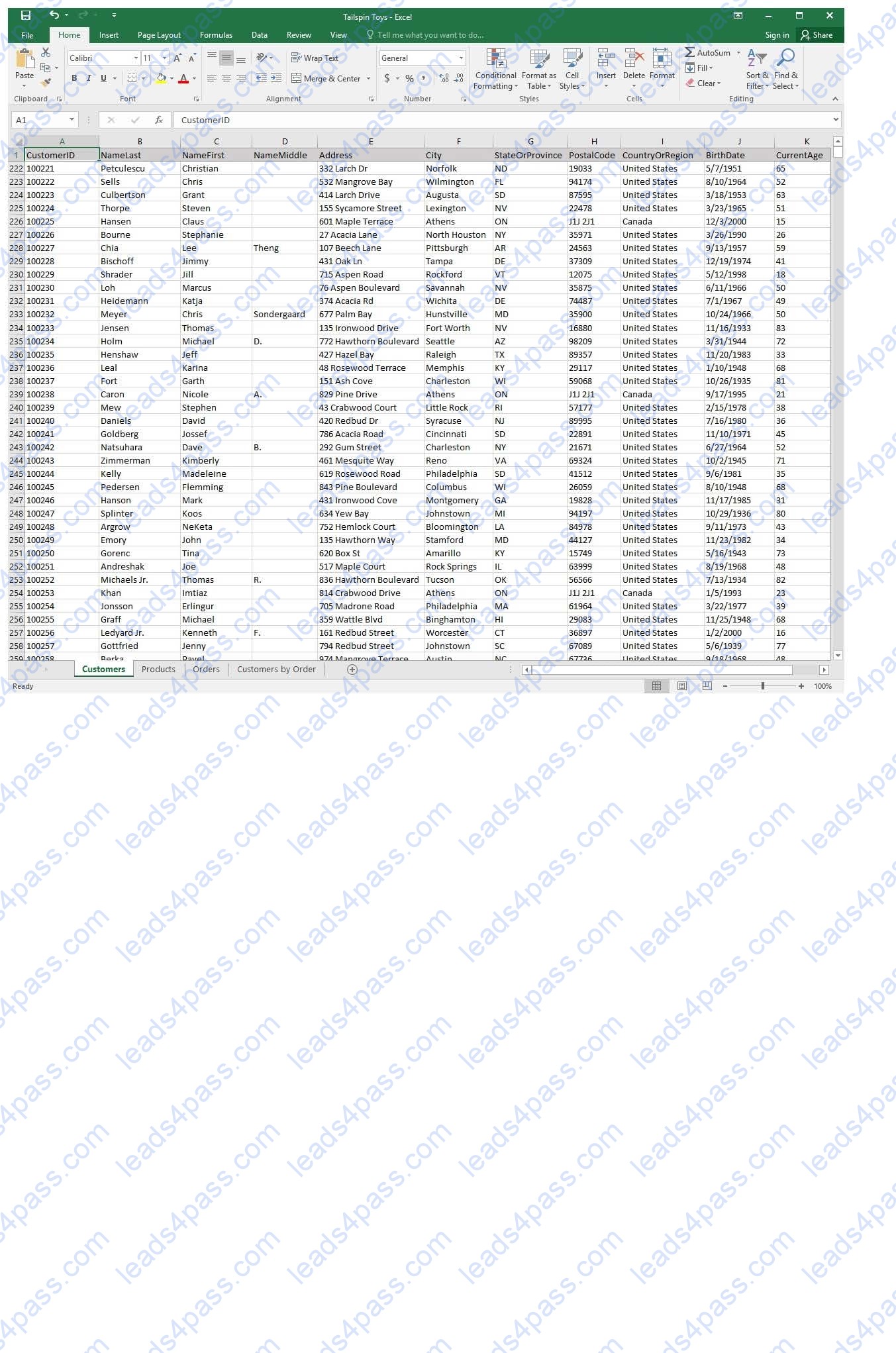
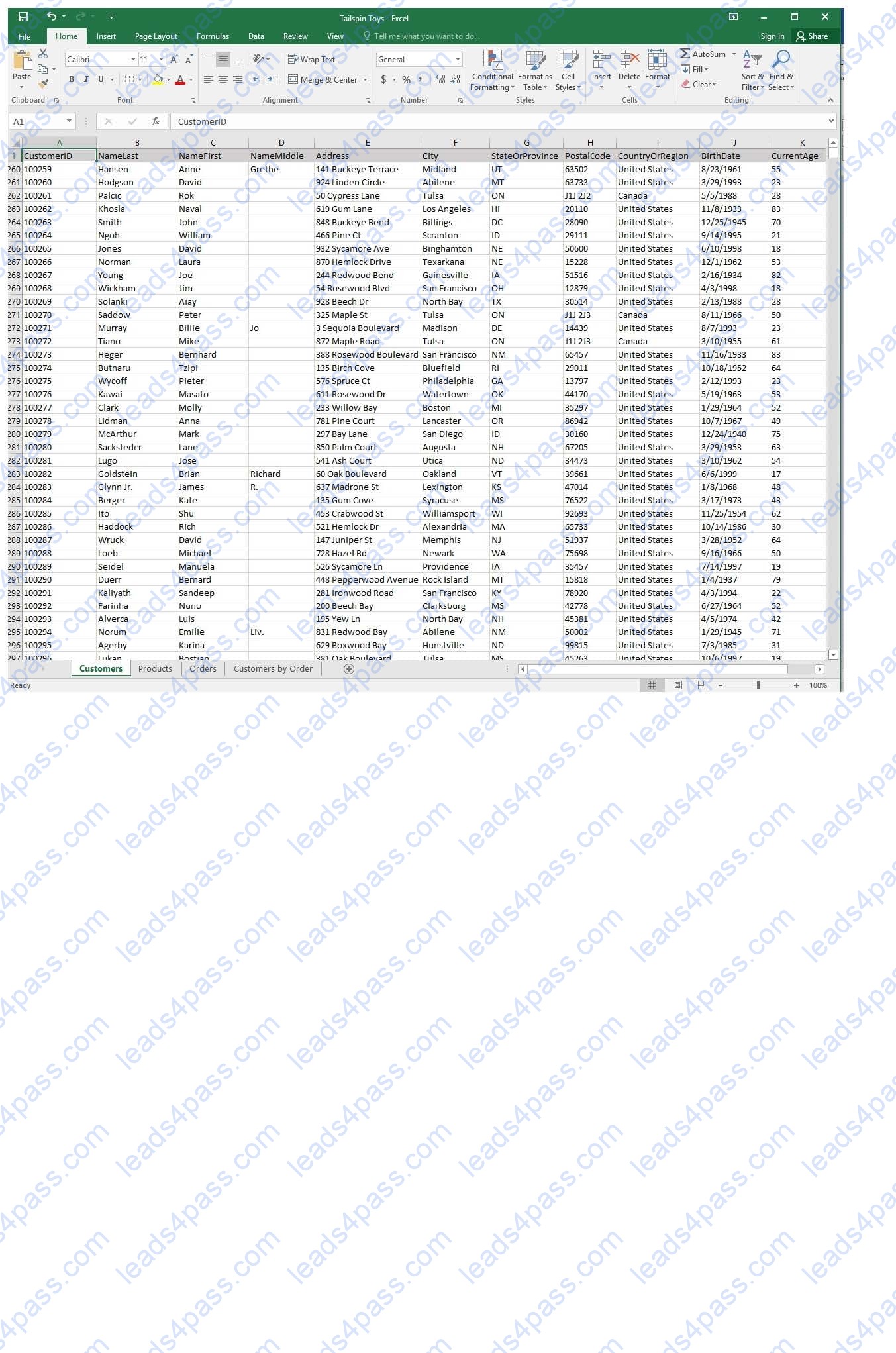
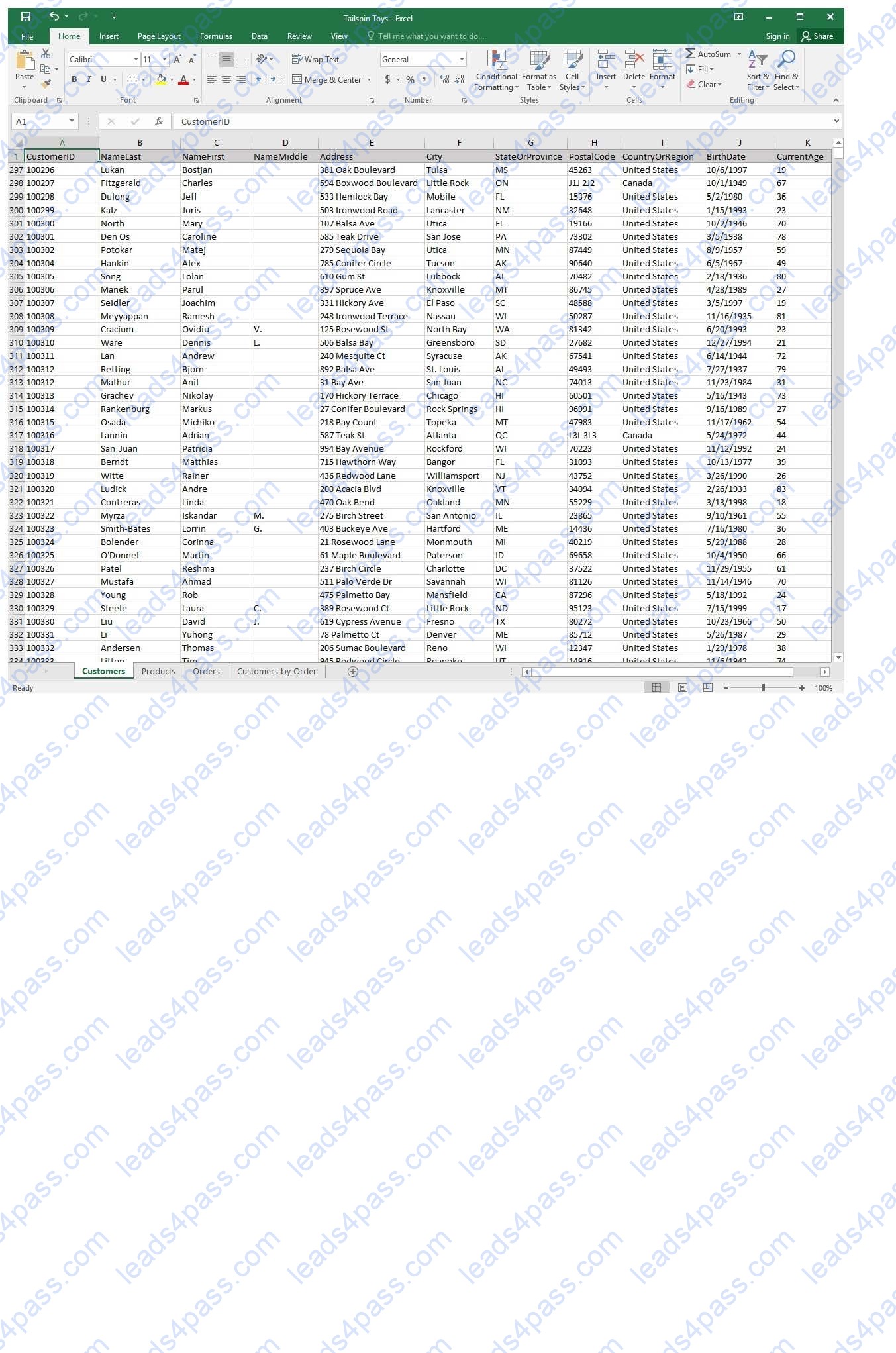
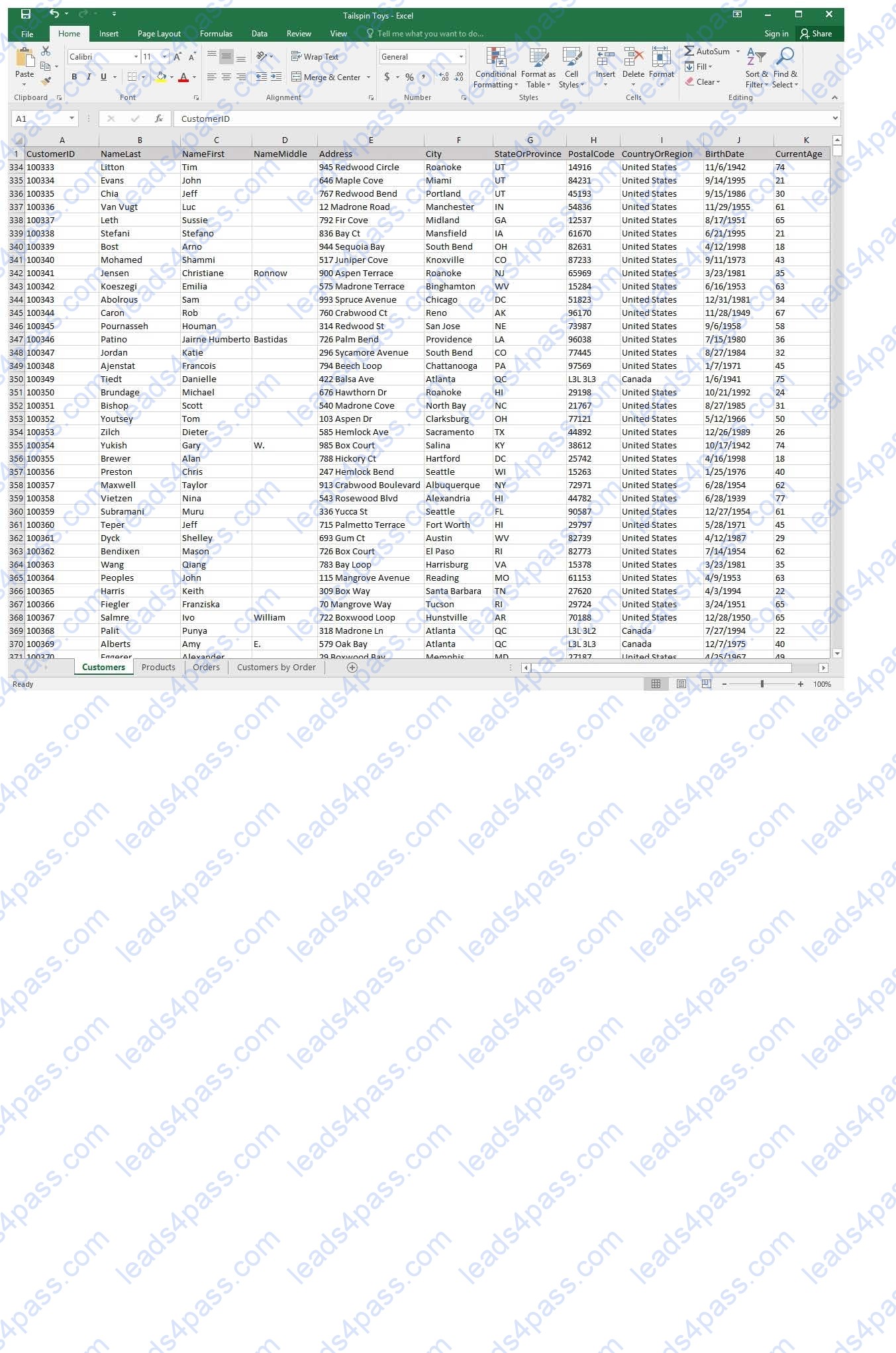
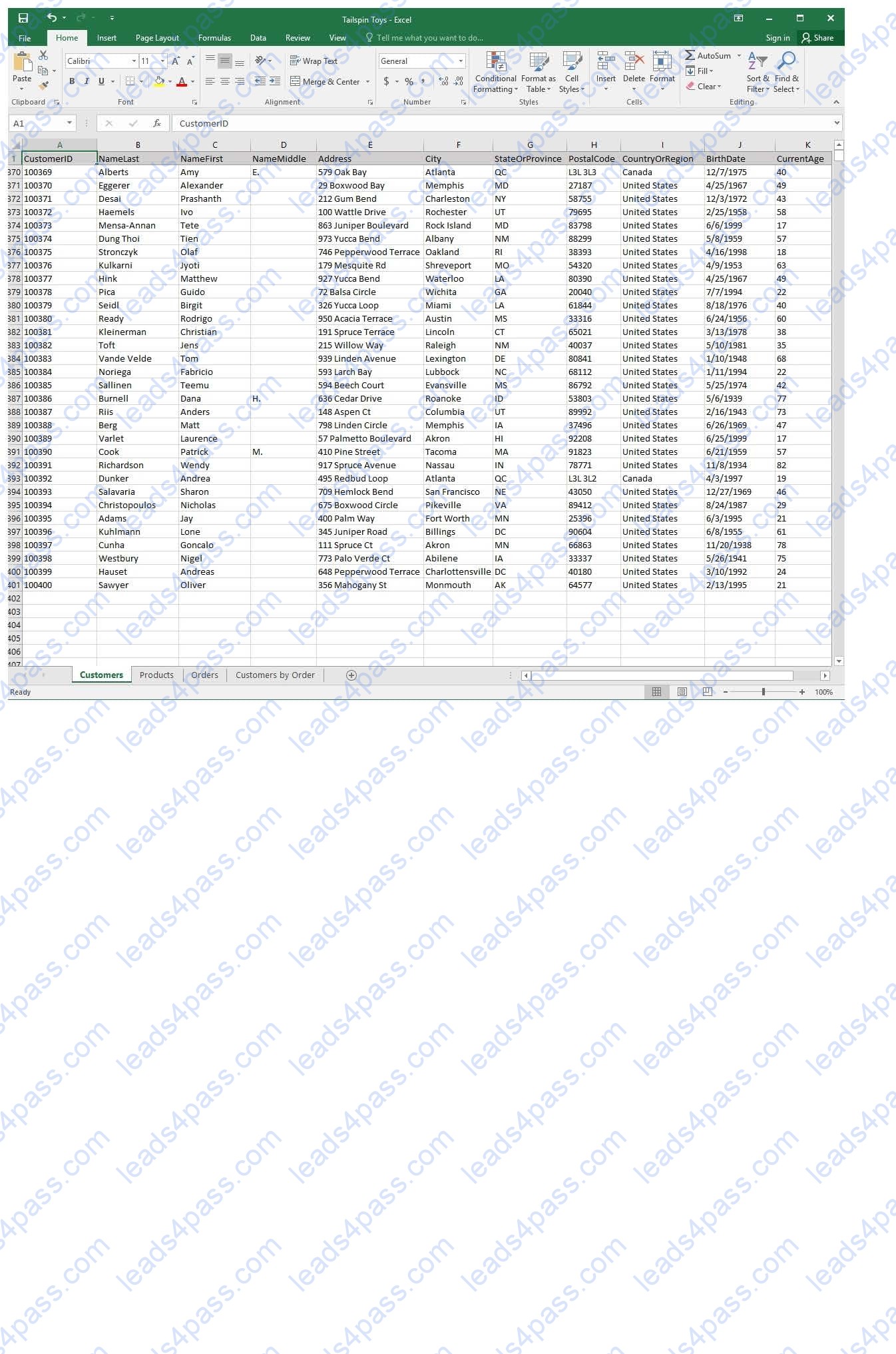
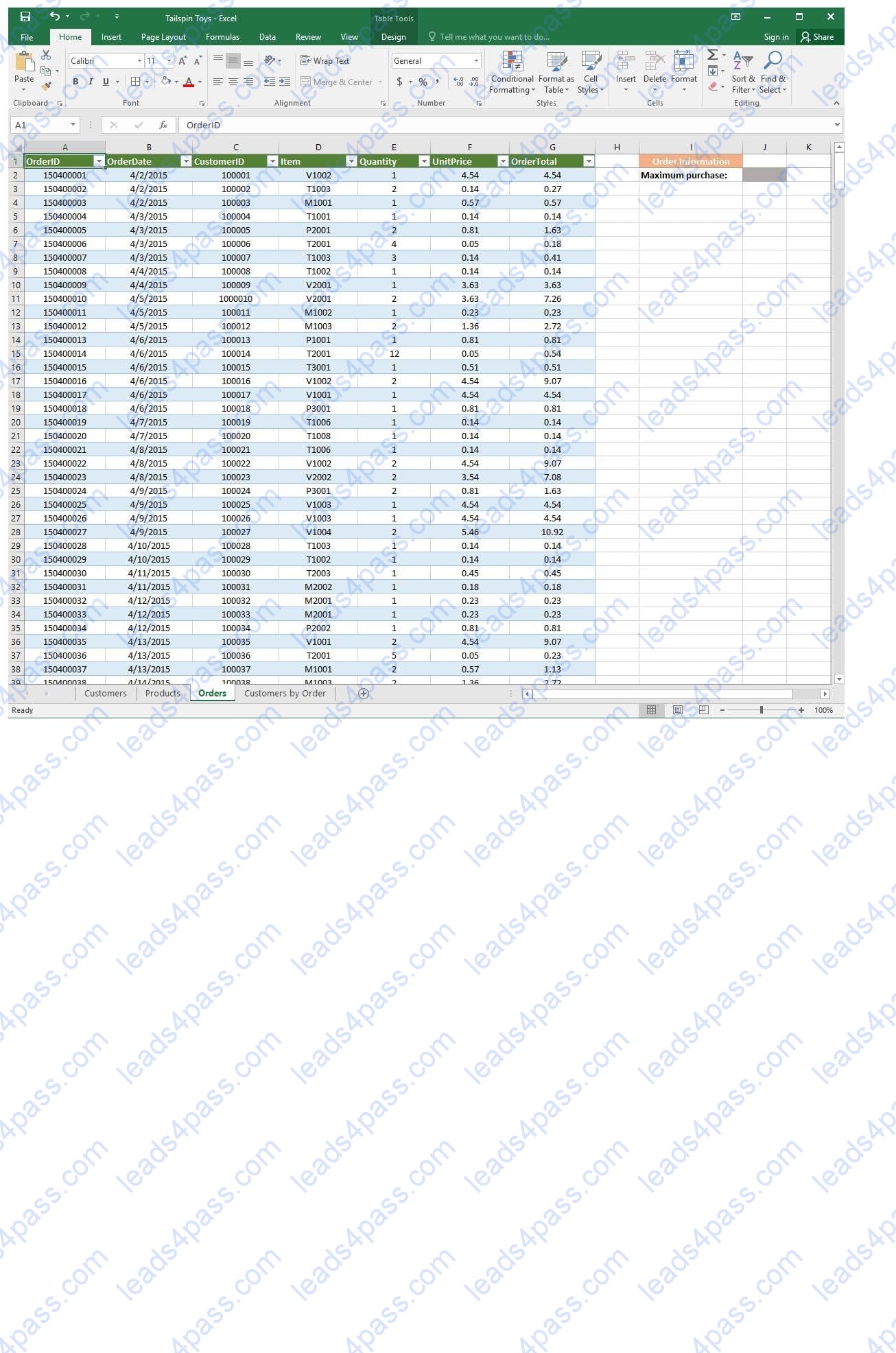
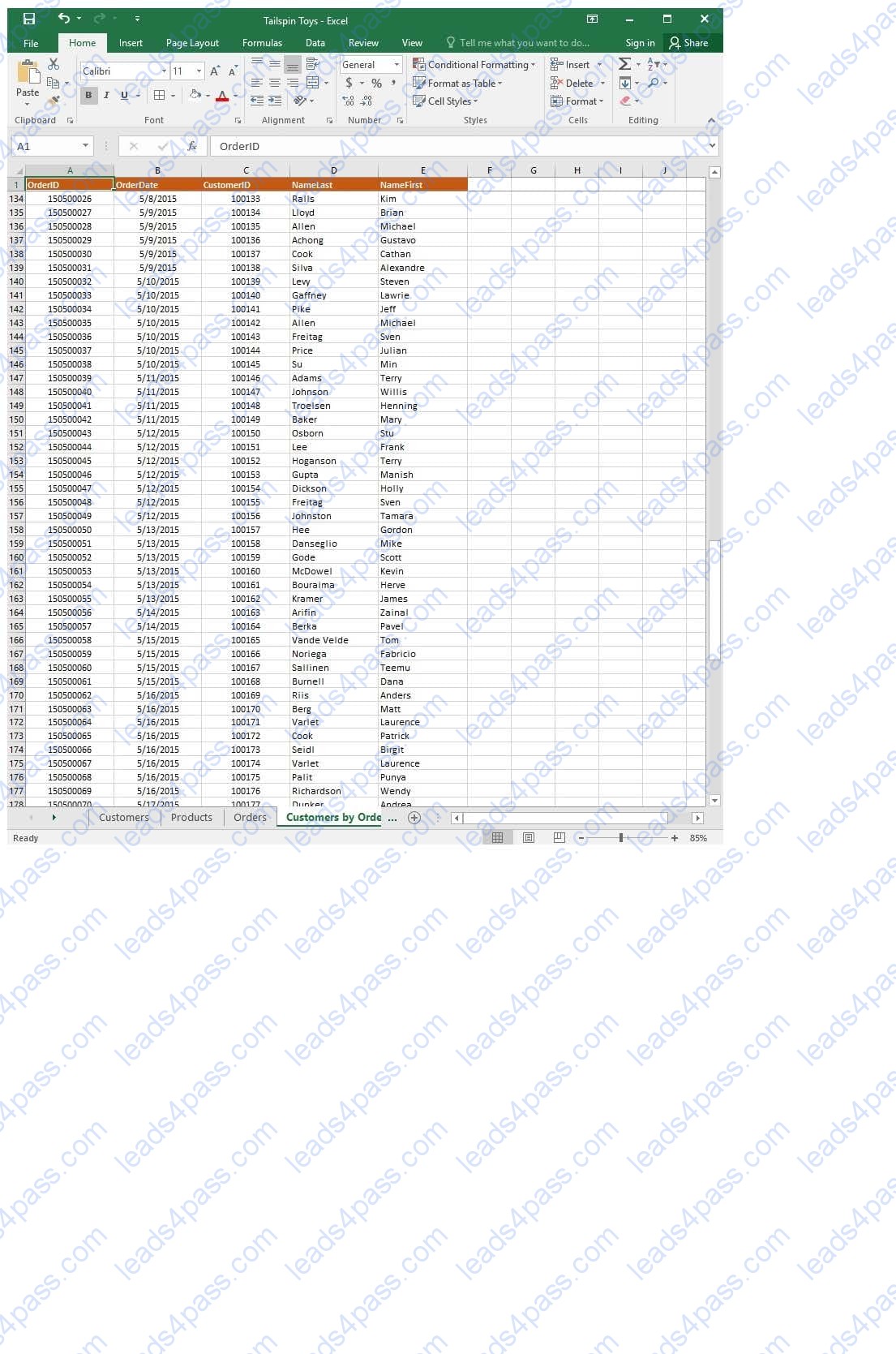
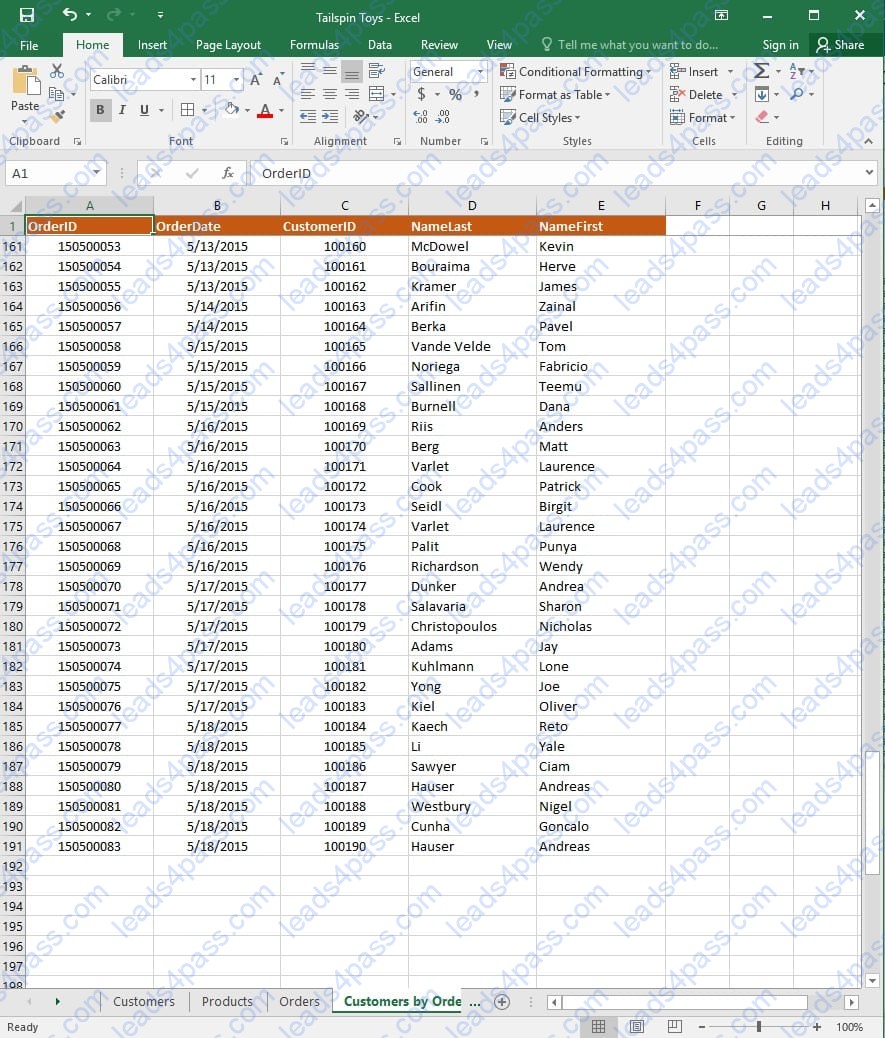
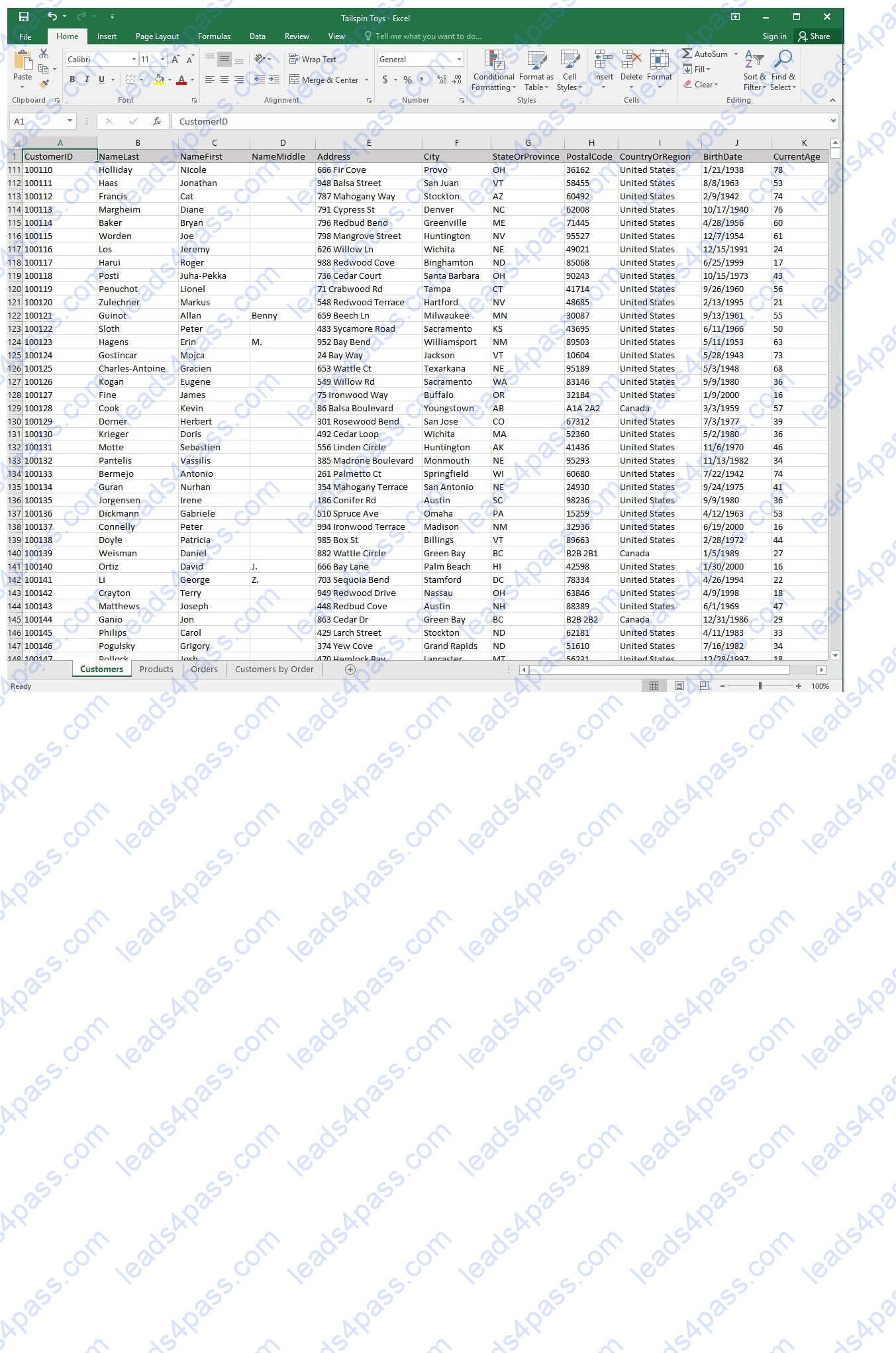
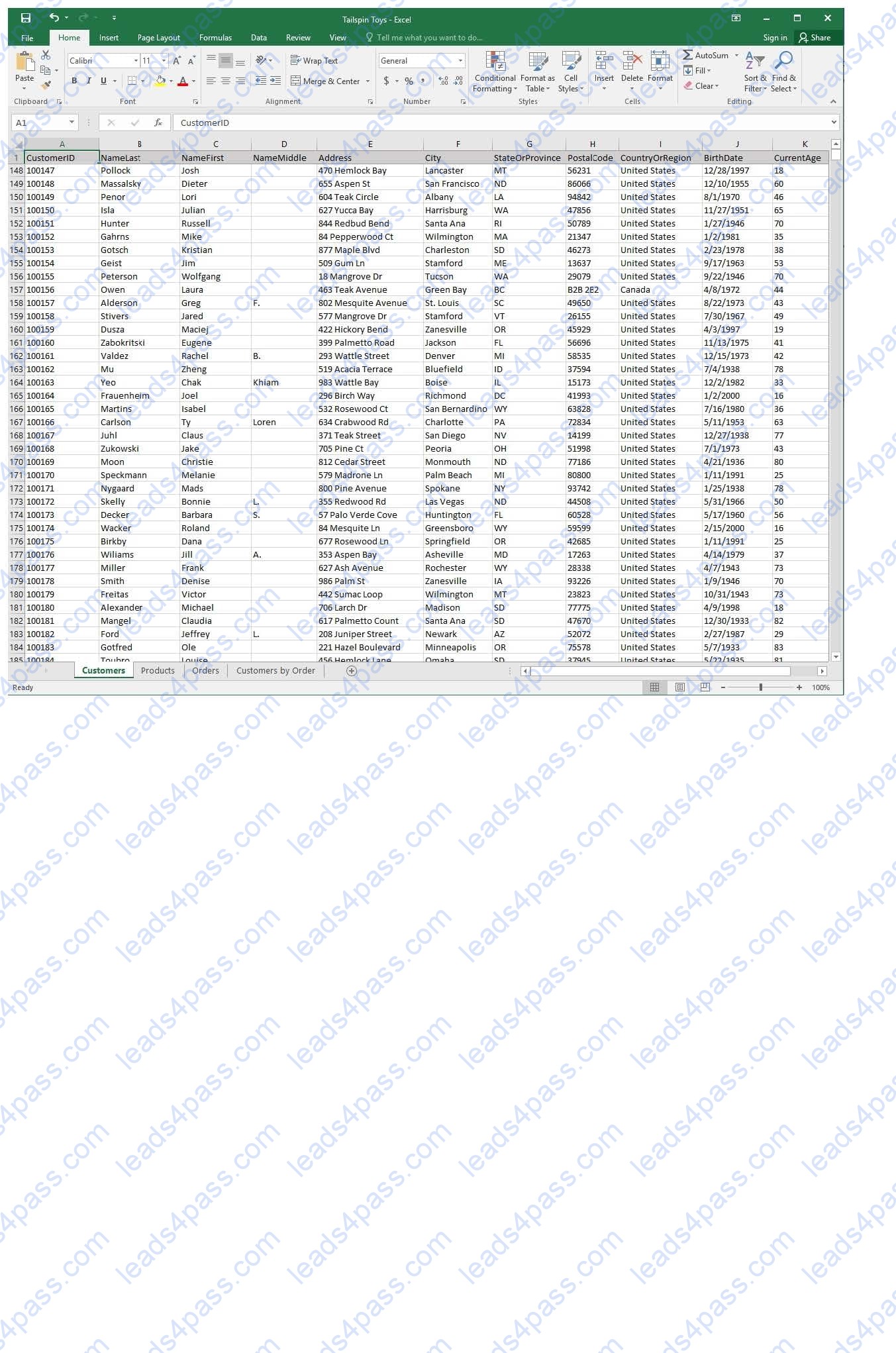
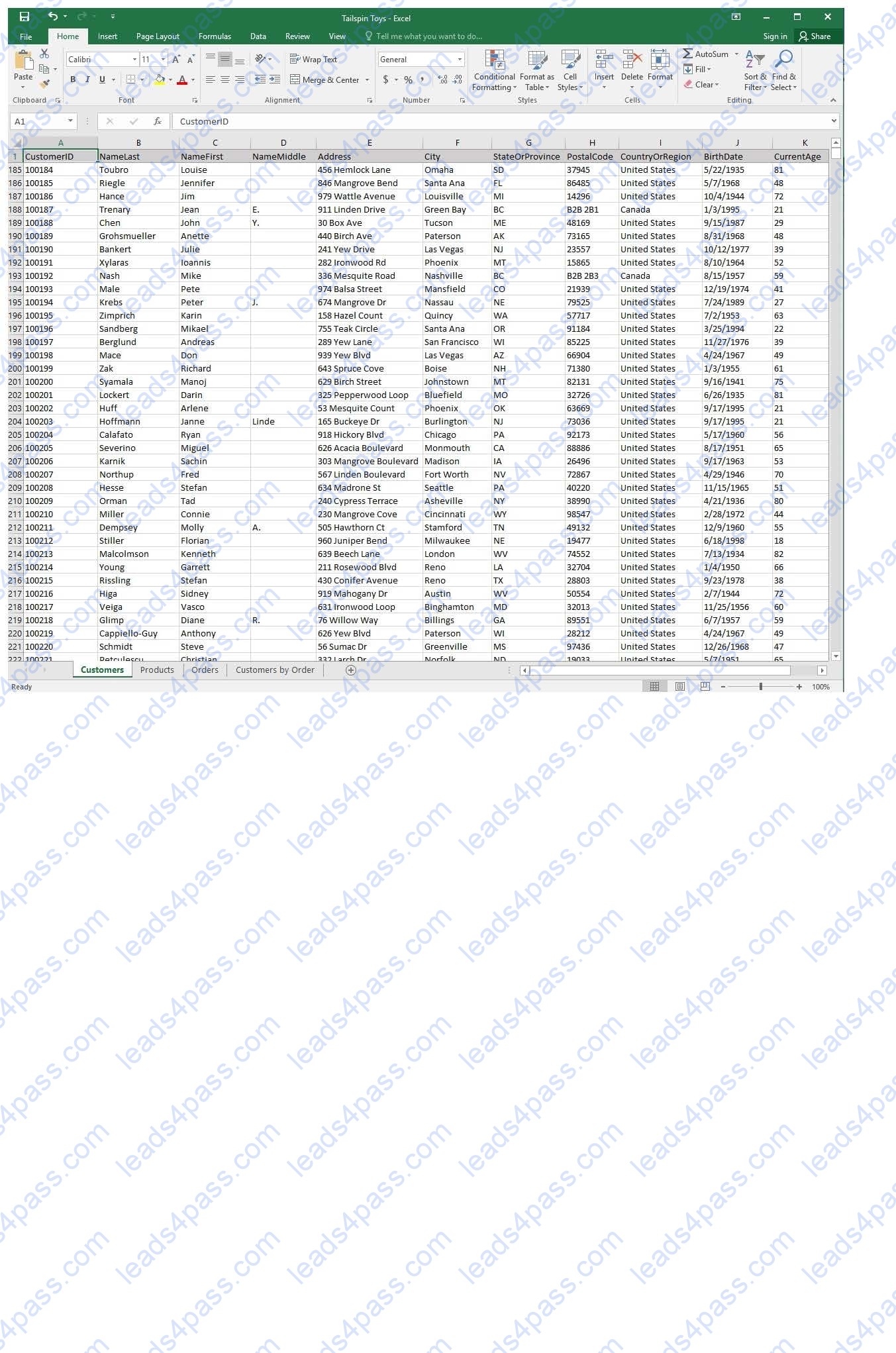
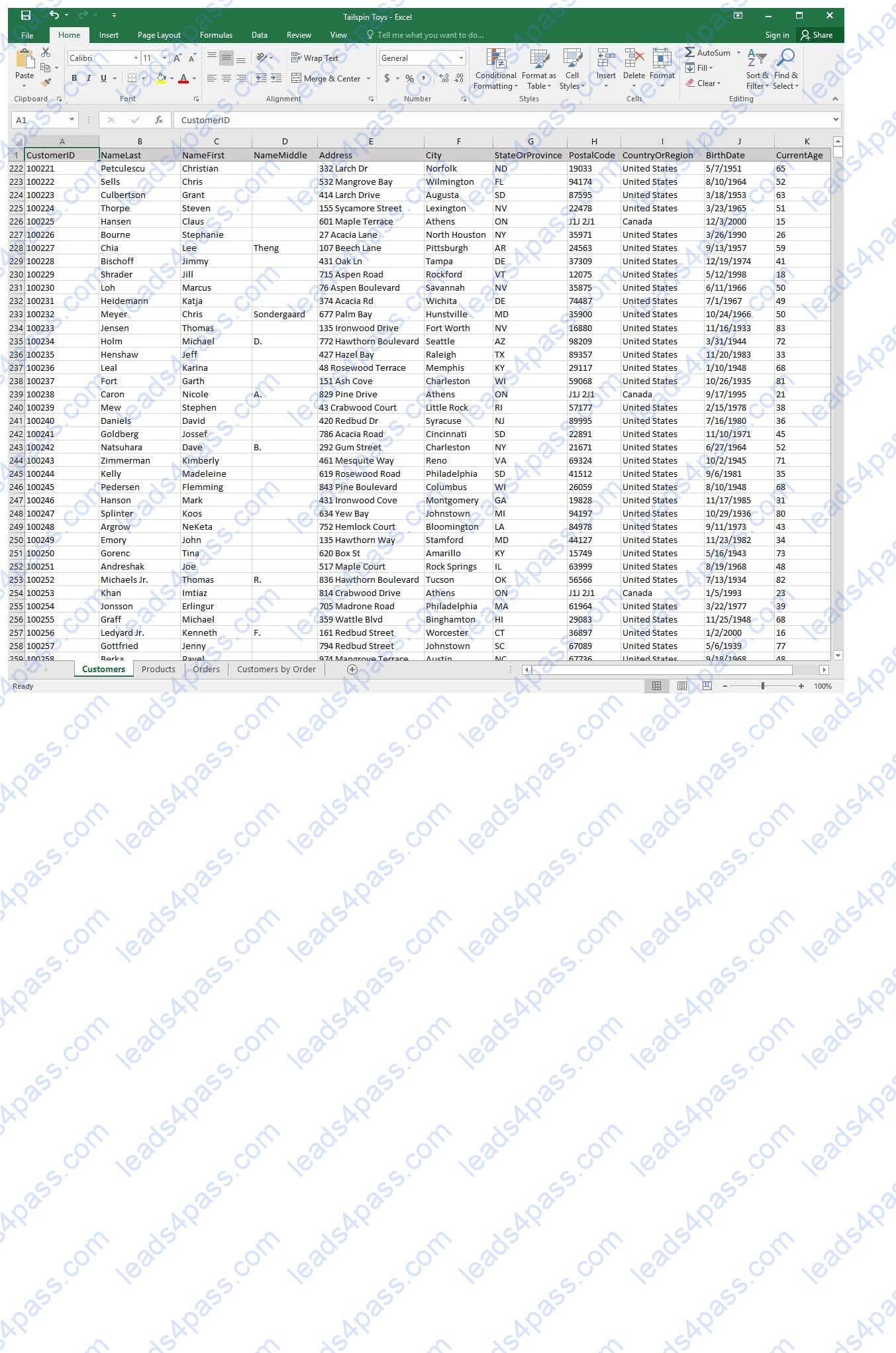
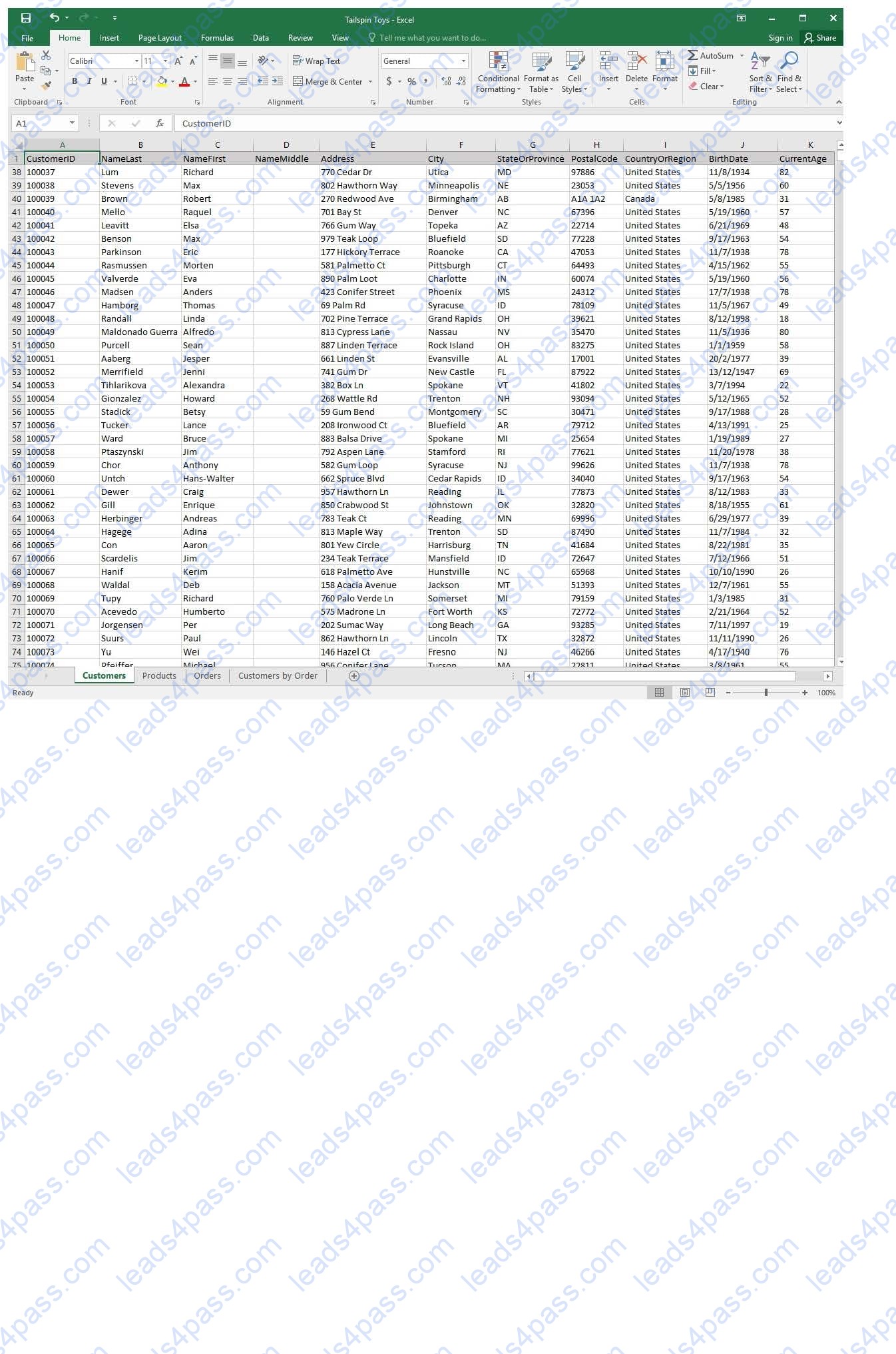
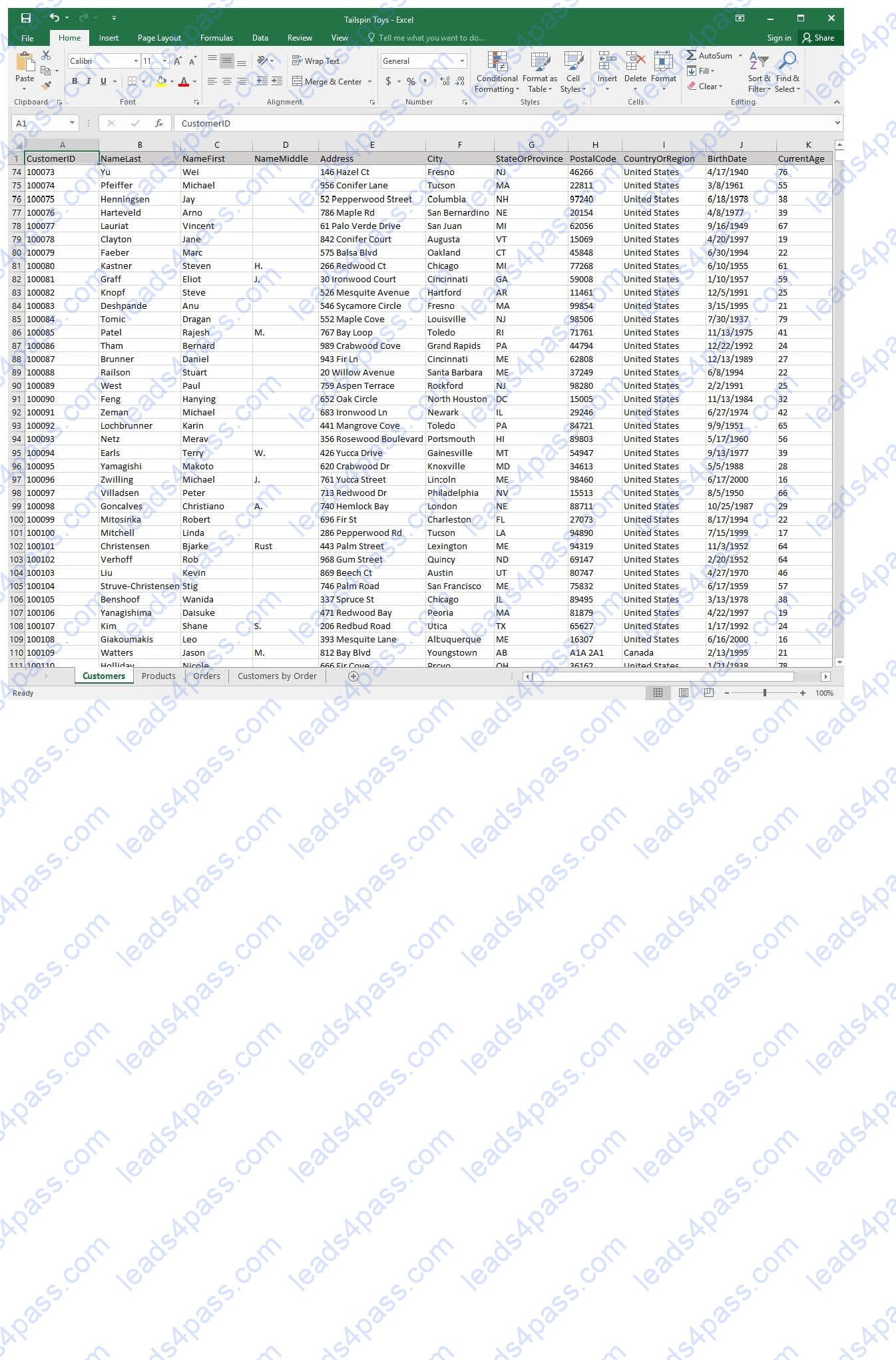
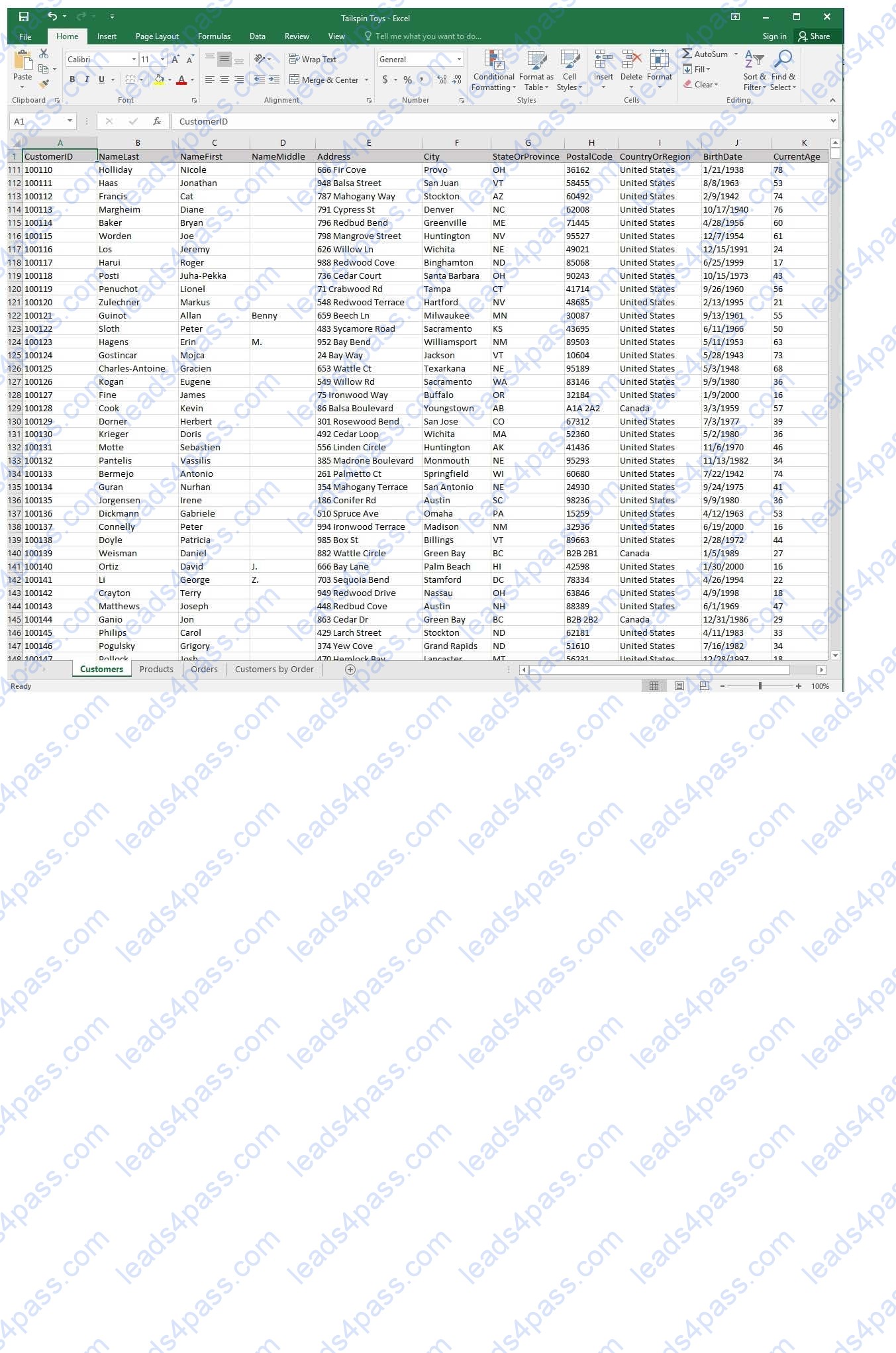
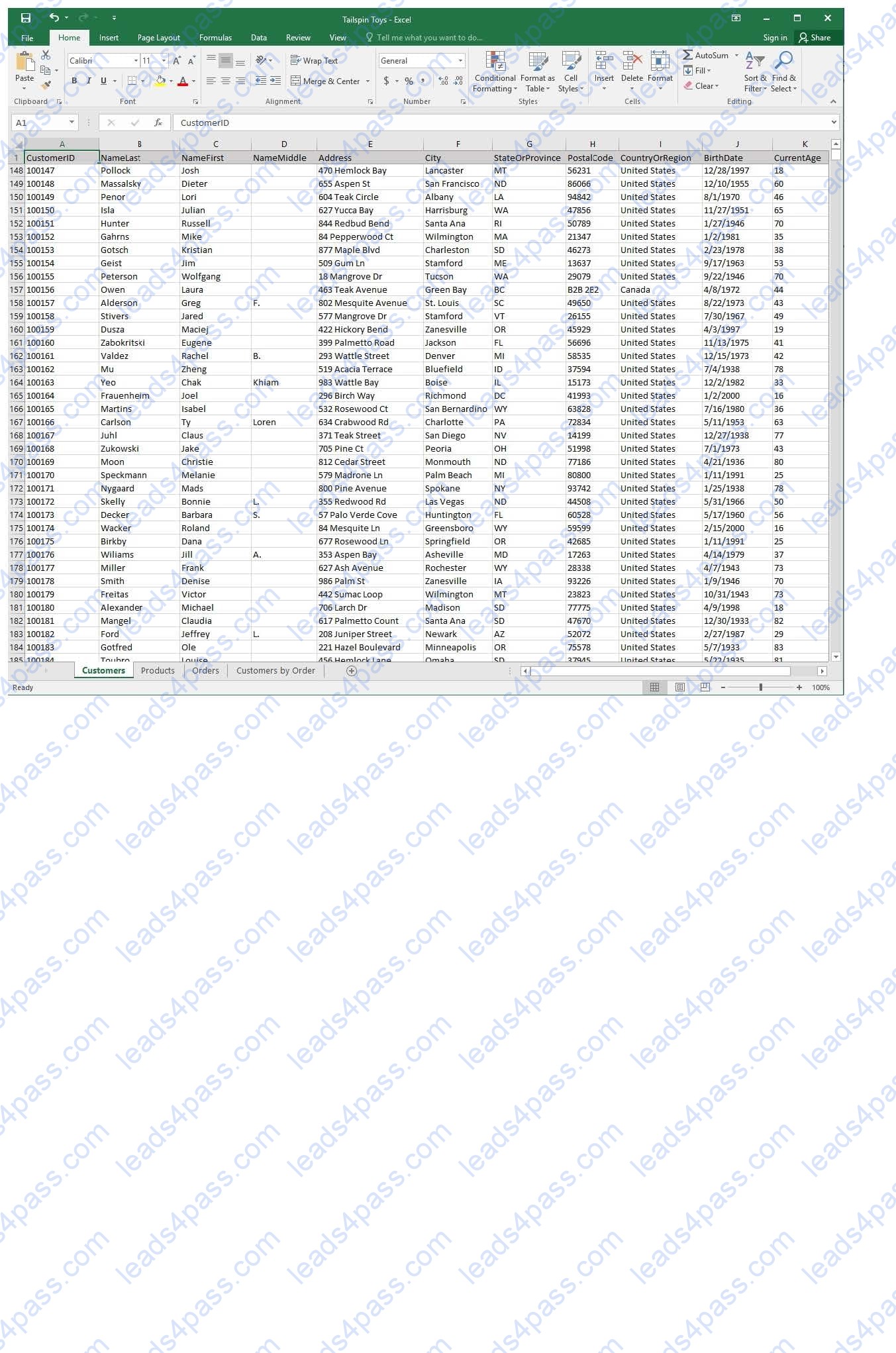
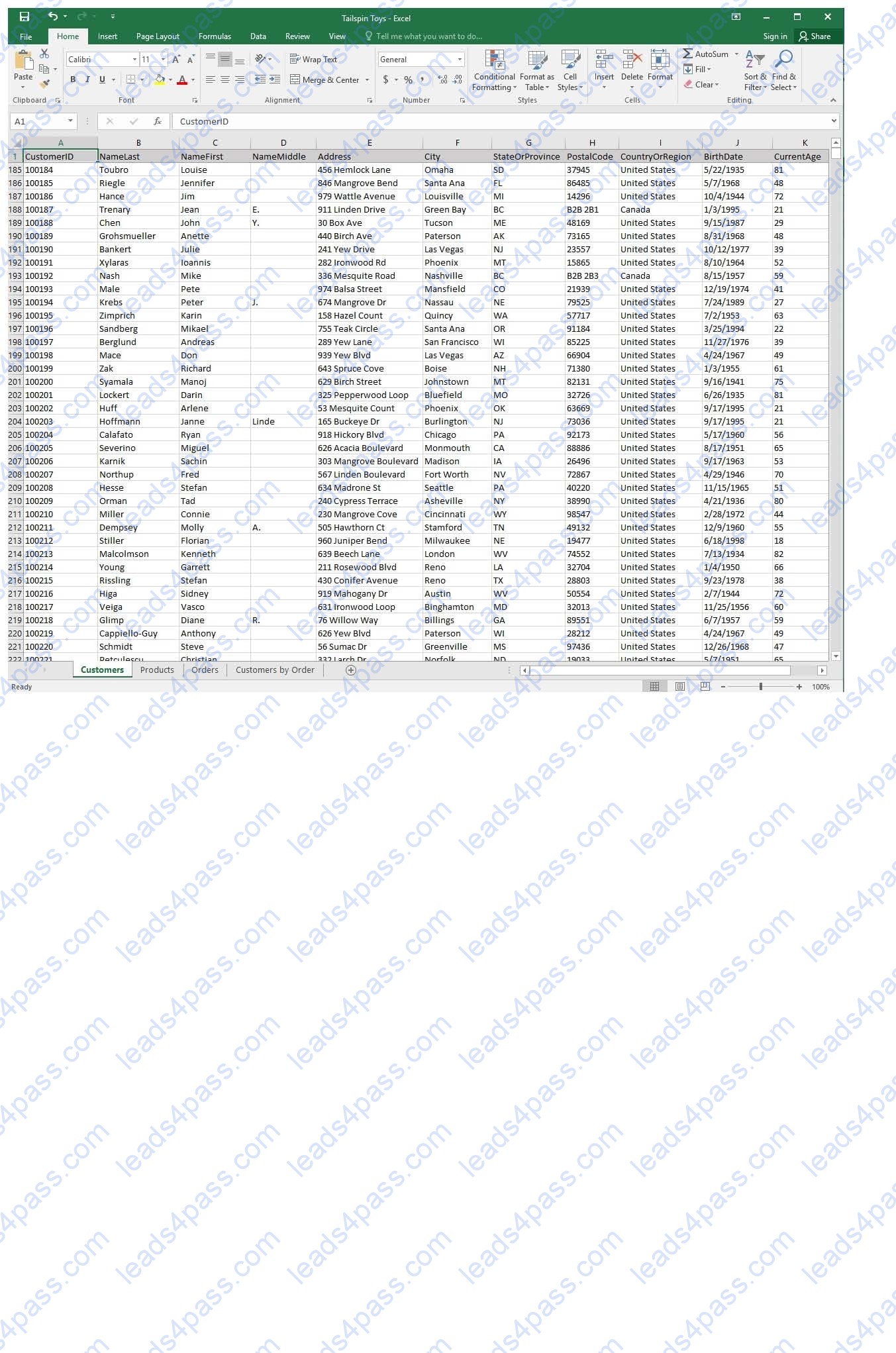
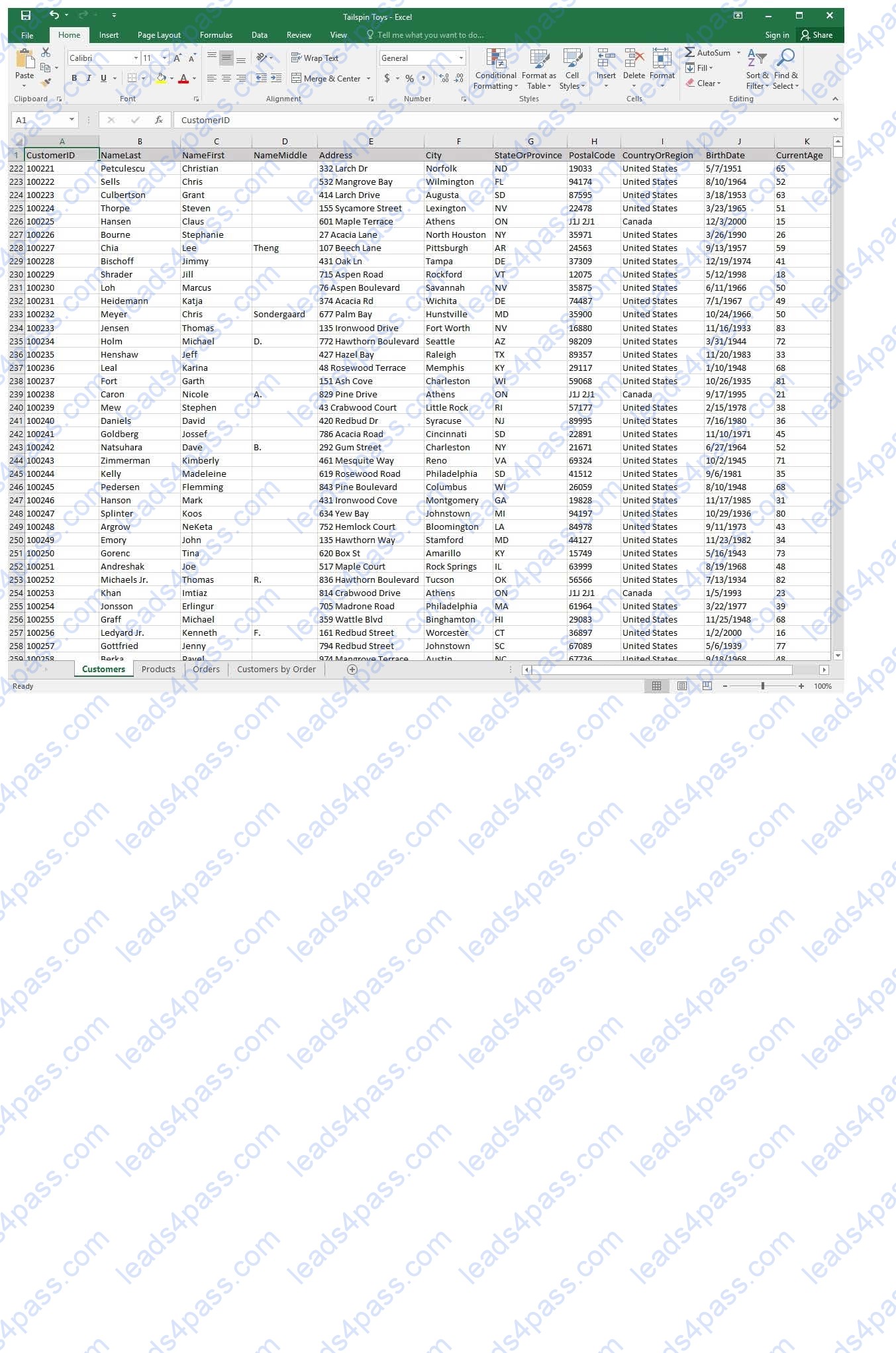
On the “Customers” worksheet, sort the table to order the records by the “CountryOrRegion” field, with
customers in the United States first and customers in Canada second.
Then sort the customers in each country alphabetically (from A to Z) by the “StateOrProvince” field.
Finally, sort the customers in each state or province in ascending order by the ‘PostalCode” field.
SIMULATION
Project 1 of 7: Tailspin Toys
Overview
You recently opened an online toy store. You have sold products to 500 individual customers. You are evaluating customer data and order data.
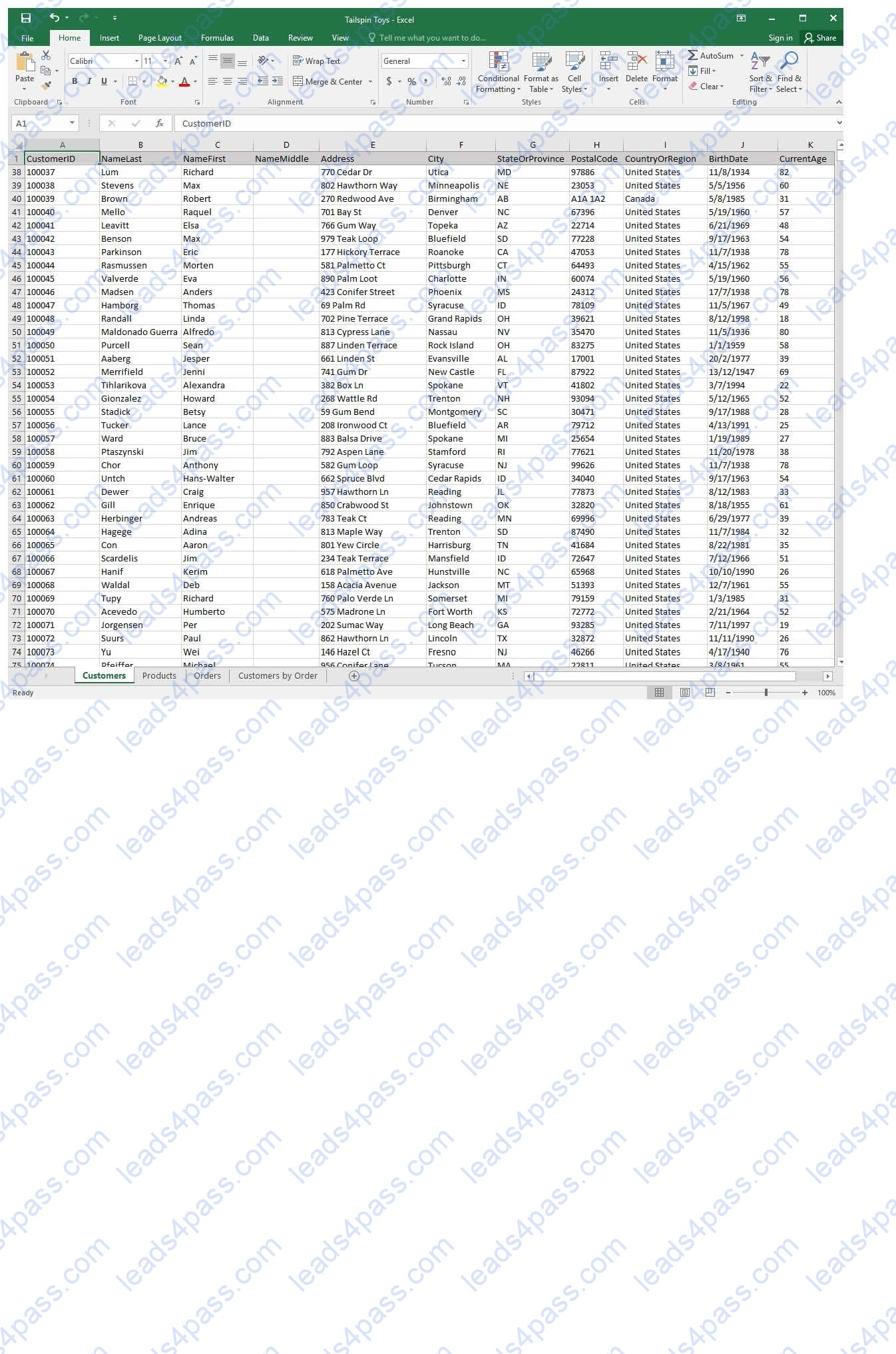
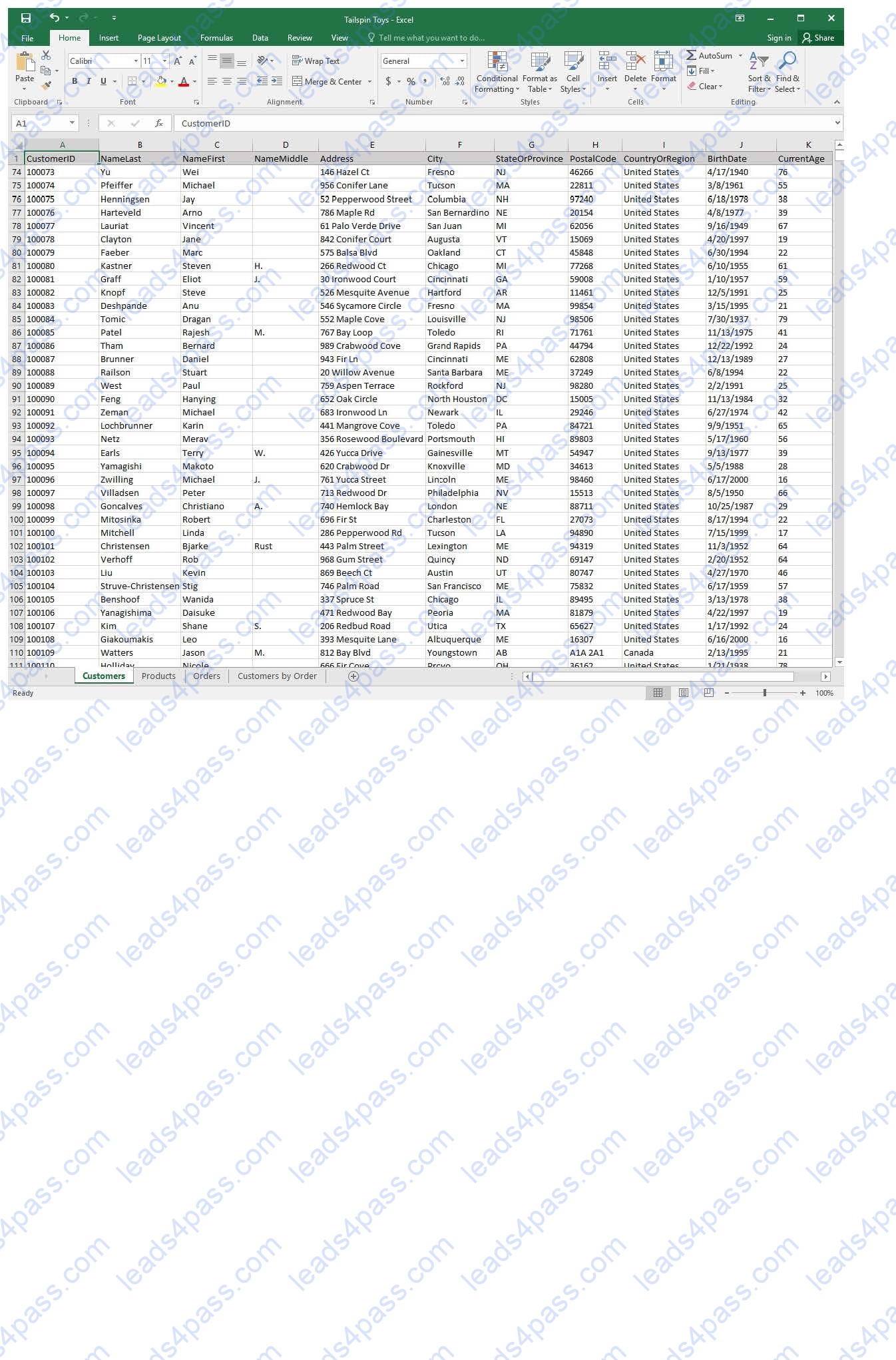
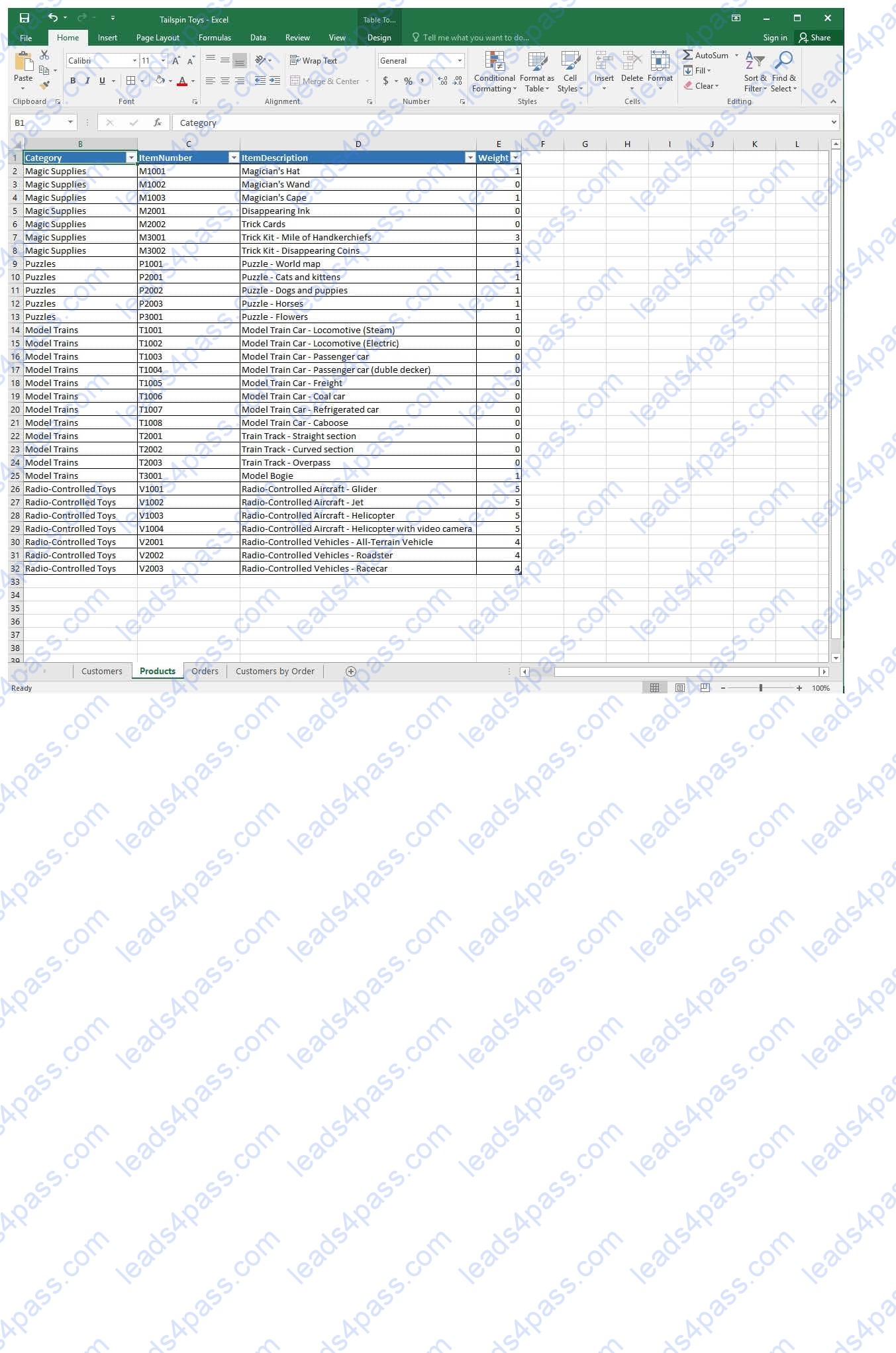
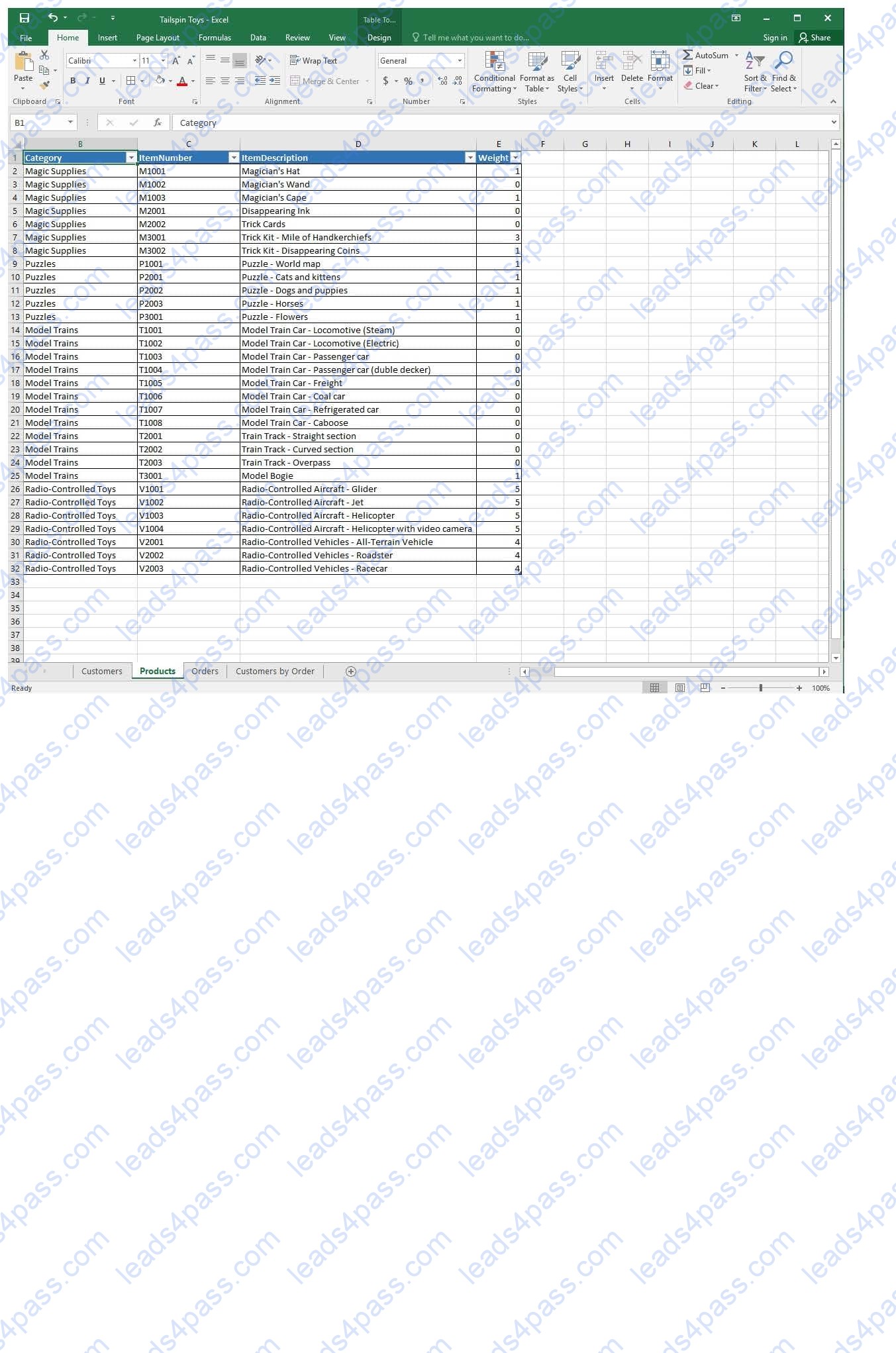
On the “Products” worksheet, apply a number format to display the numbers in the “Weight” column to three decimal places.
SIMULATION
Project 1 of 7: Tailspin Toys Overview
You recently opened an online toy store. You have sold products to 500 individual customers. You are evaluating customer data and order data.
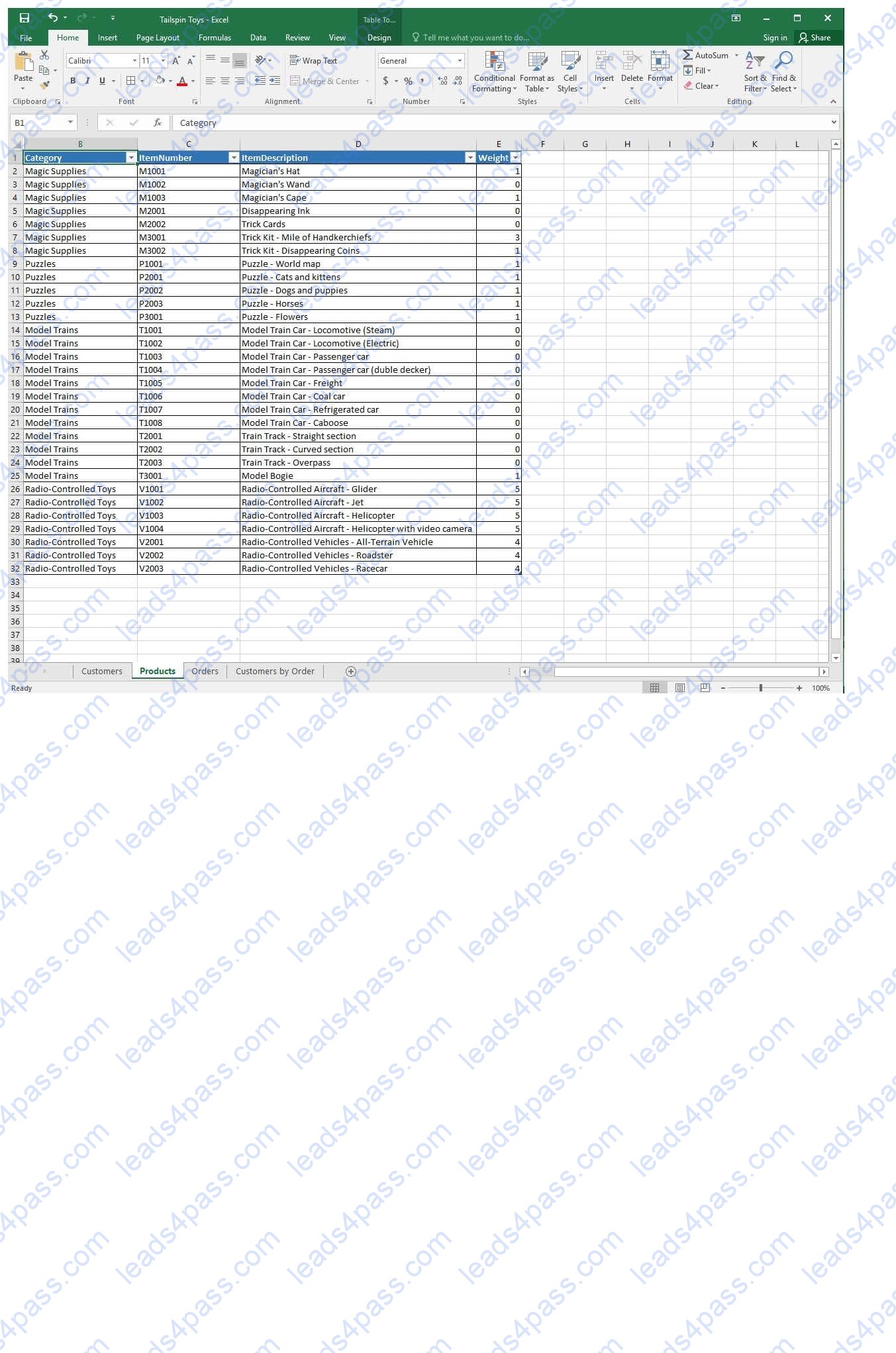
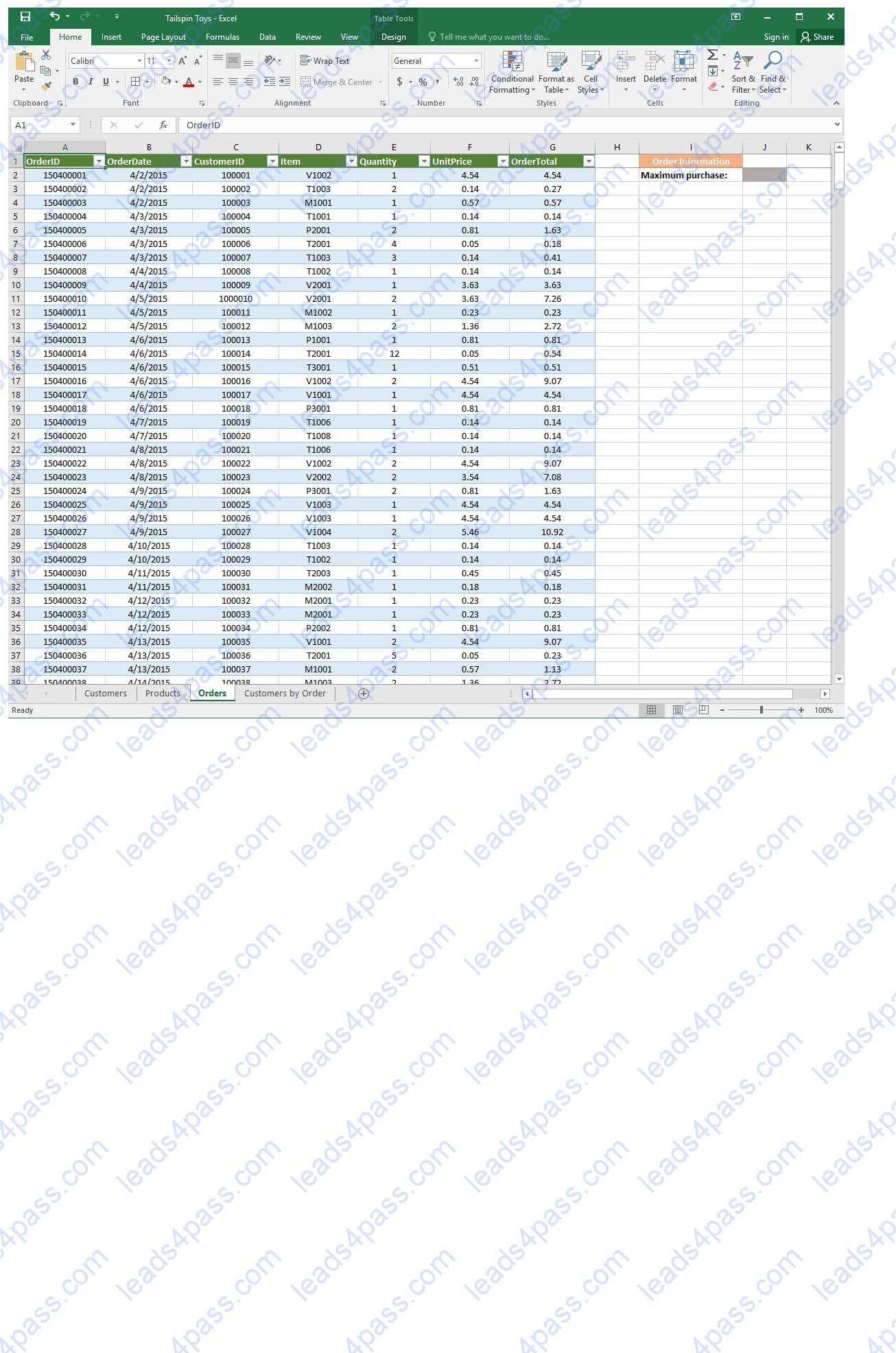
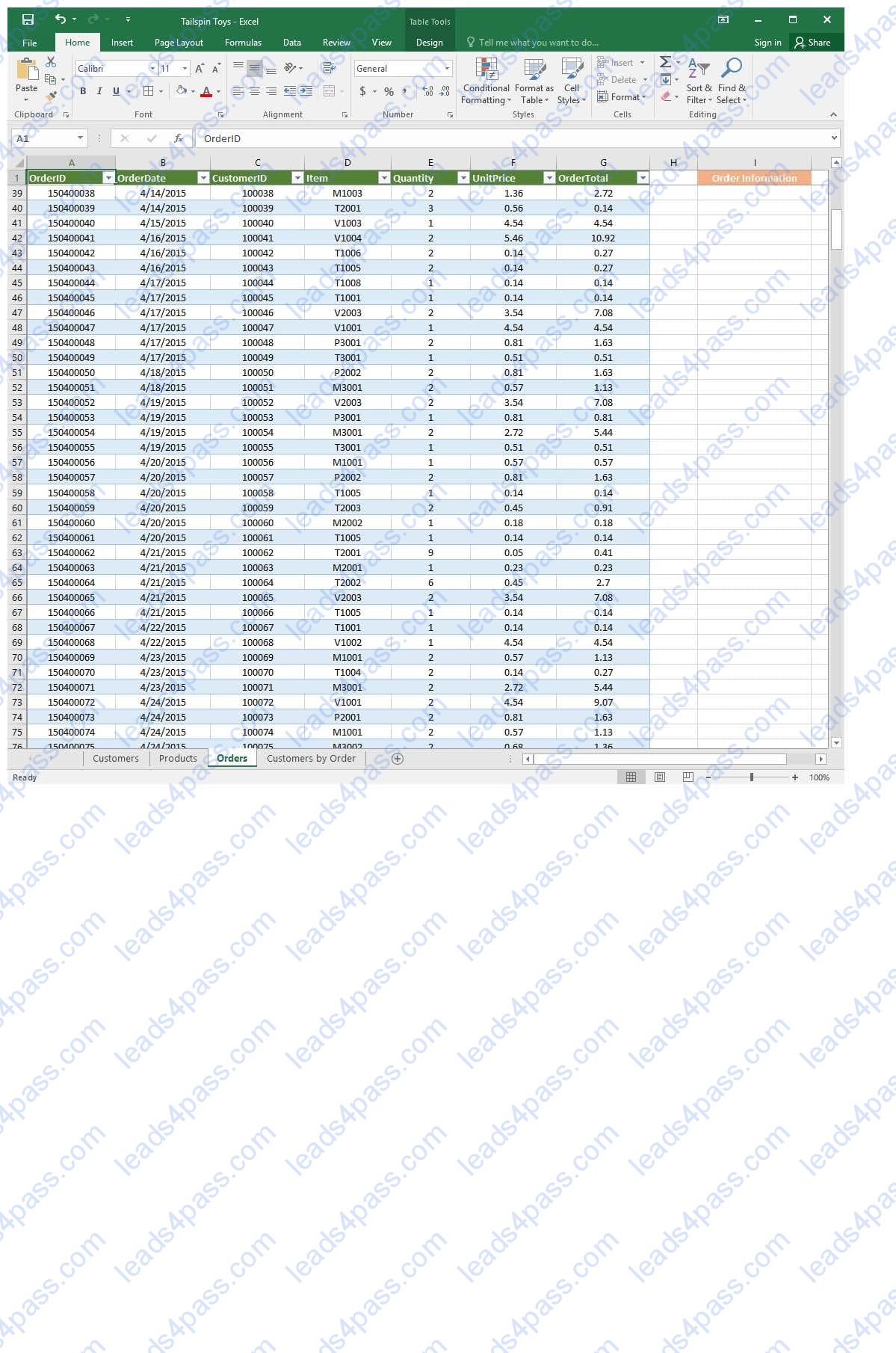
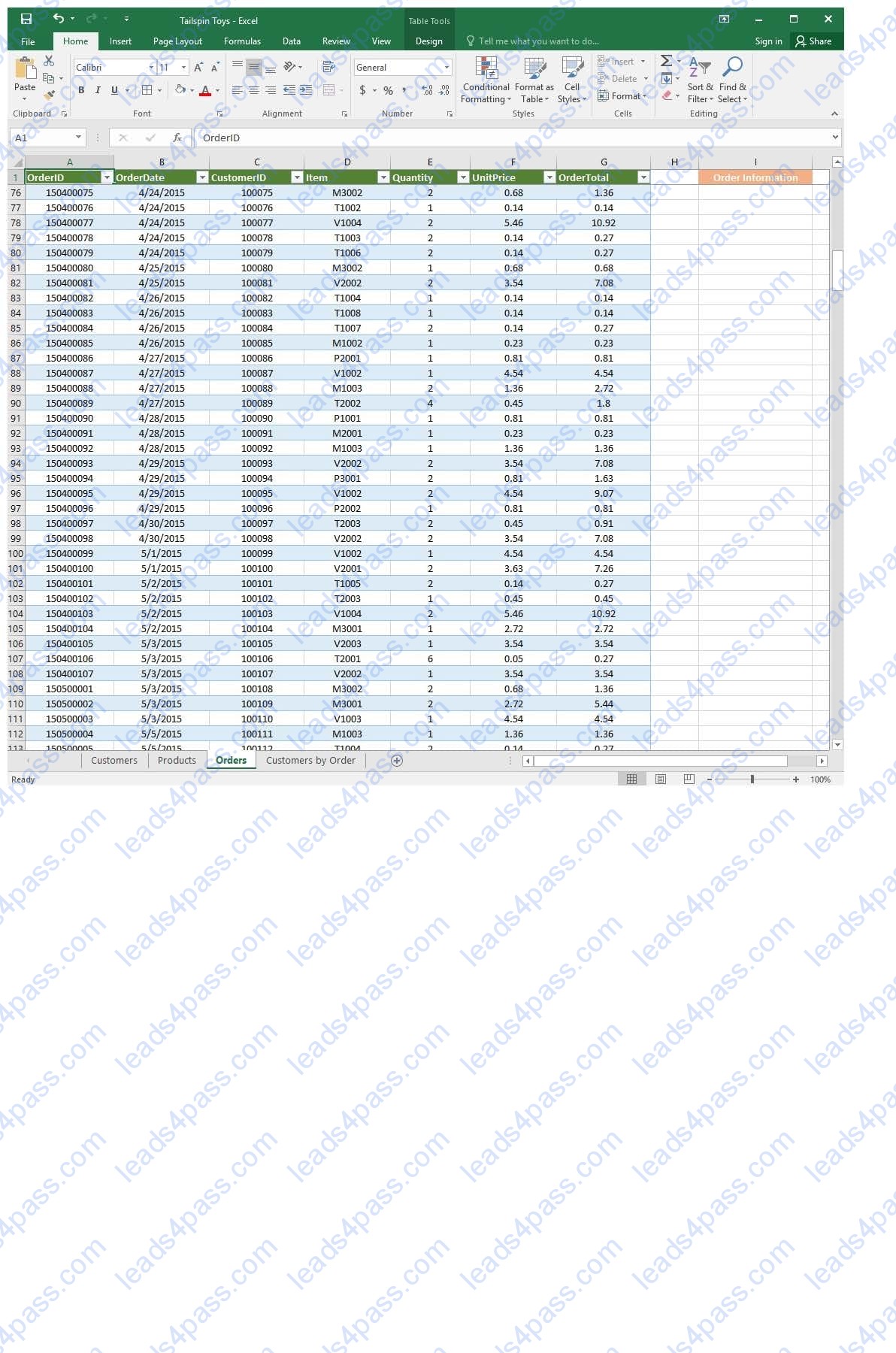
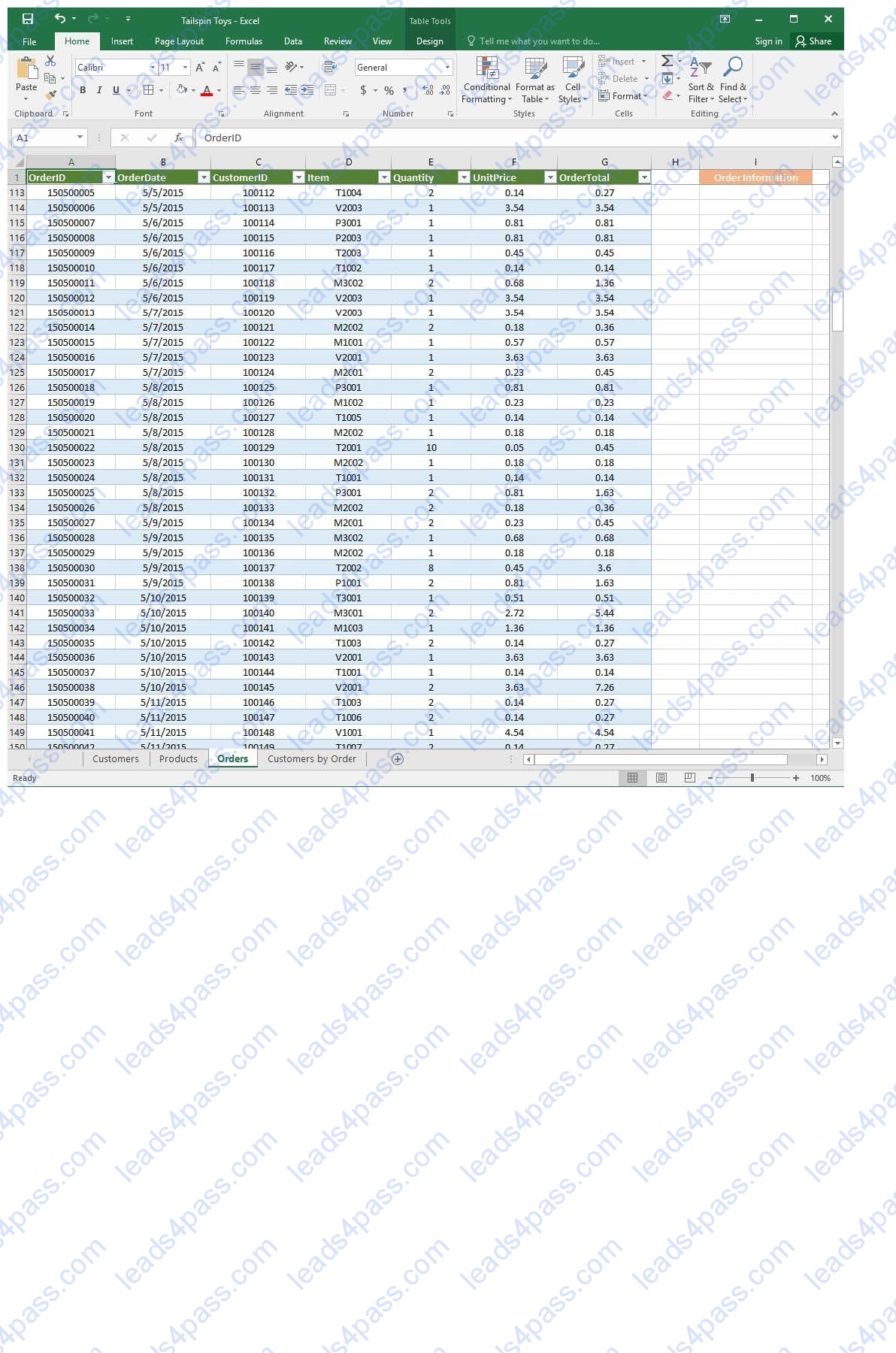
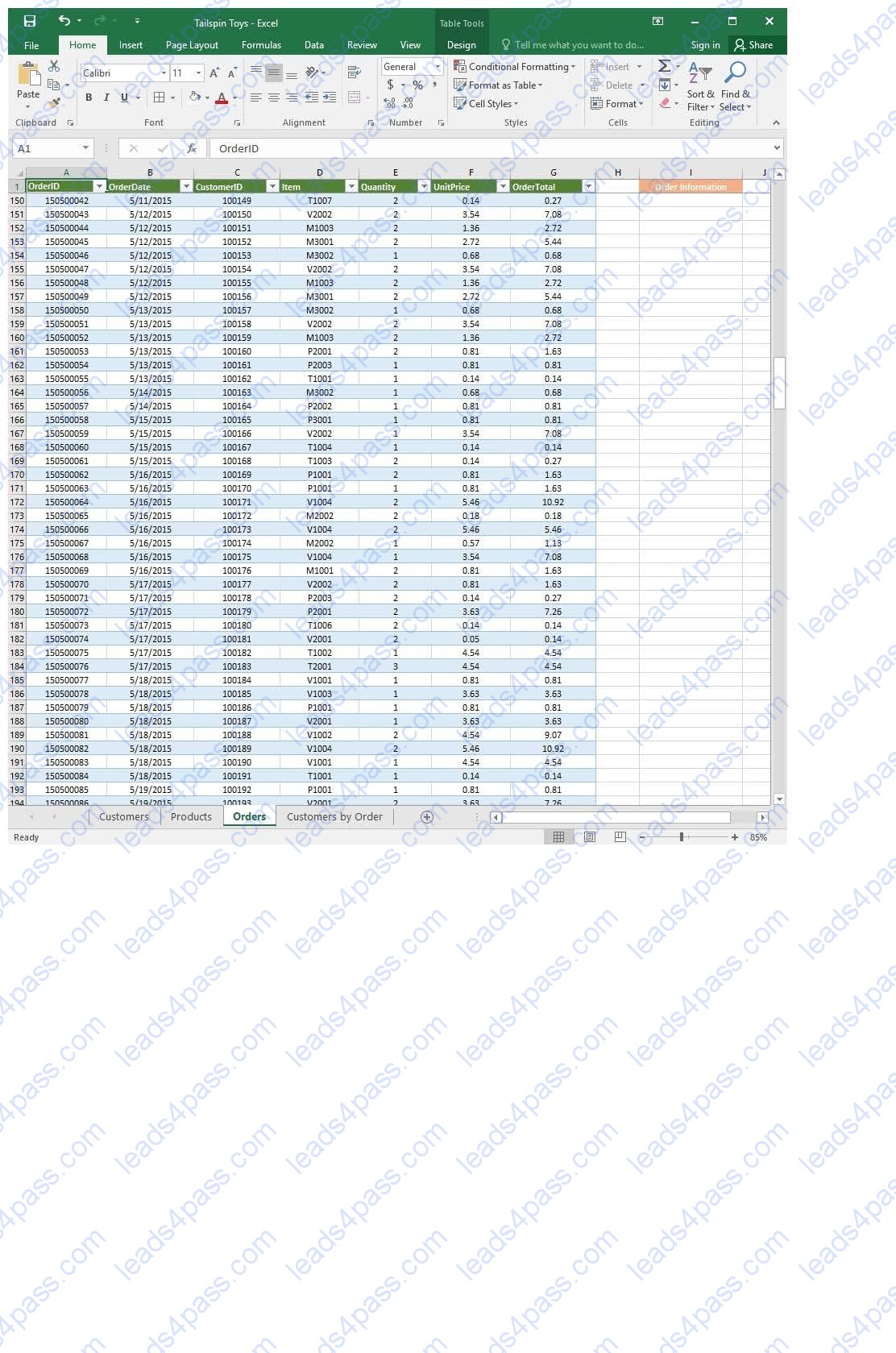
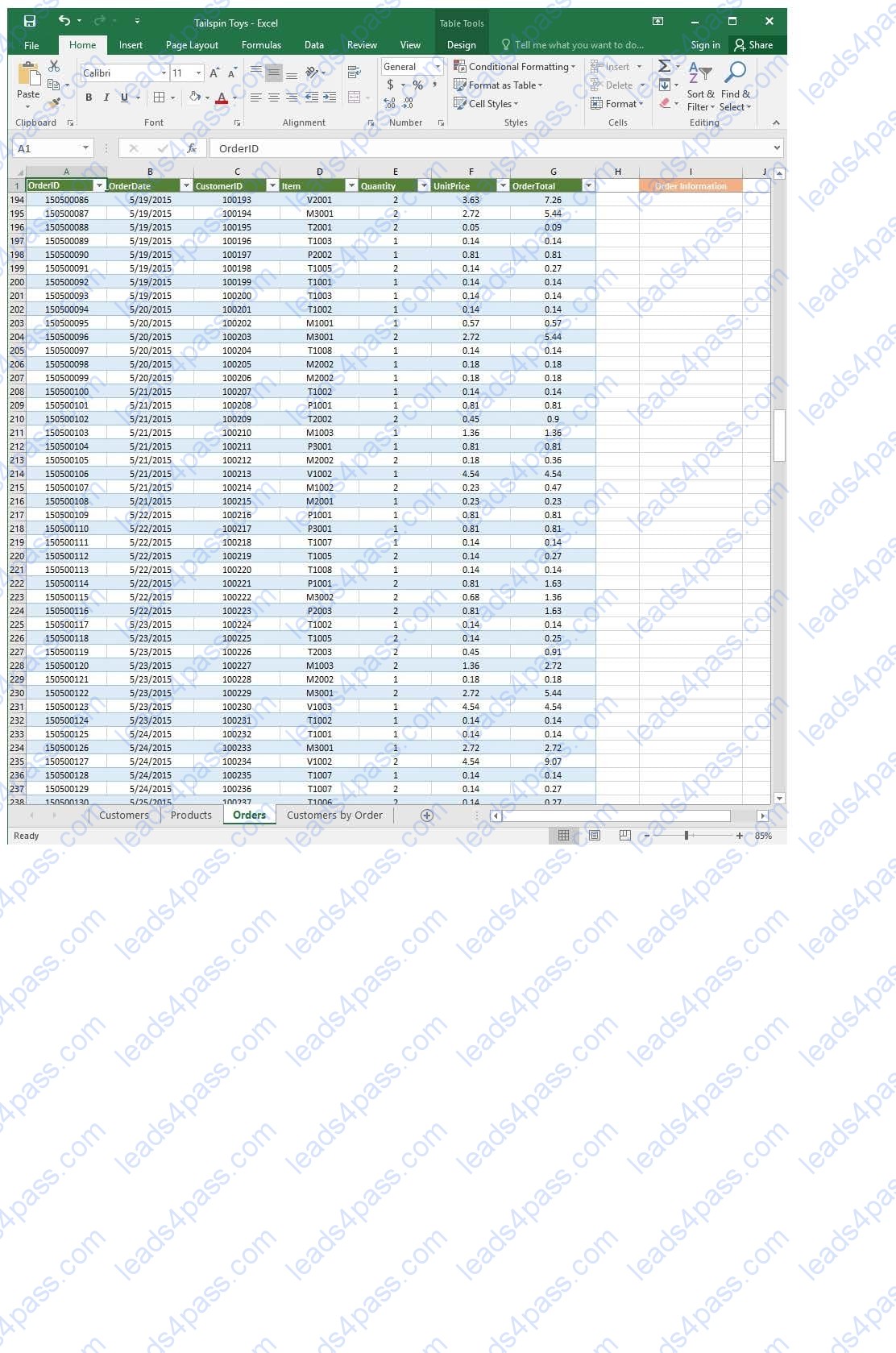
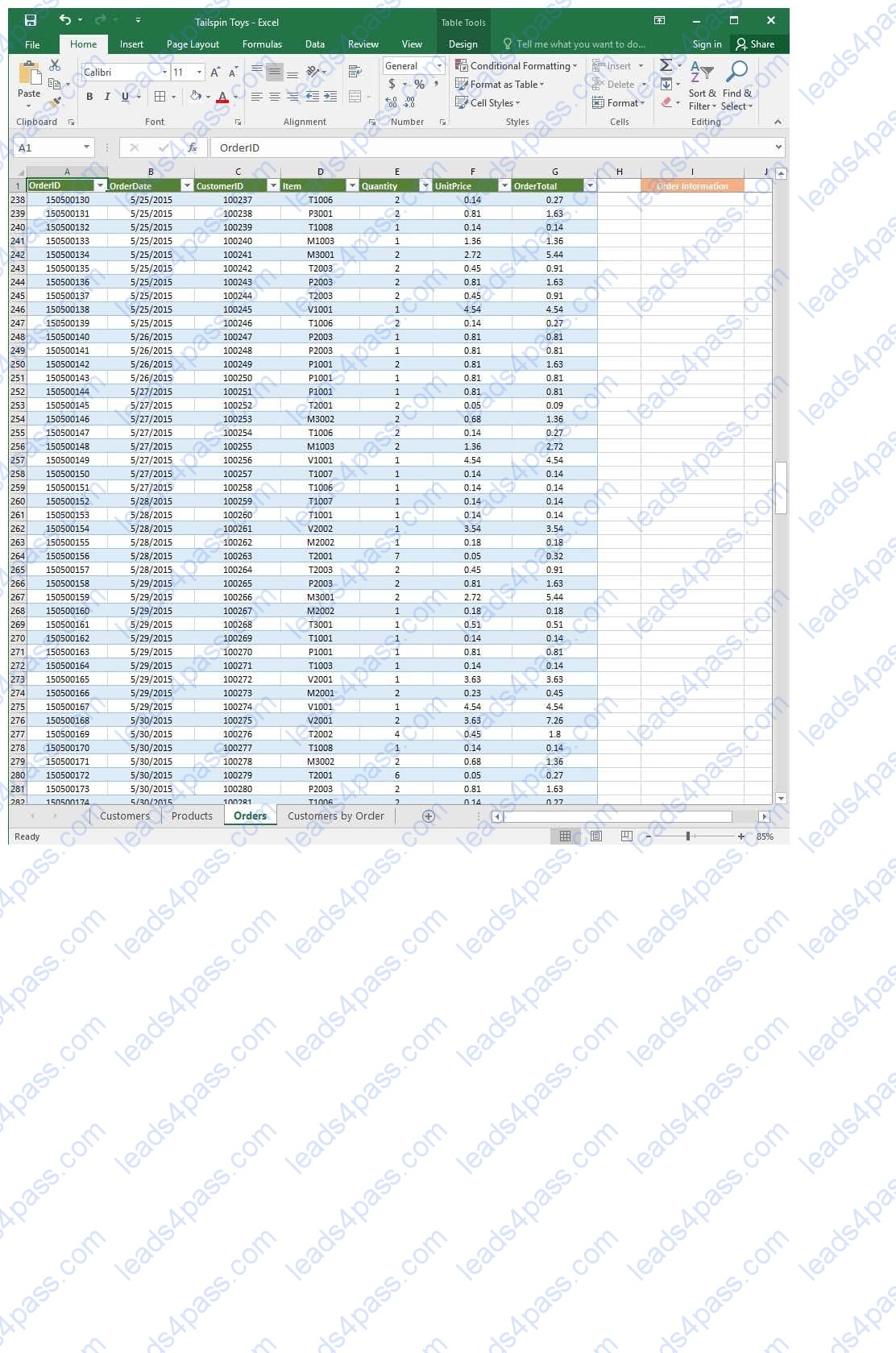
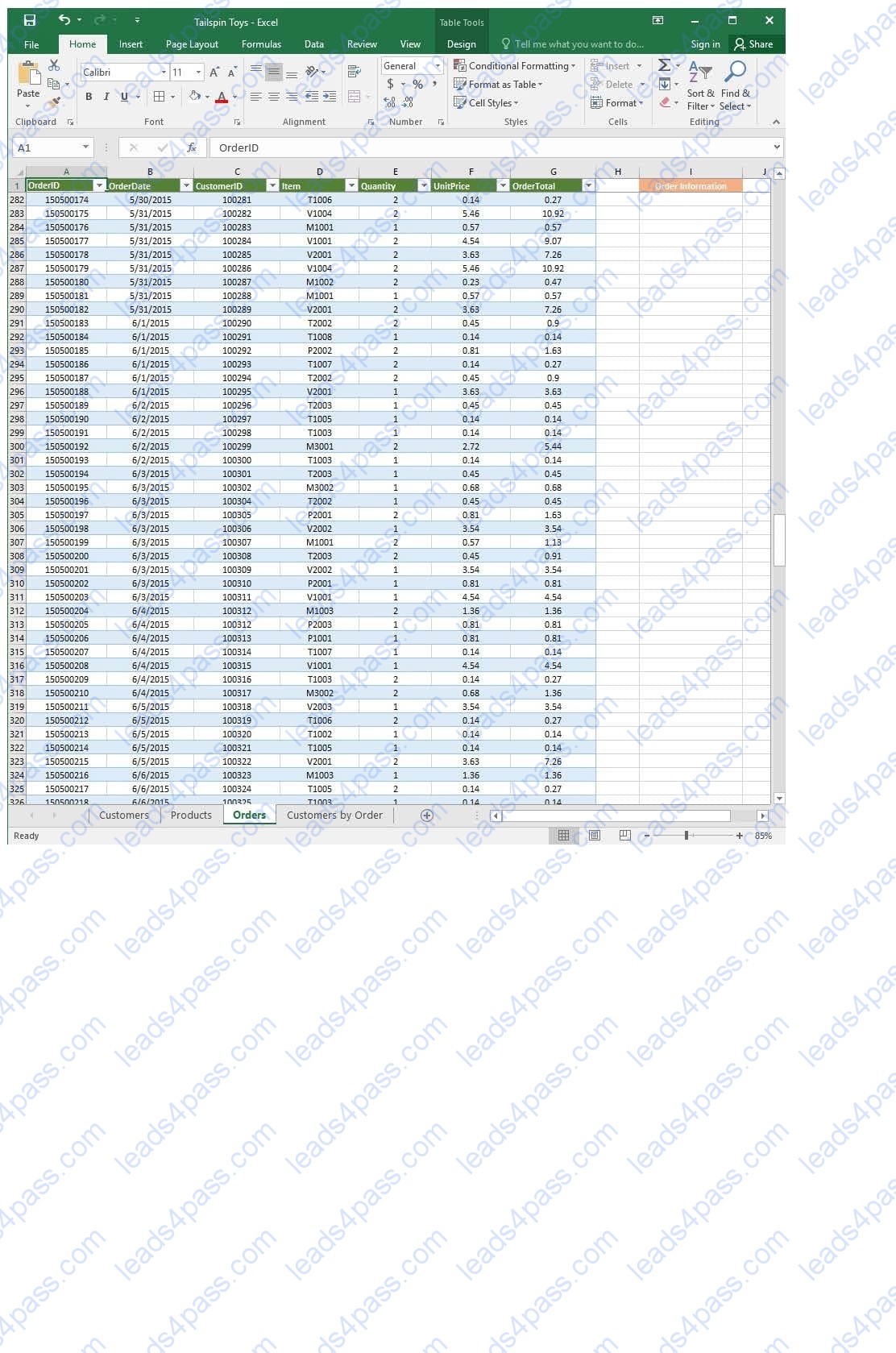
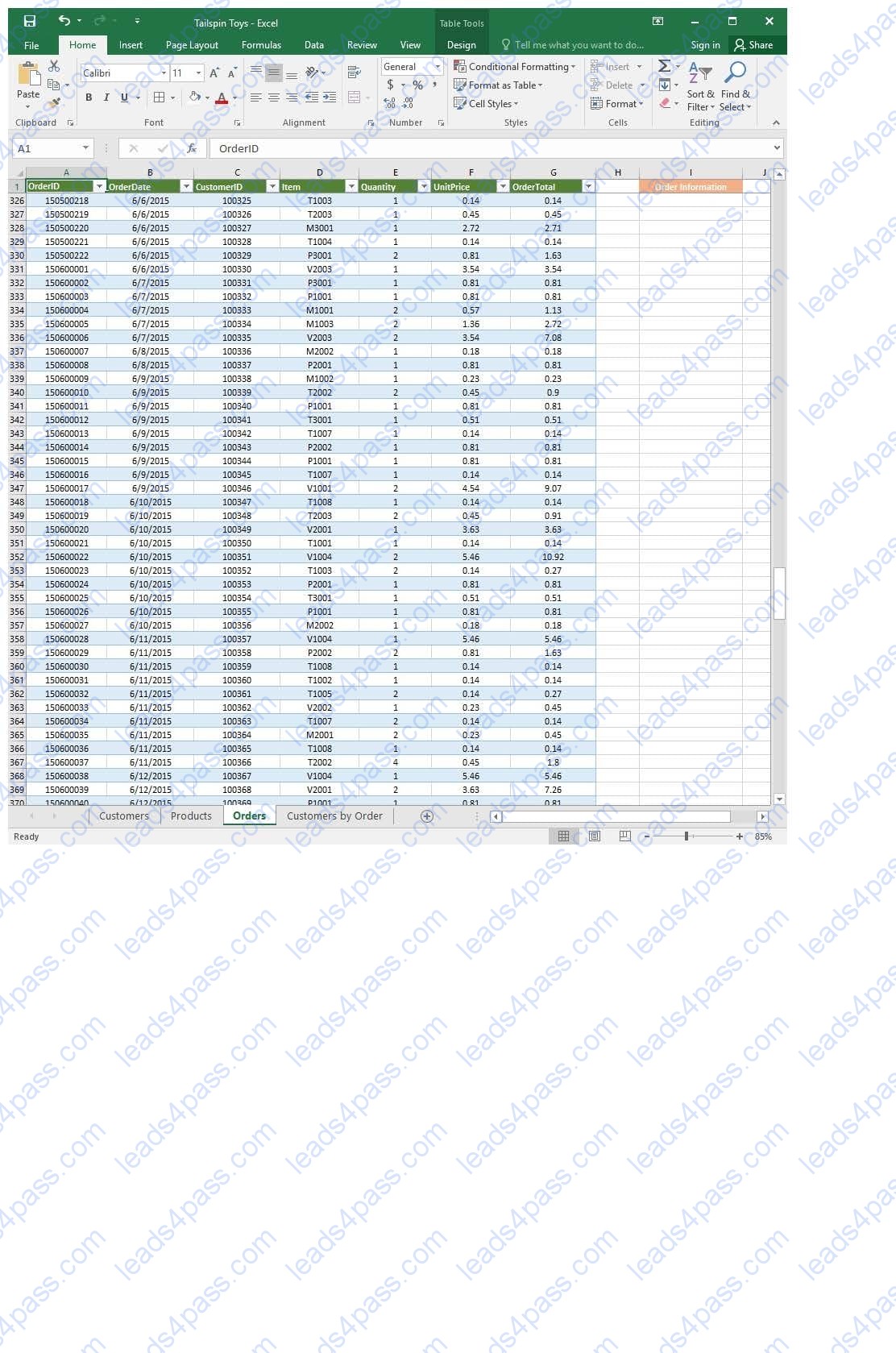
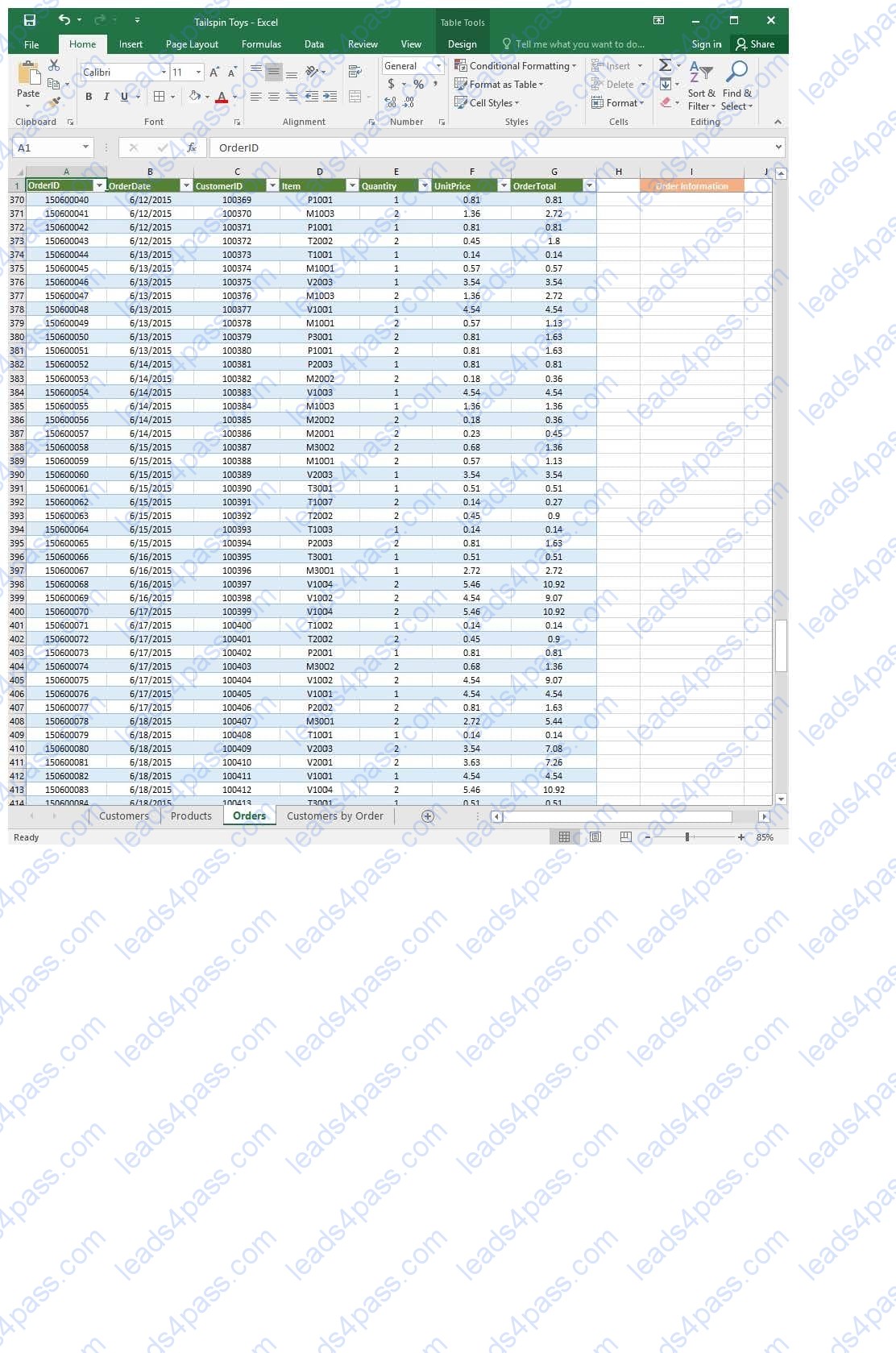
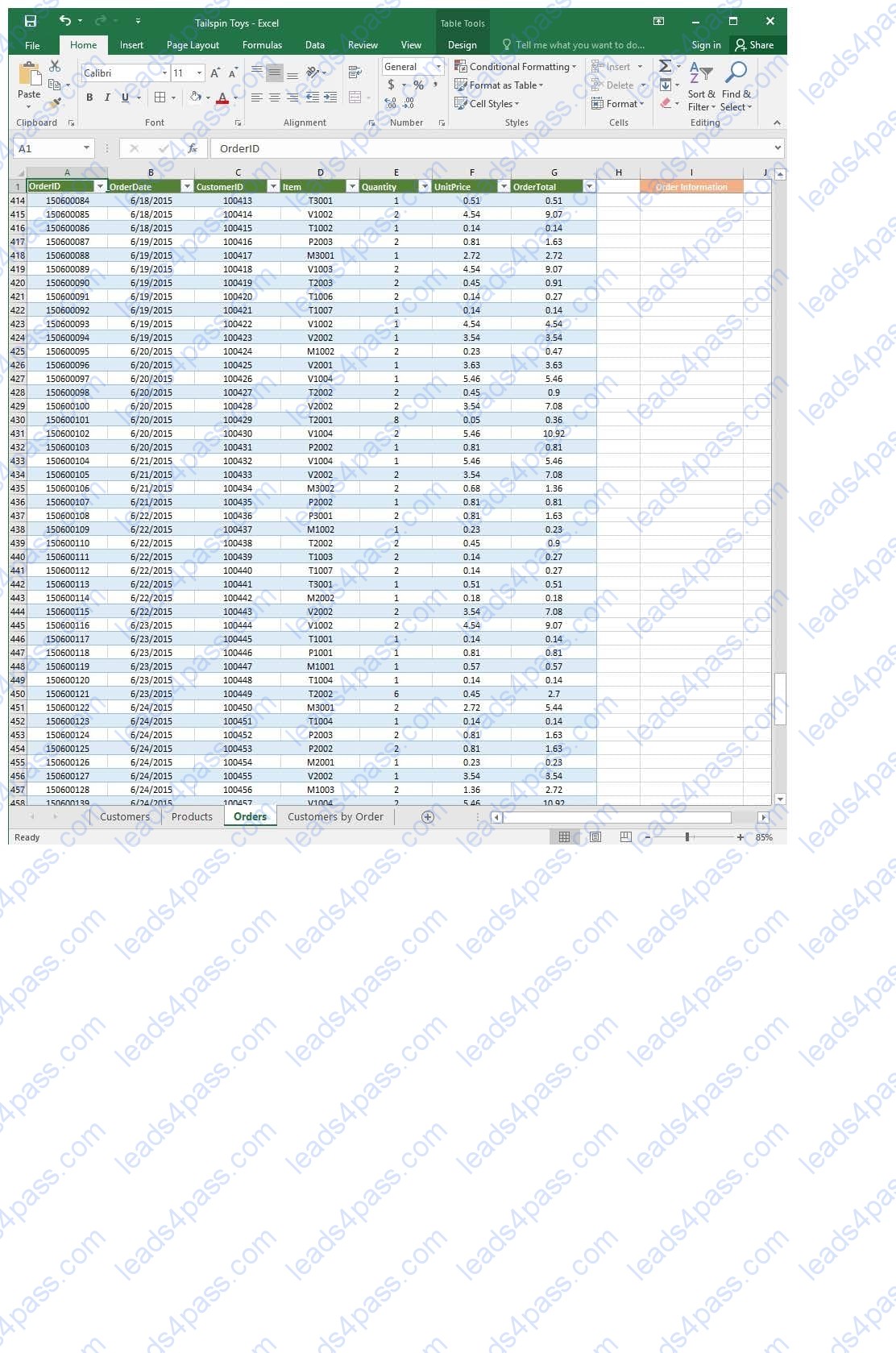
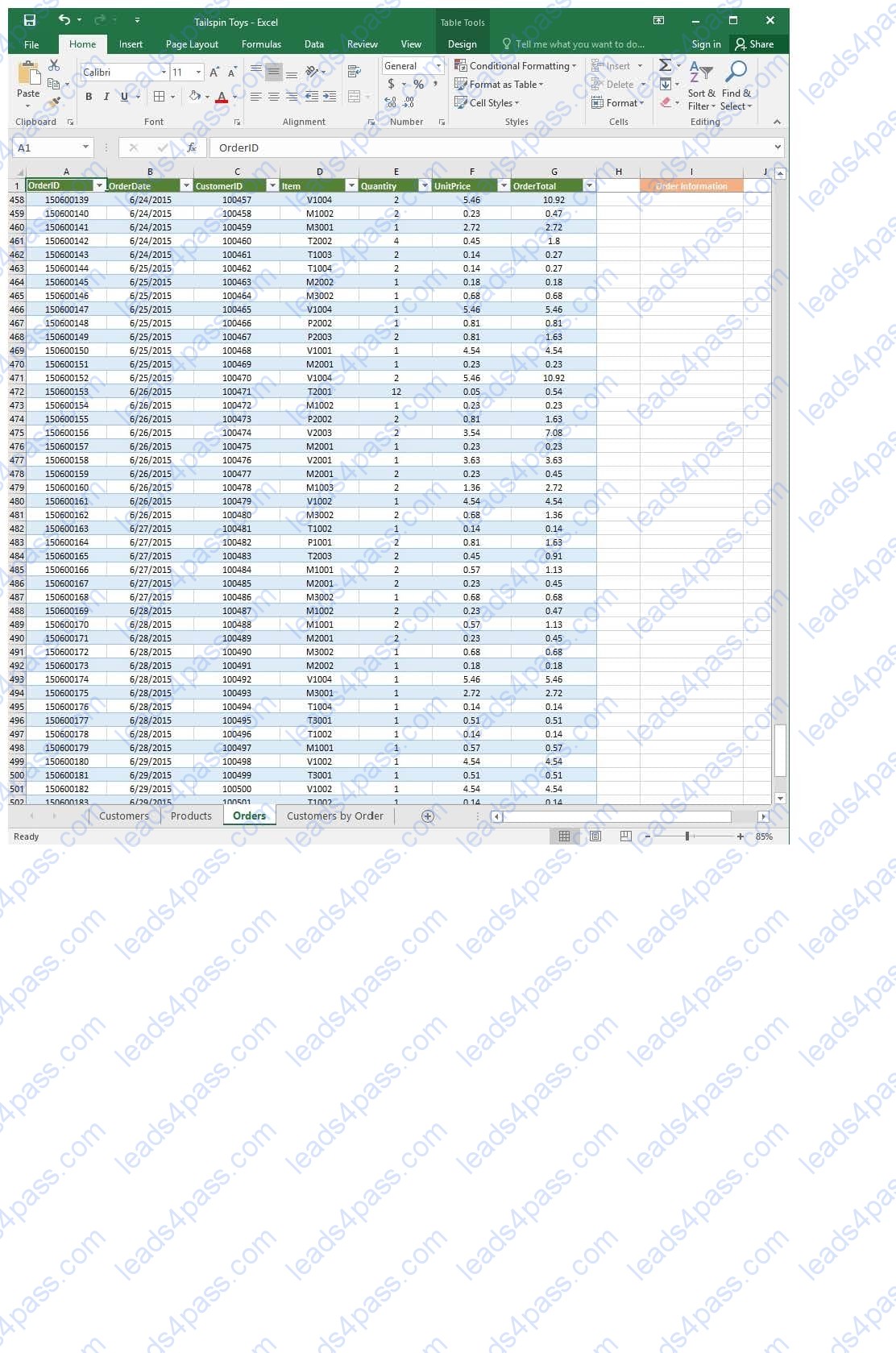
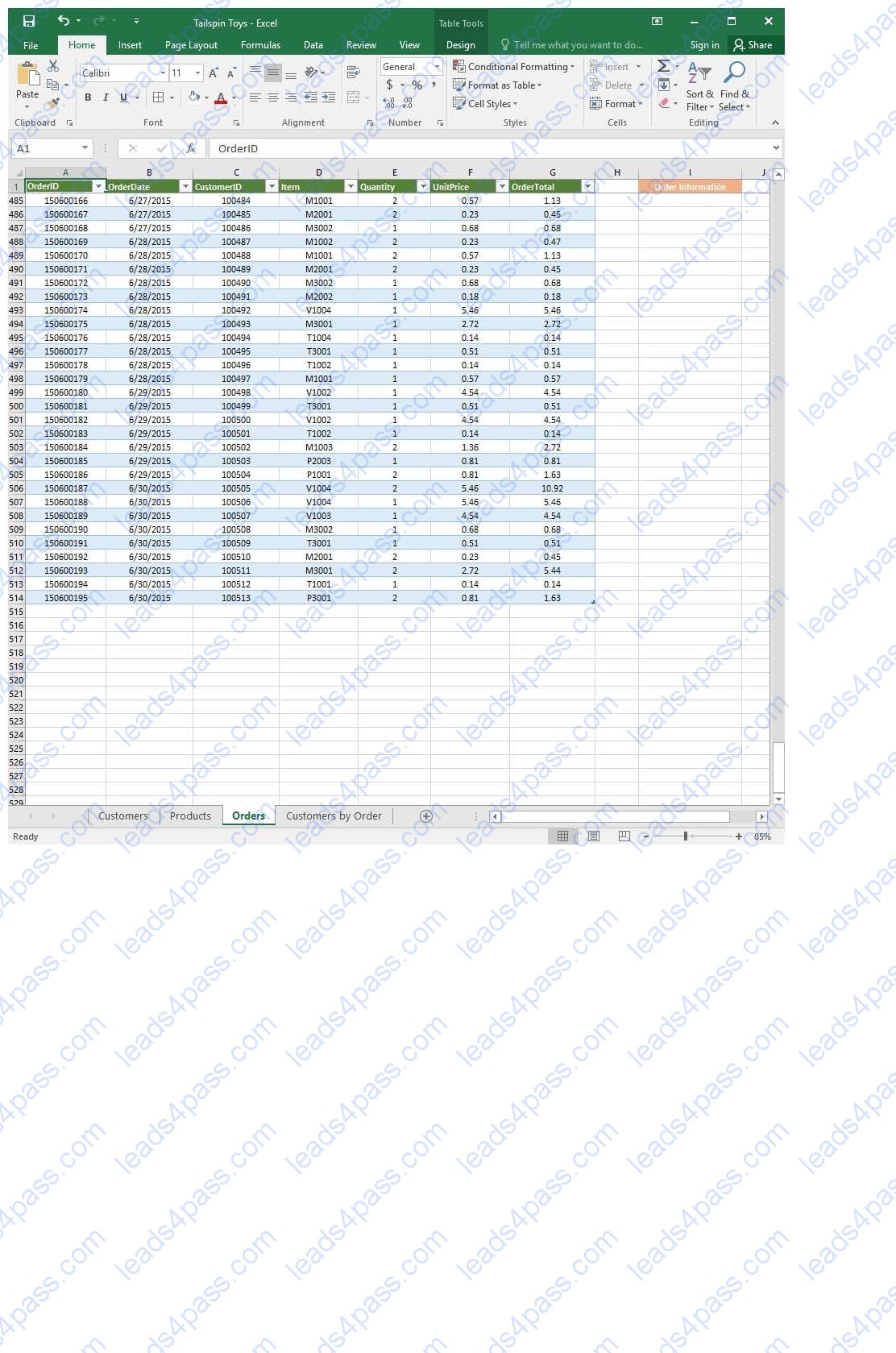
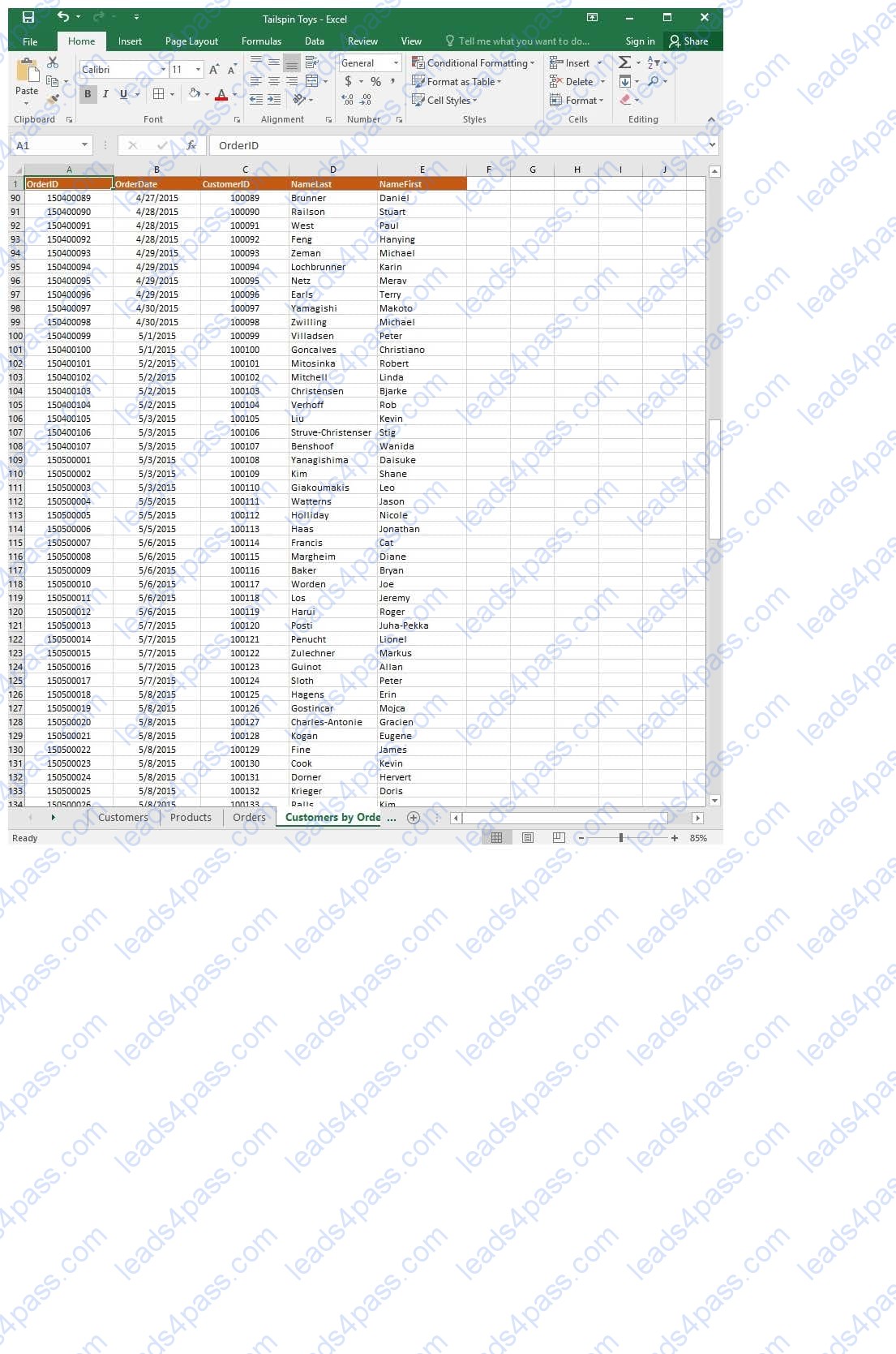
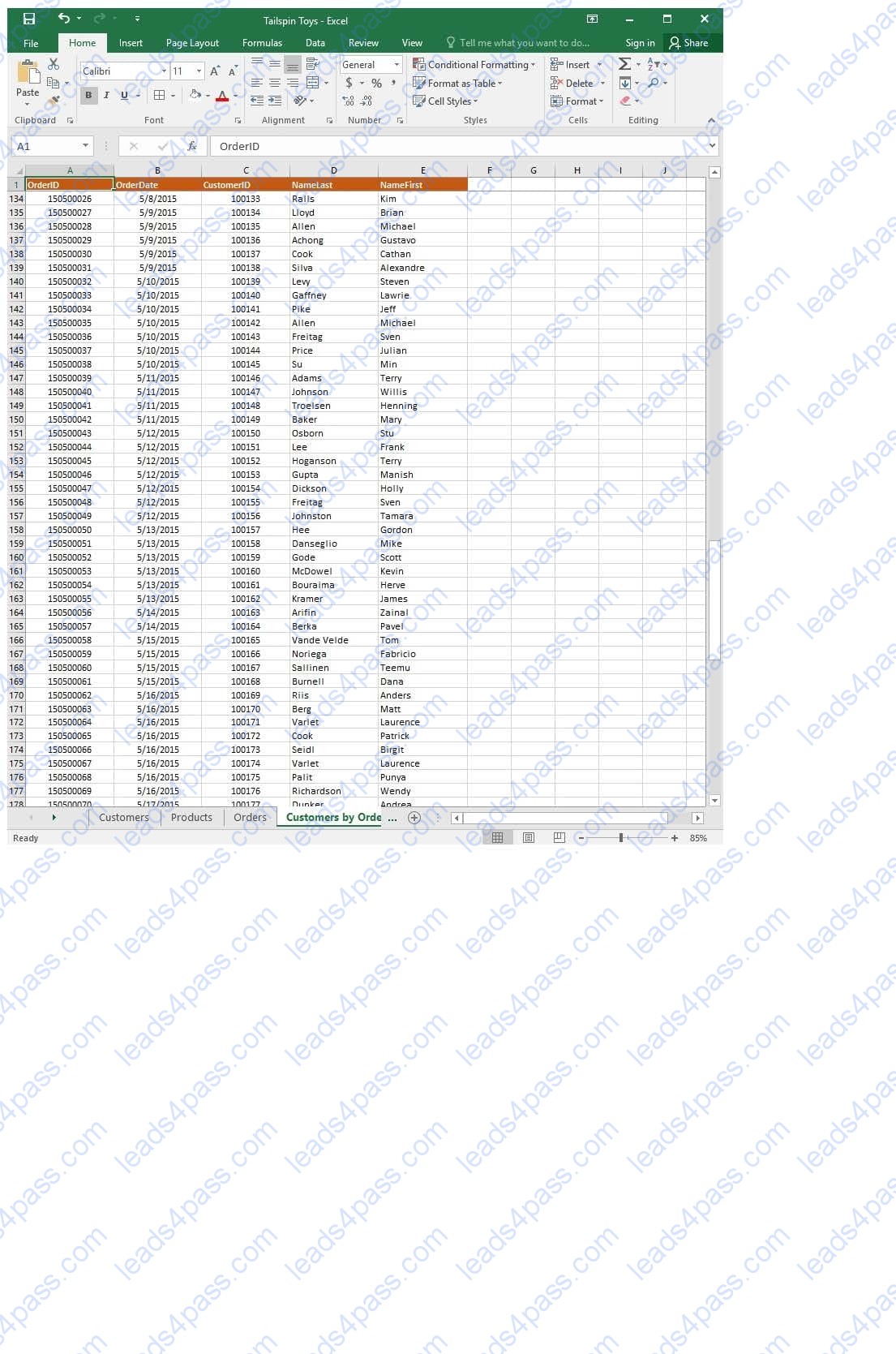
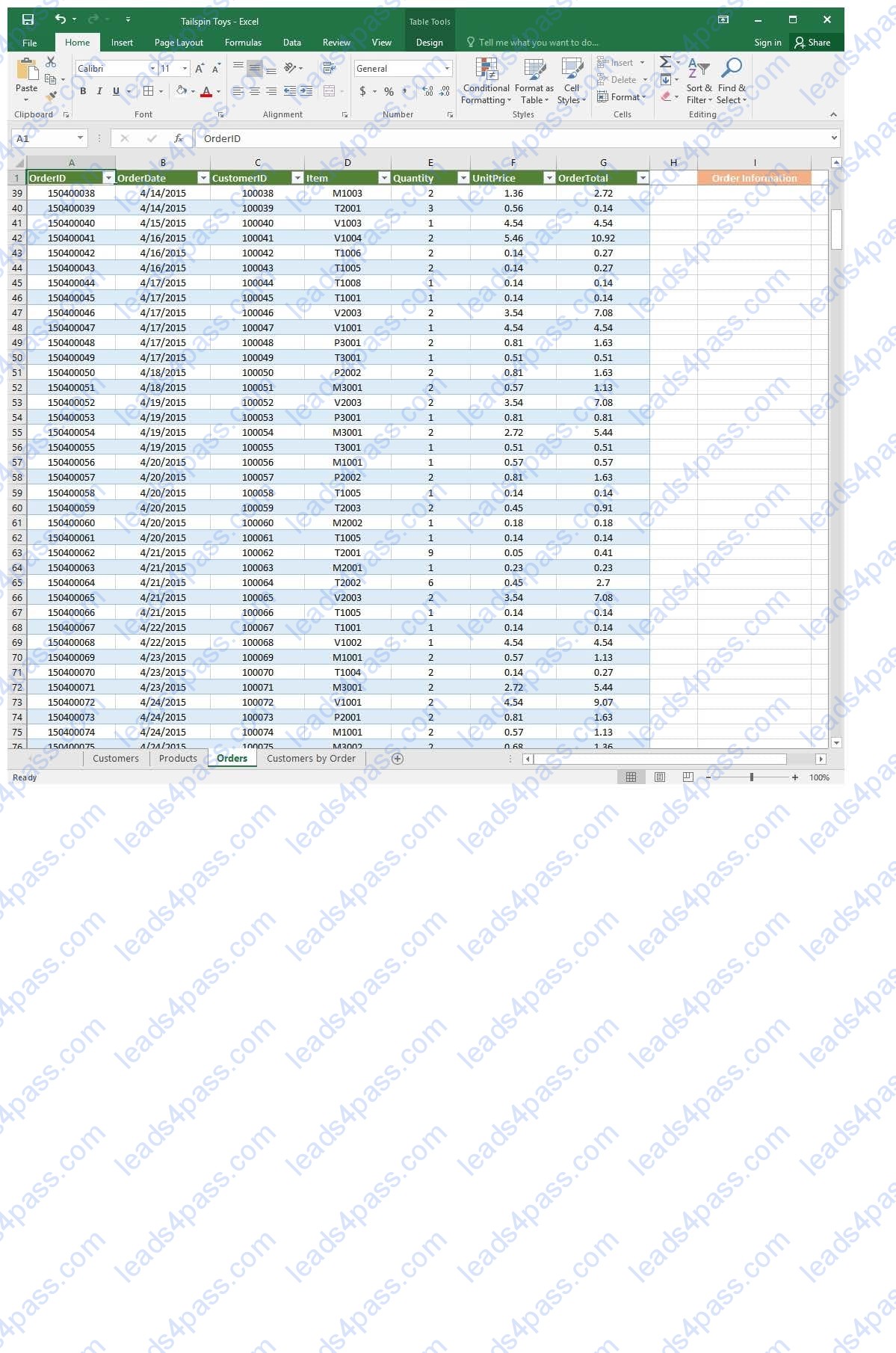
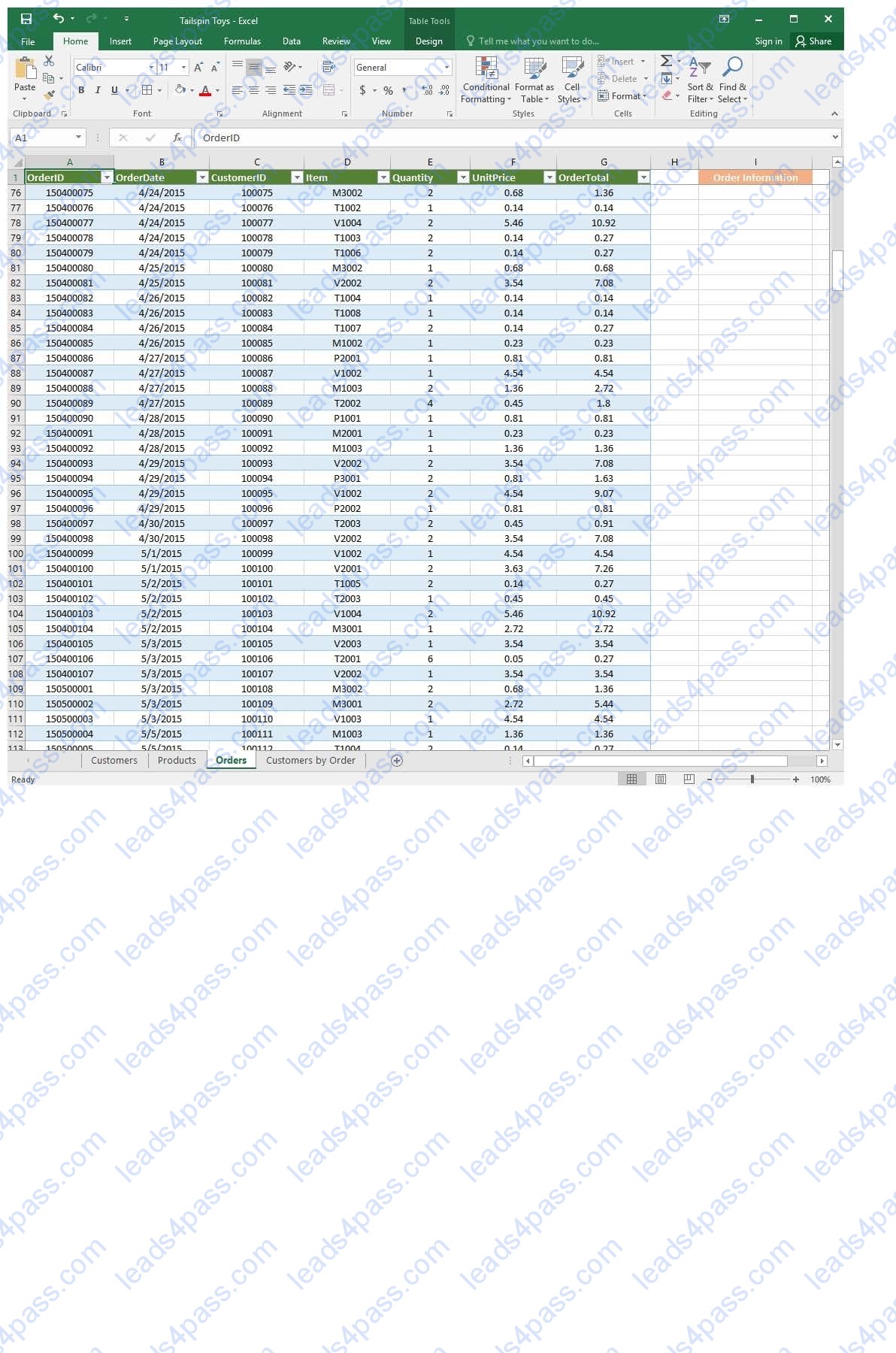
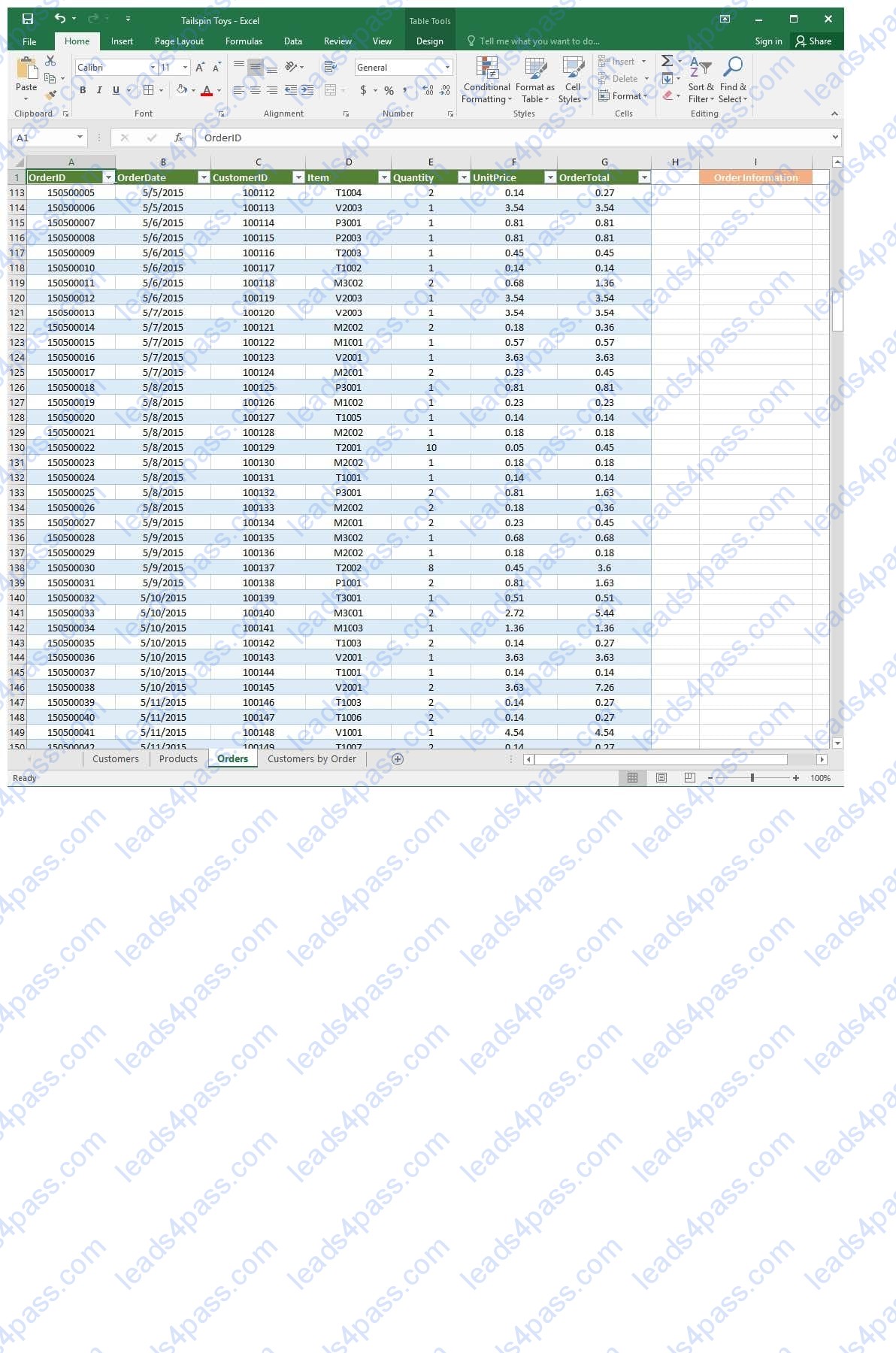
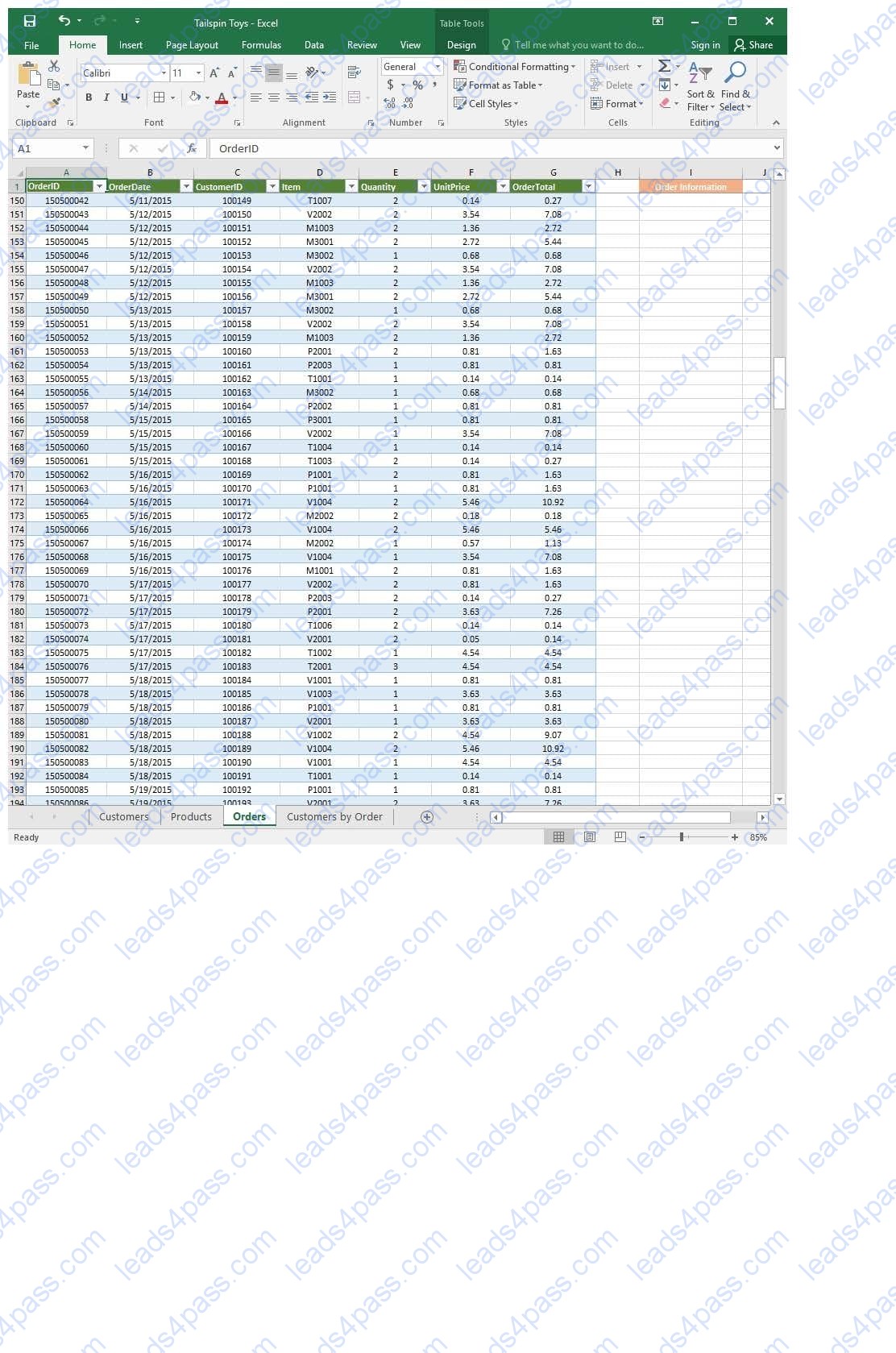
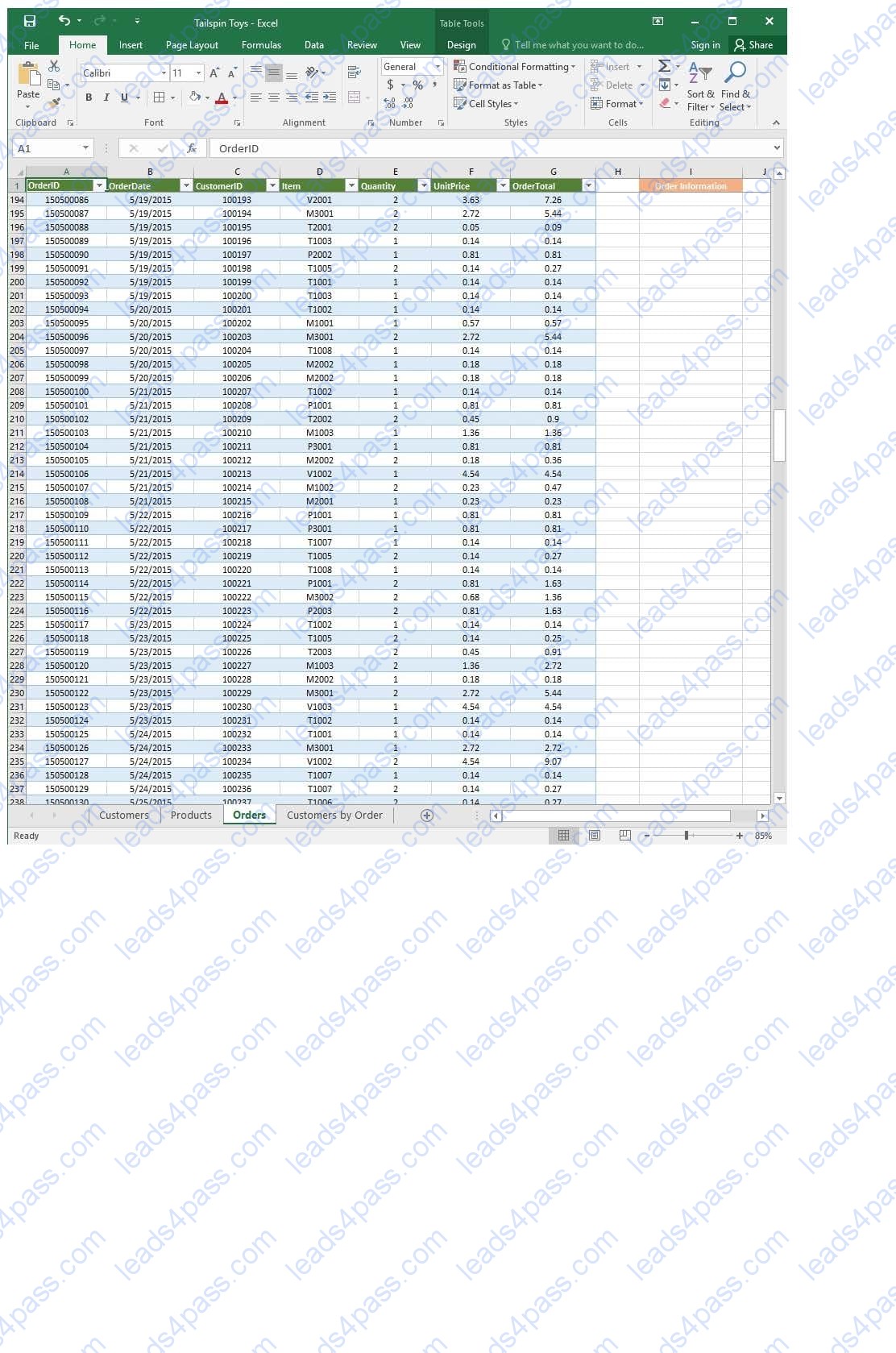
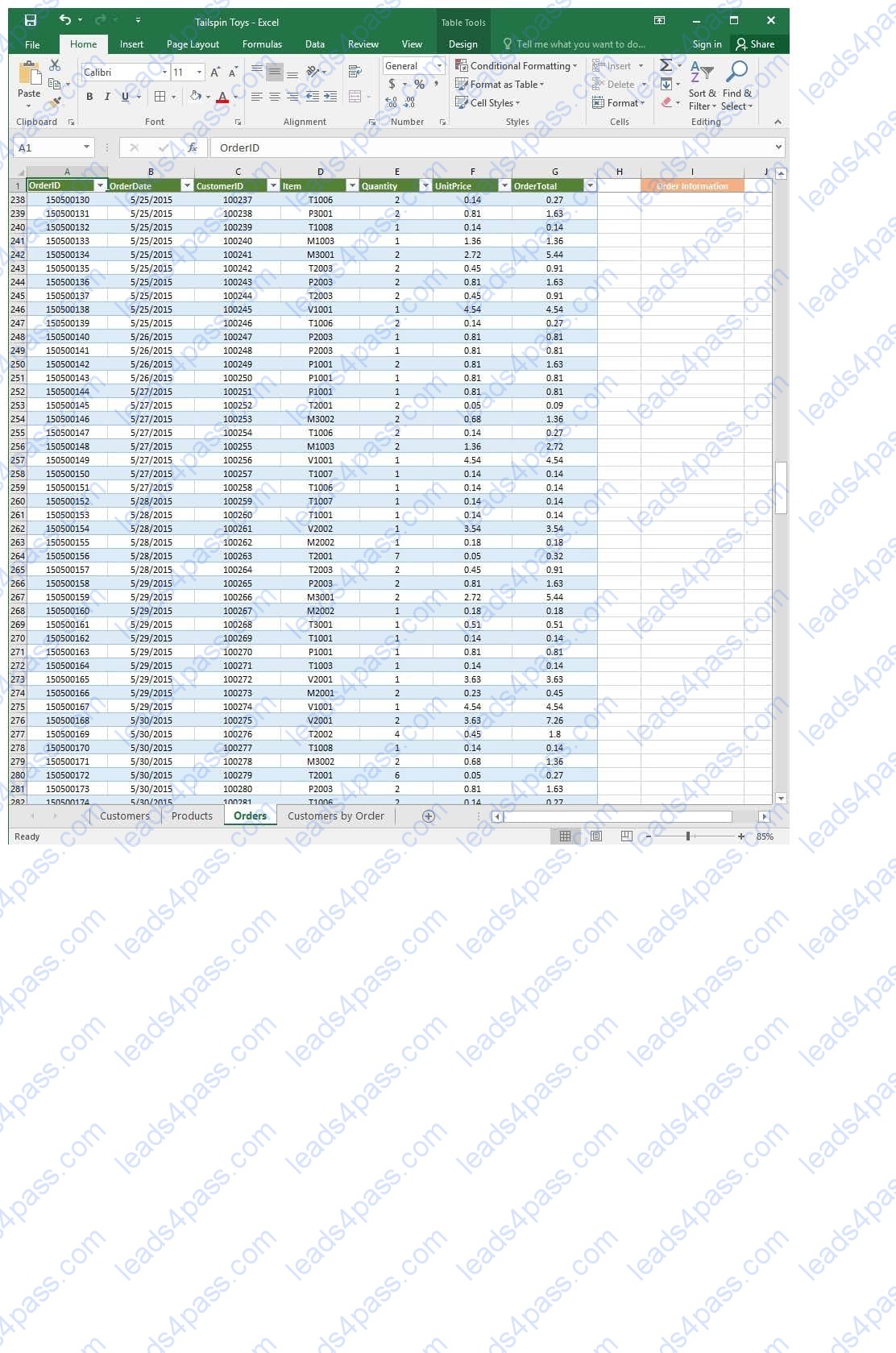
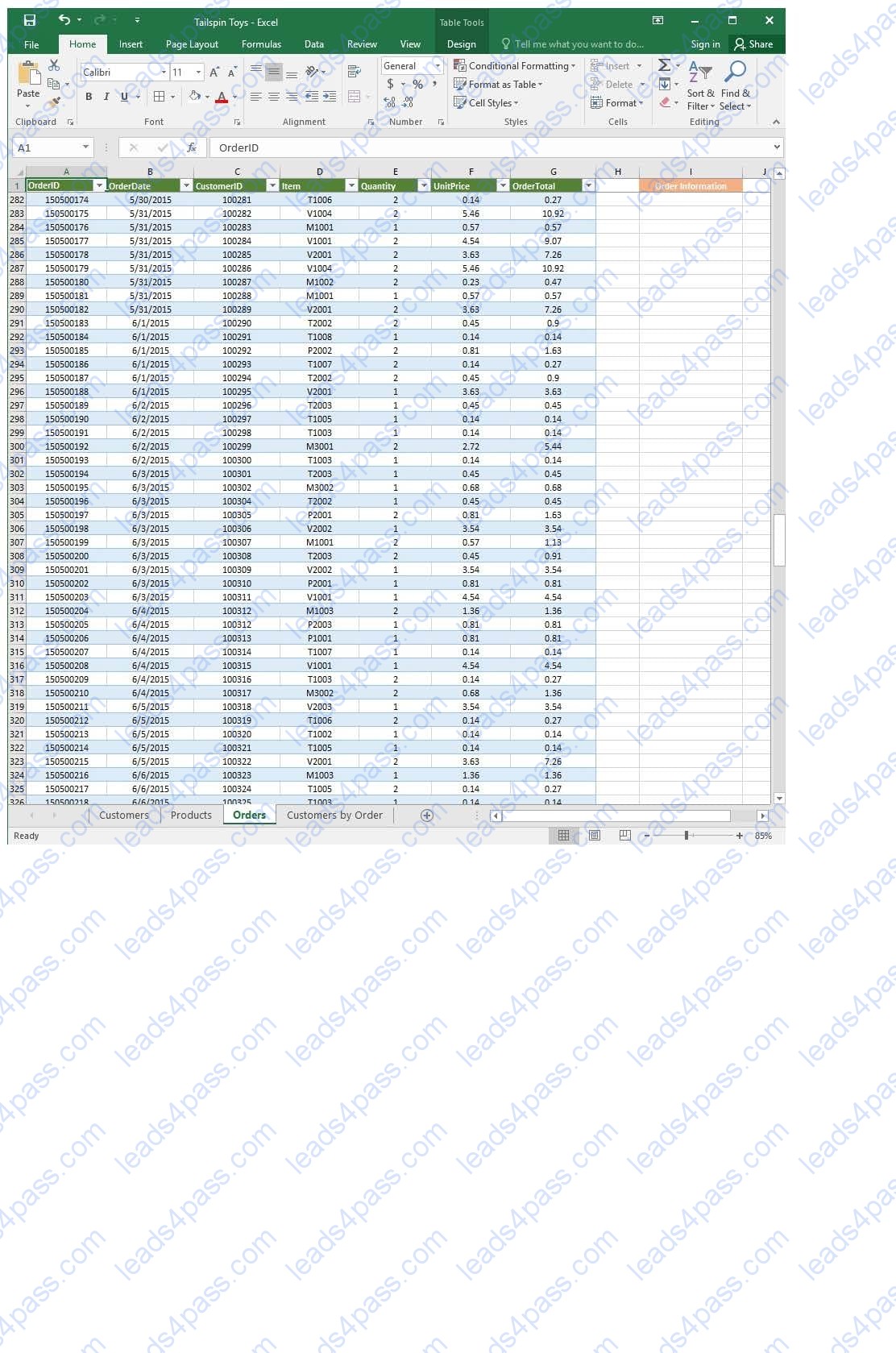
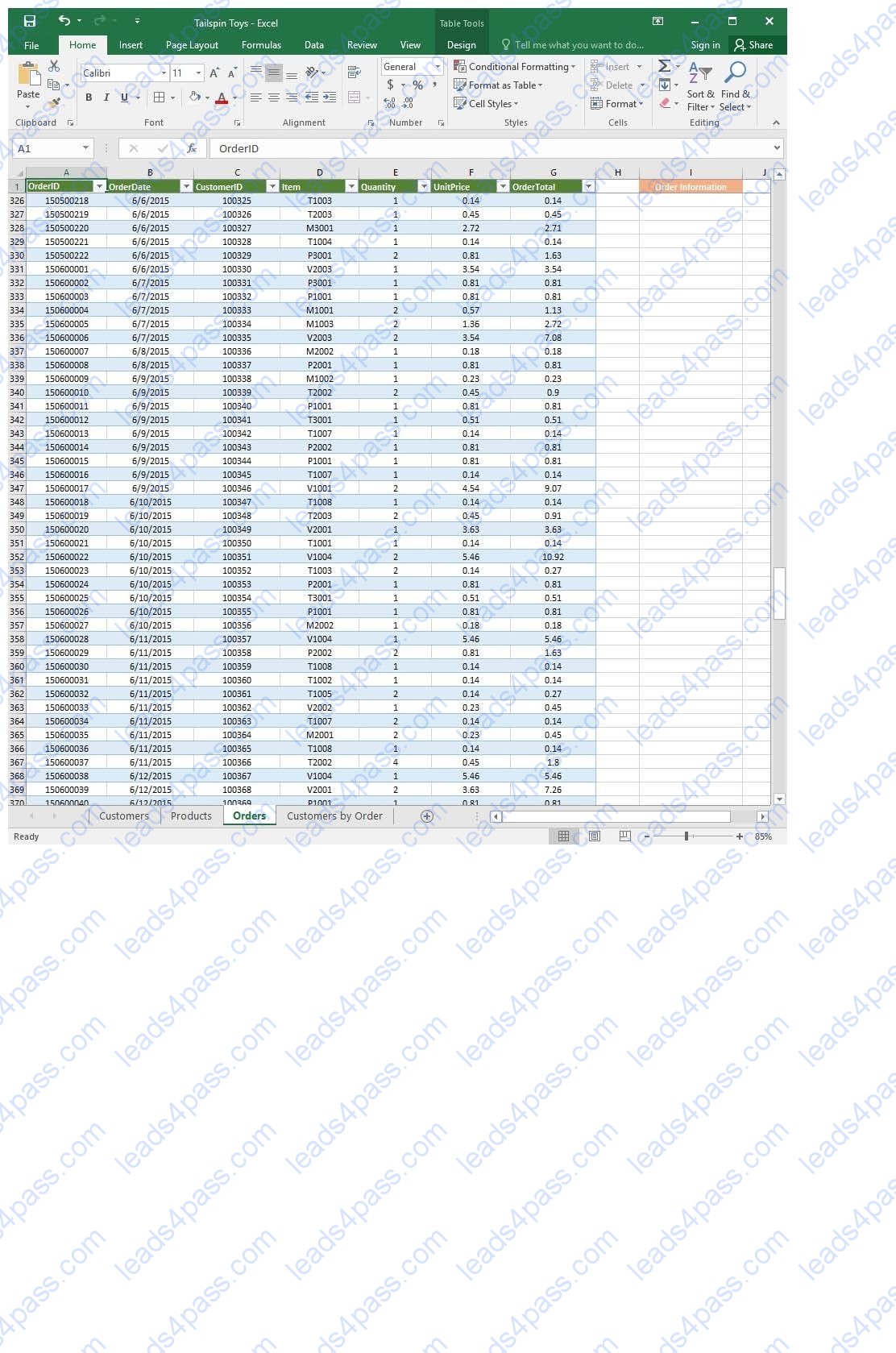
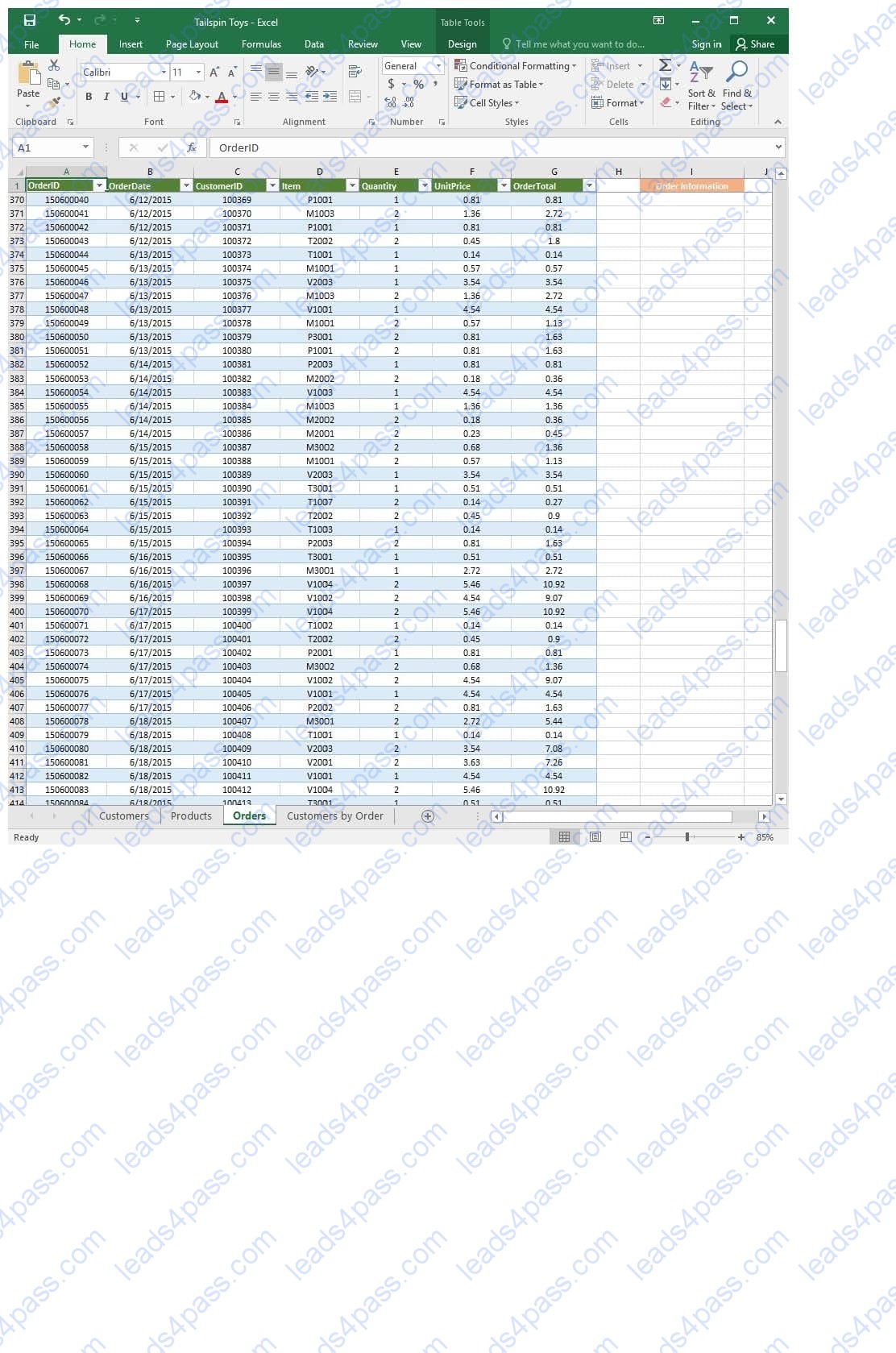
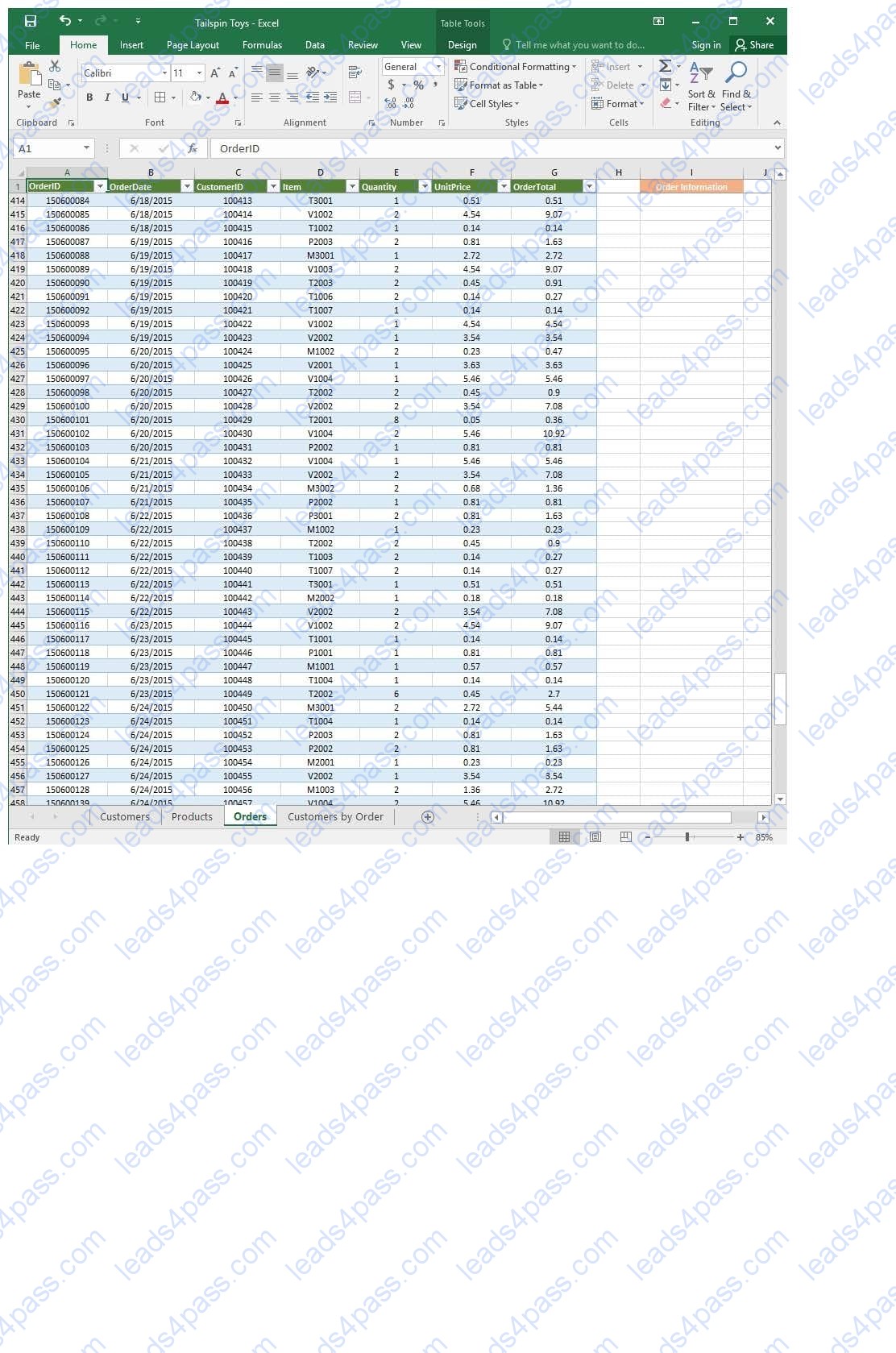
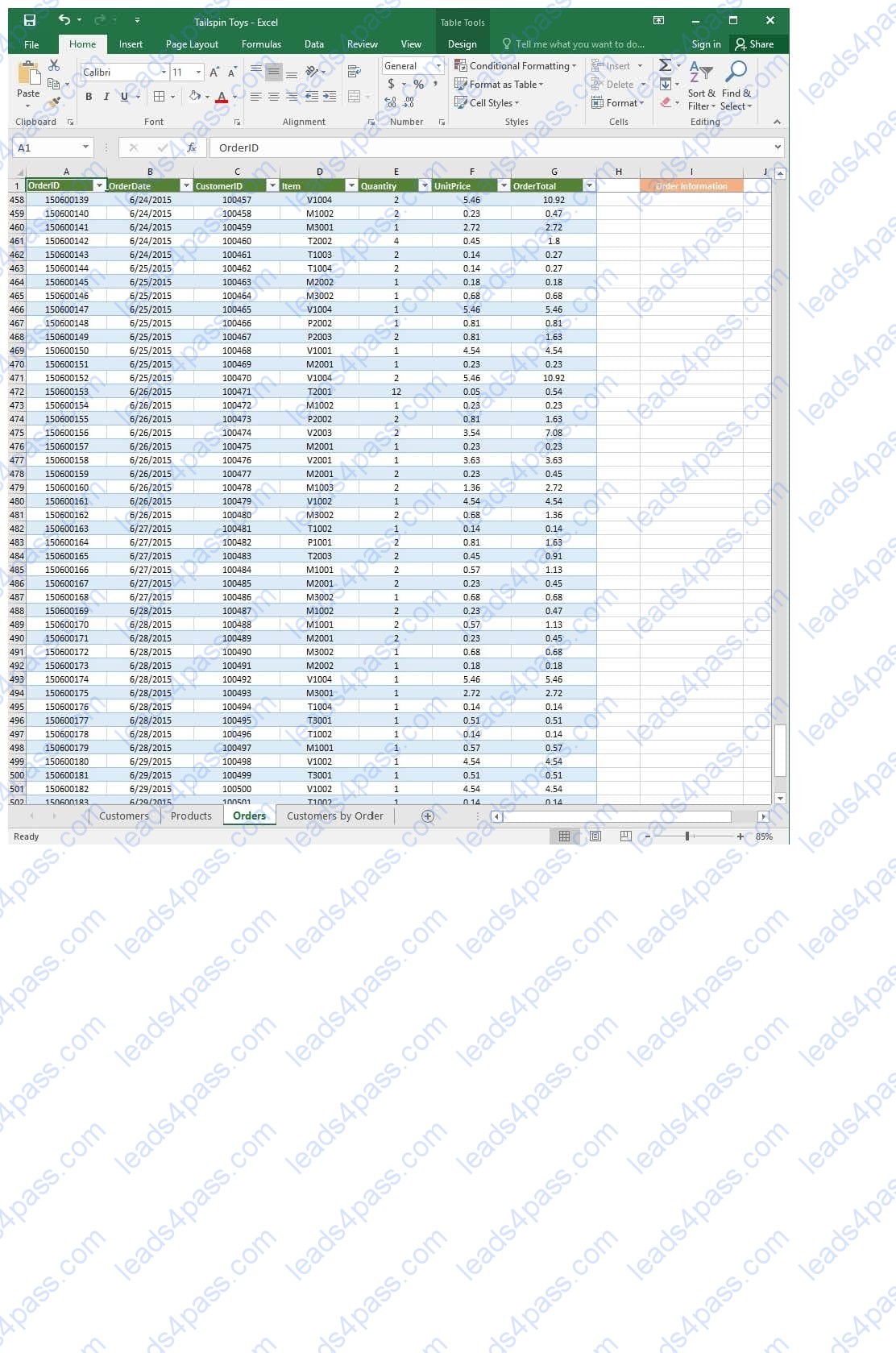
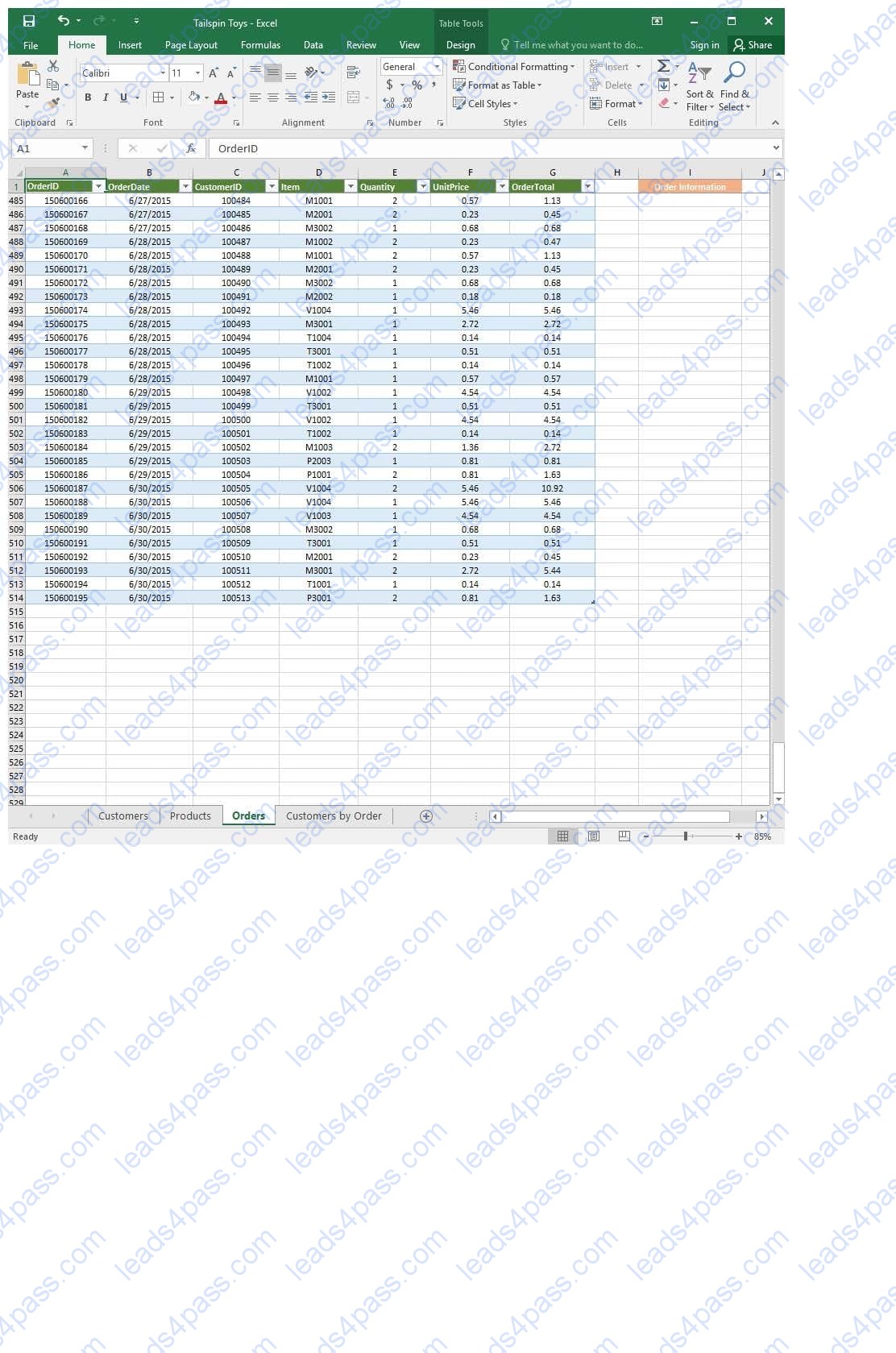
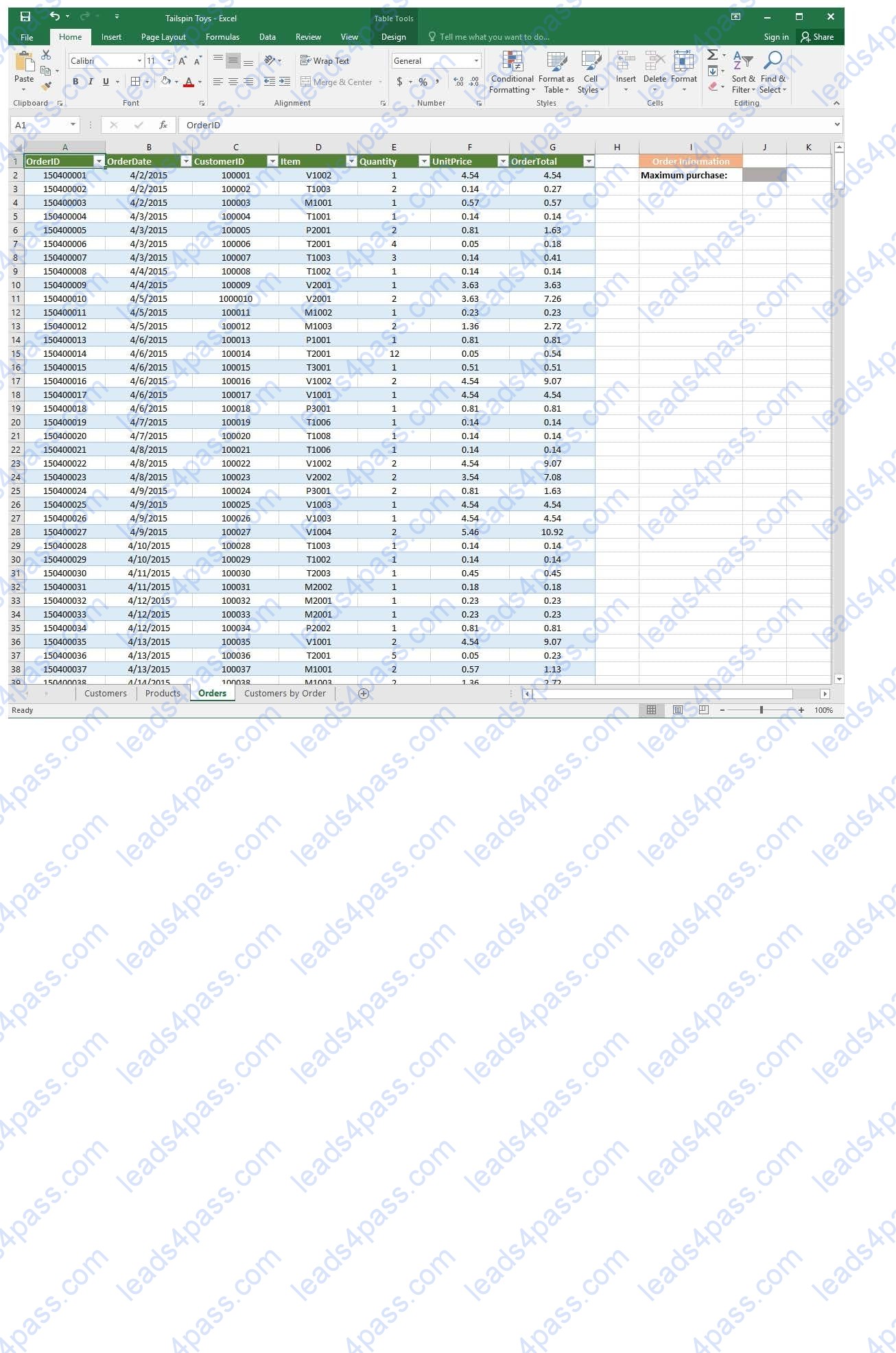
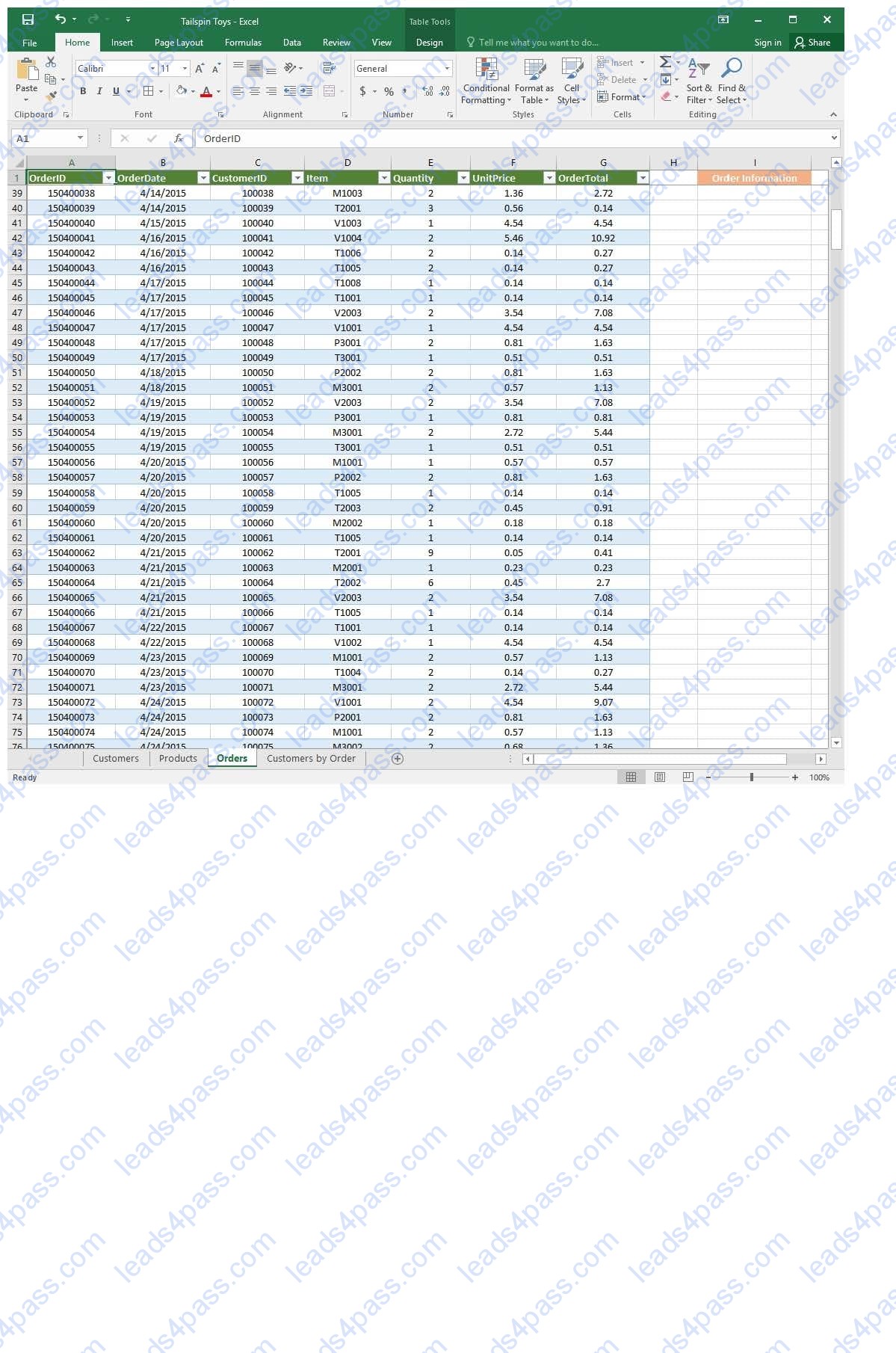
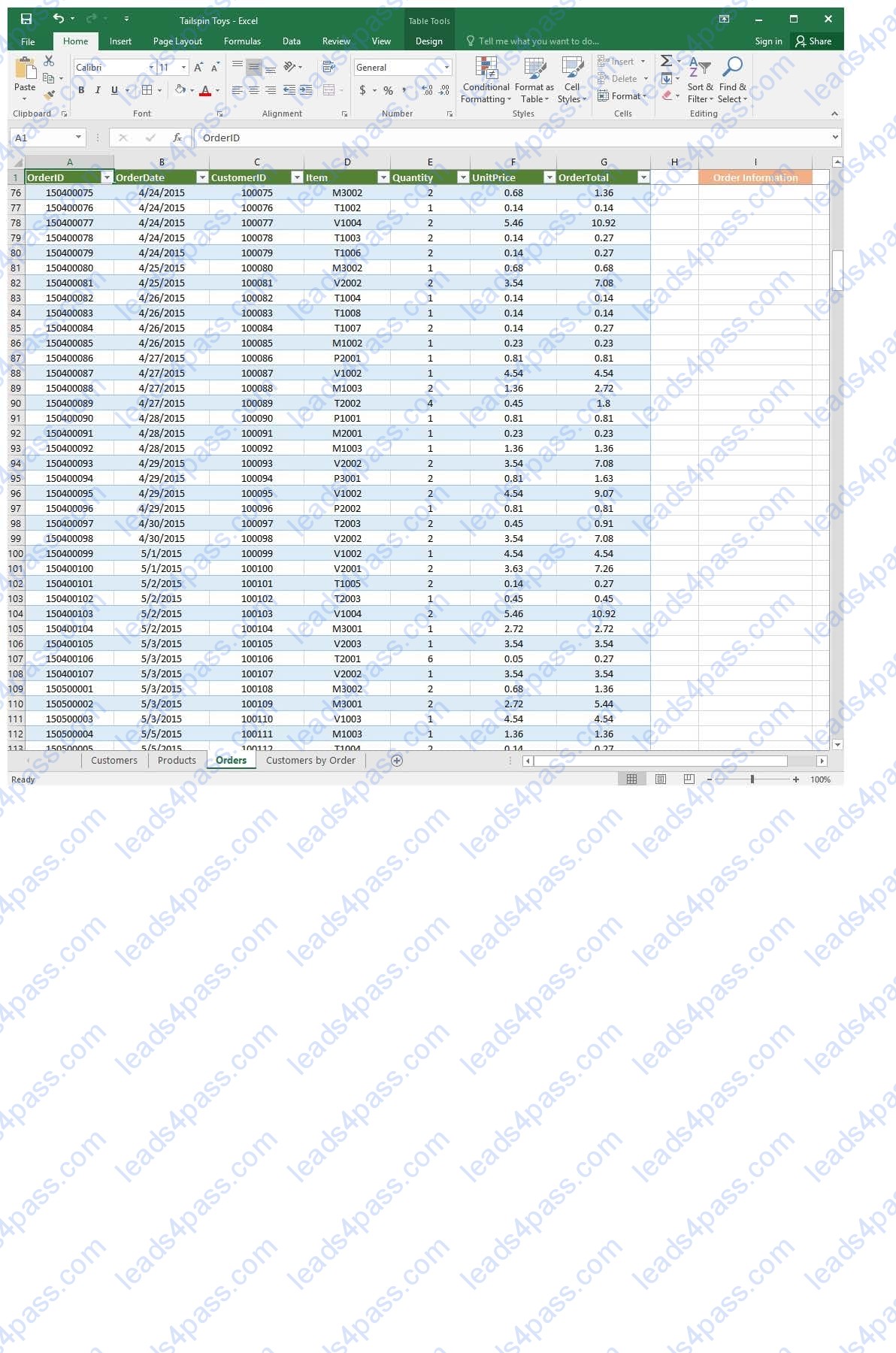
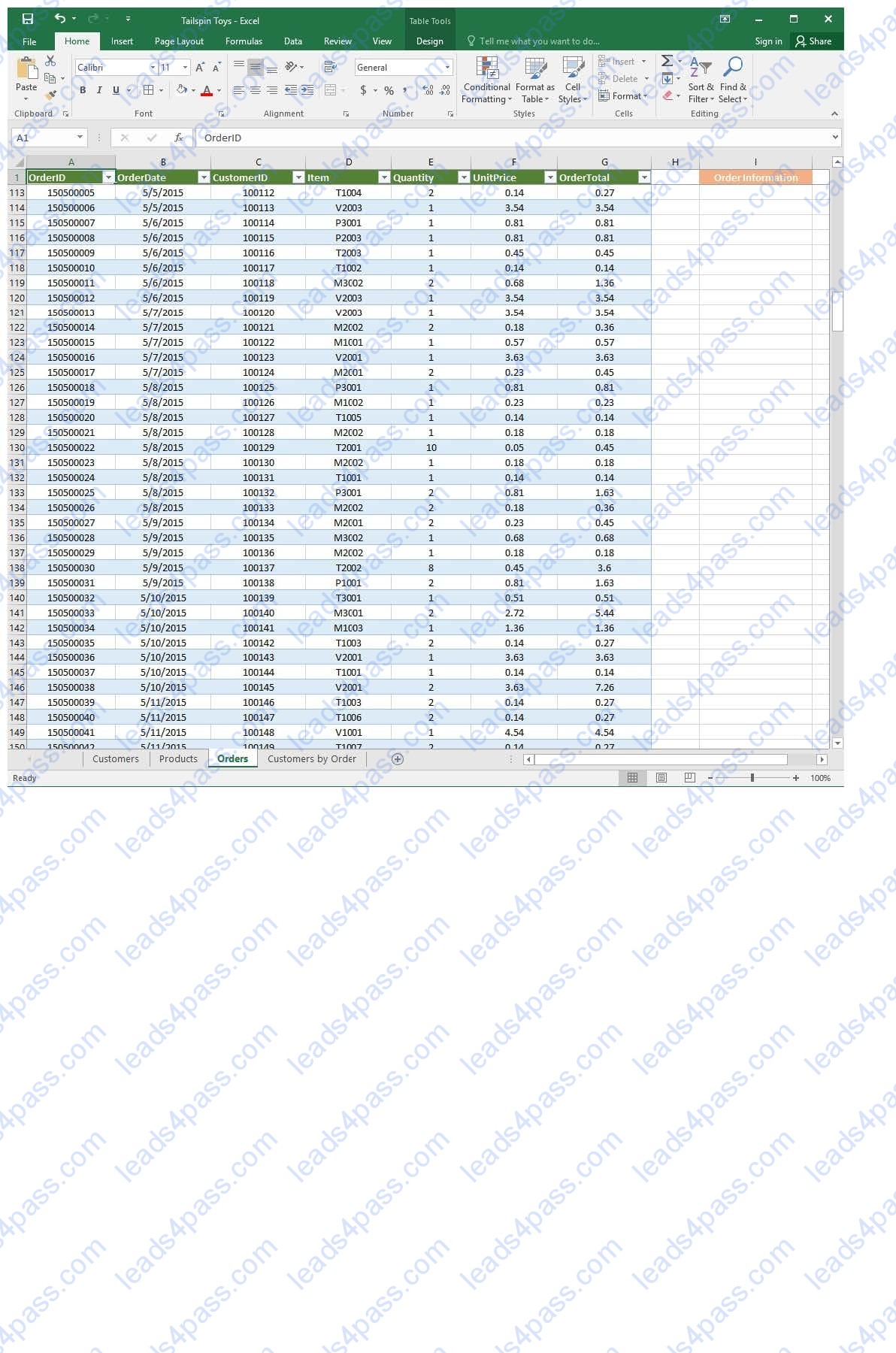
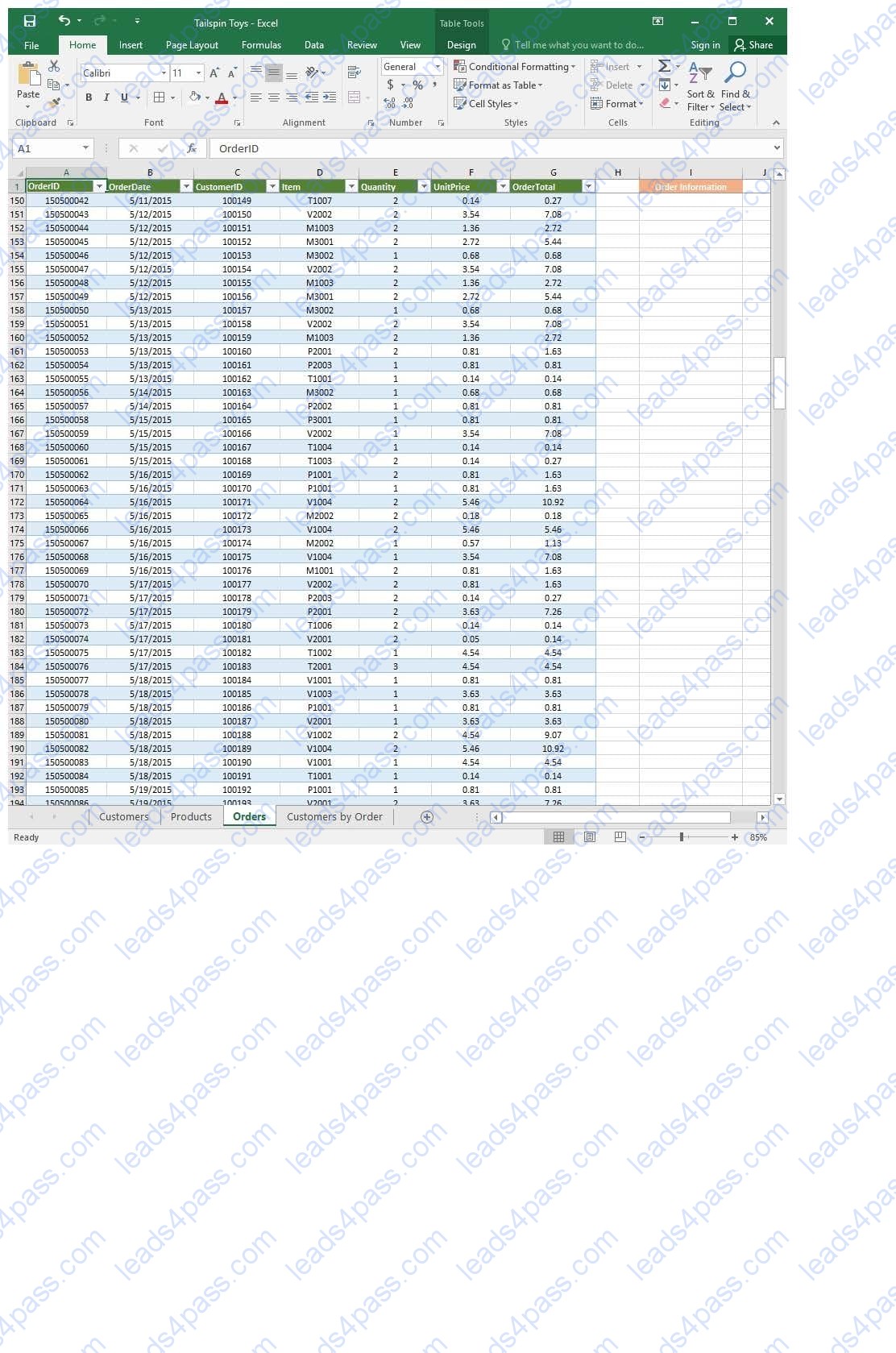
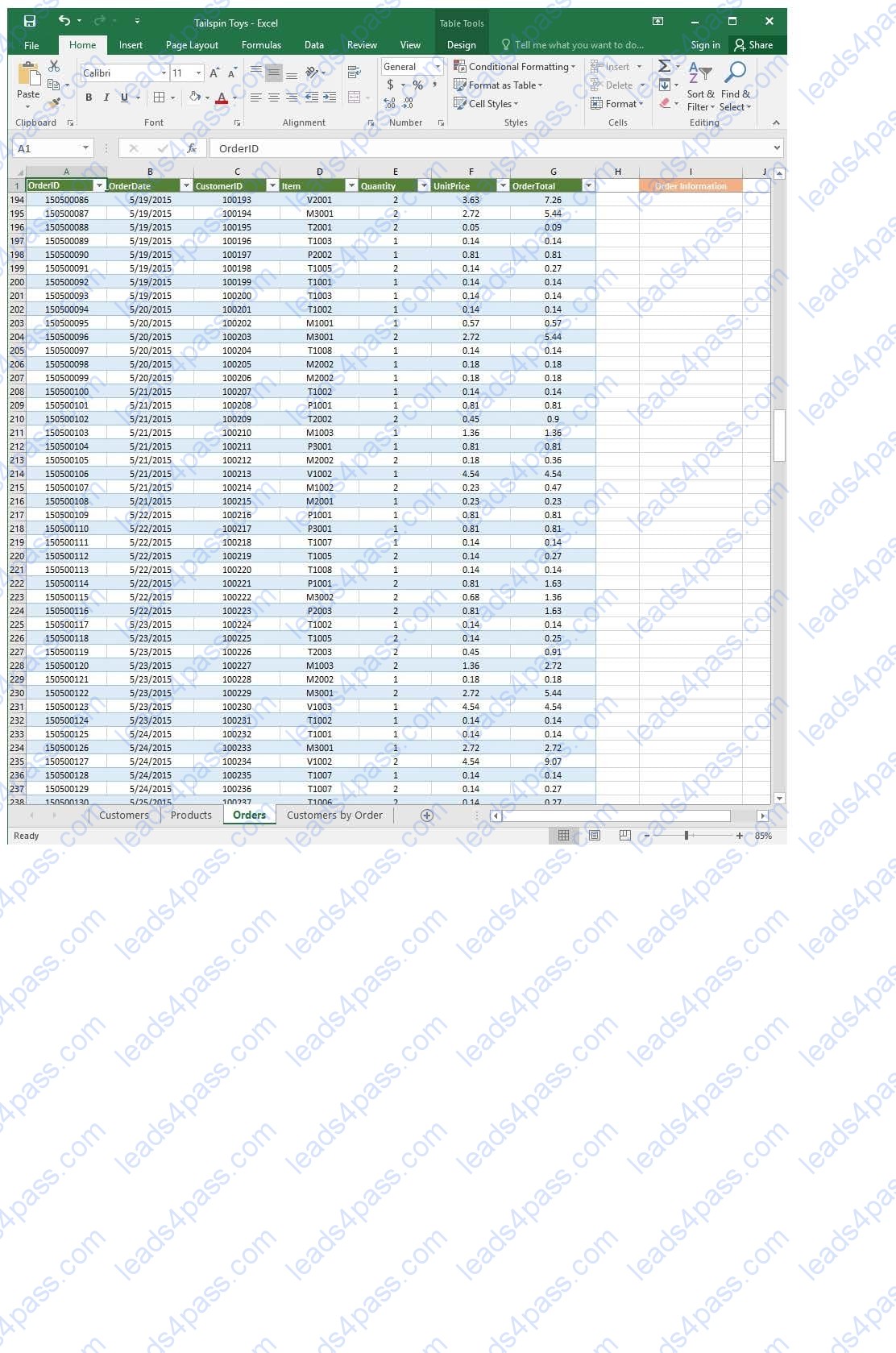
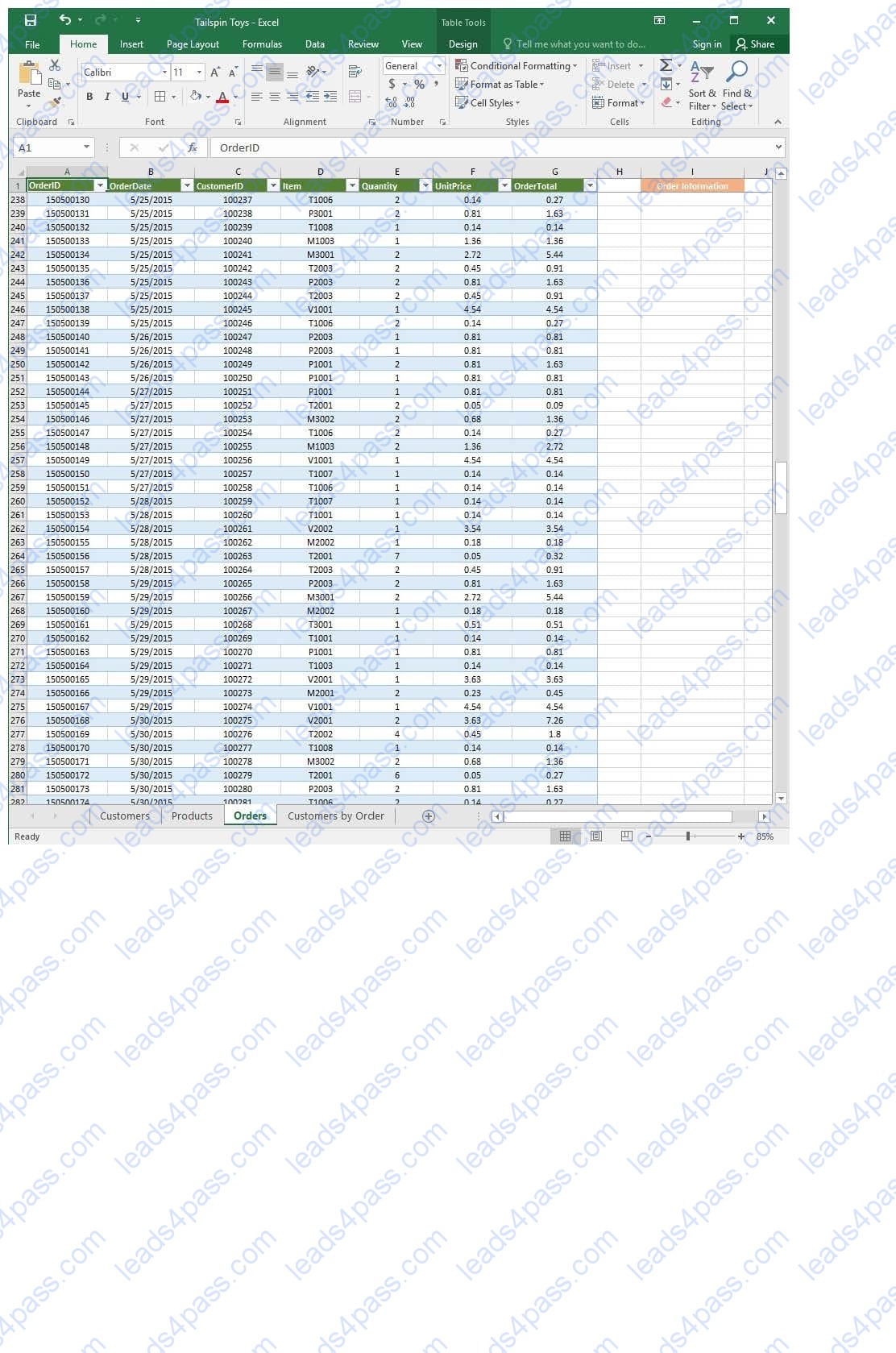
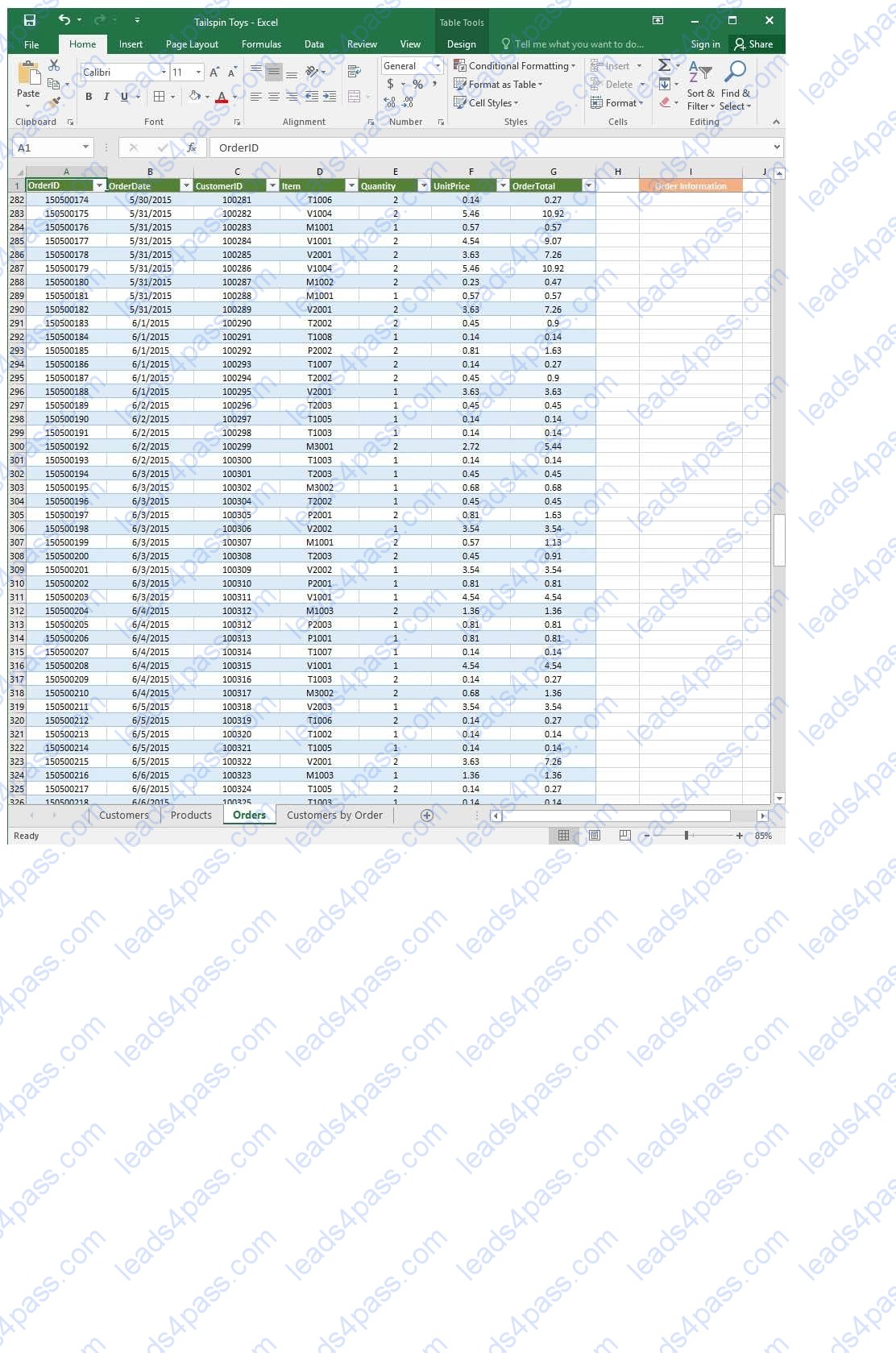
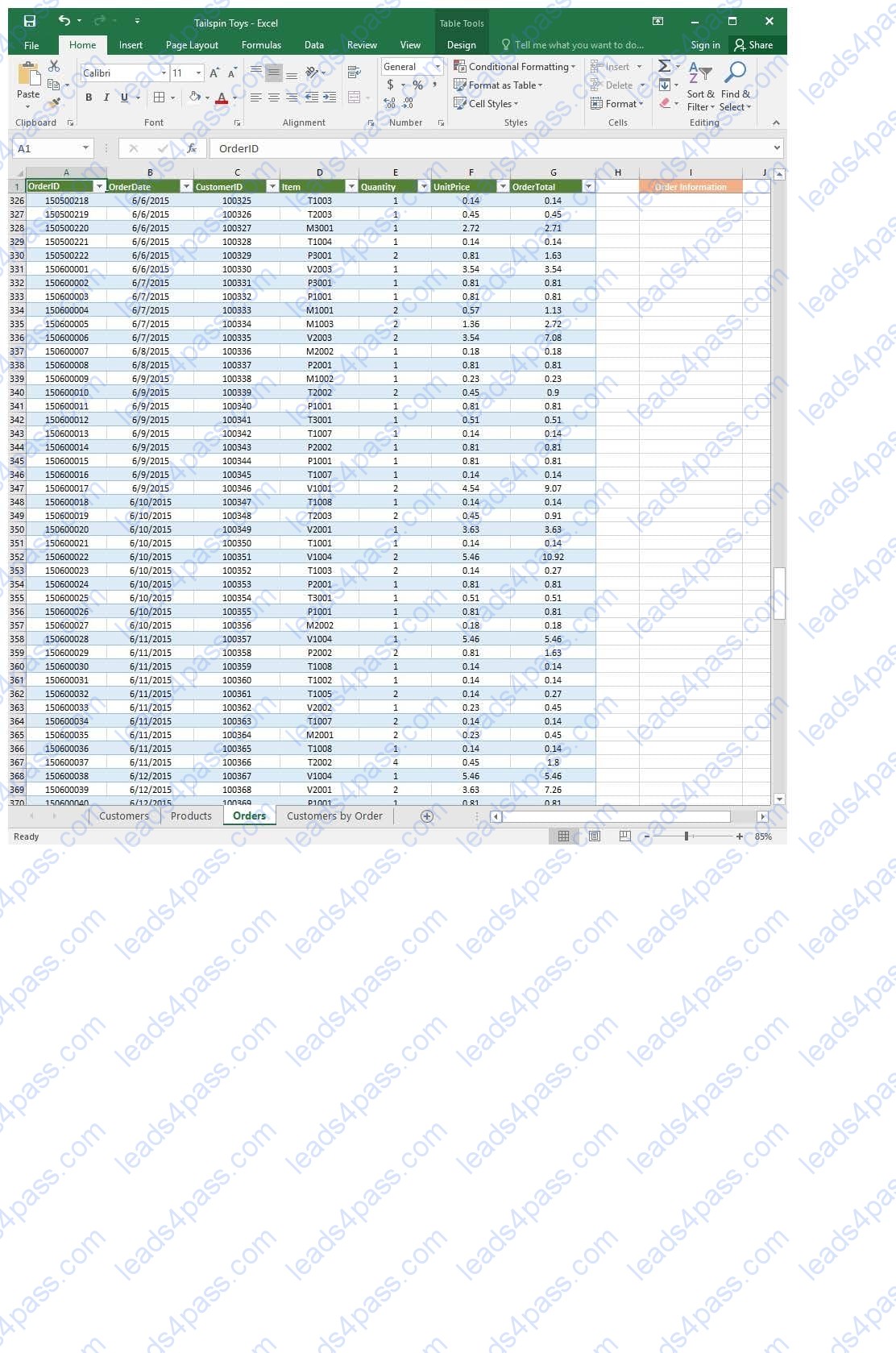
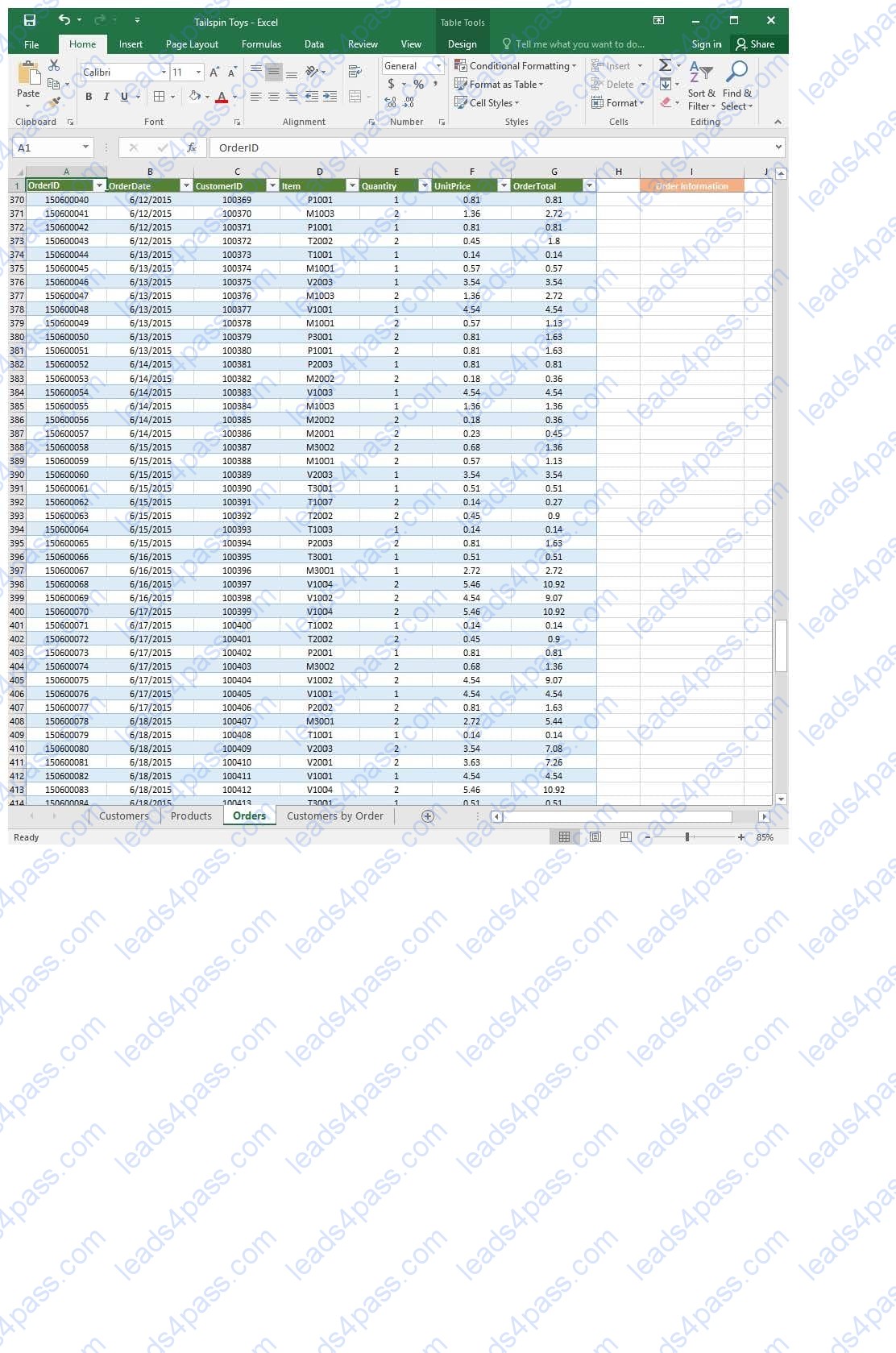
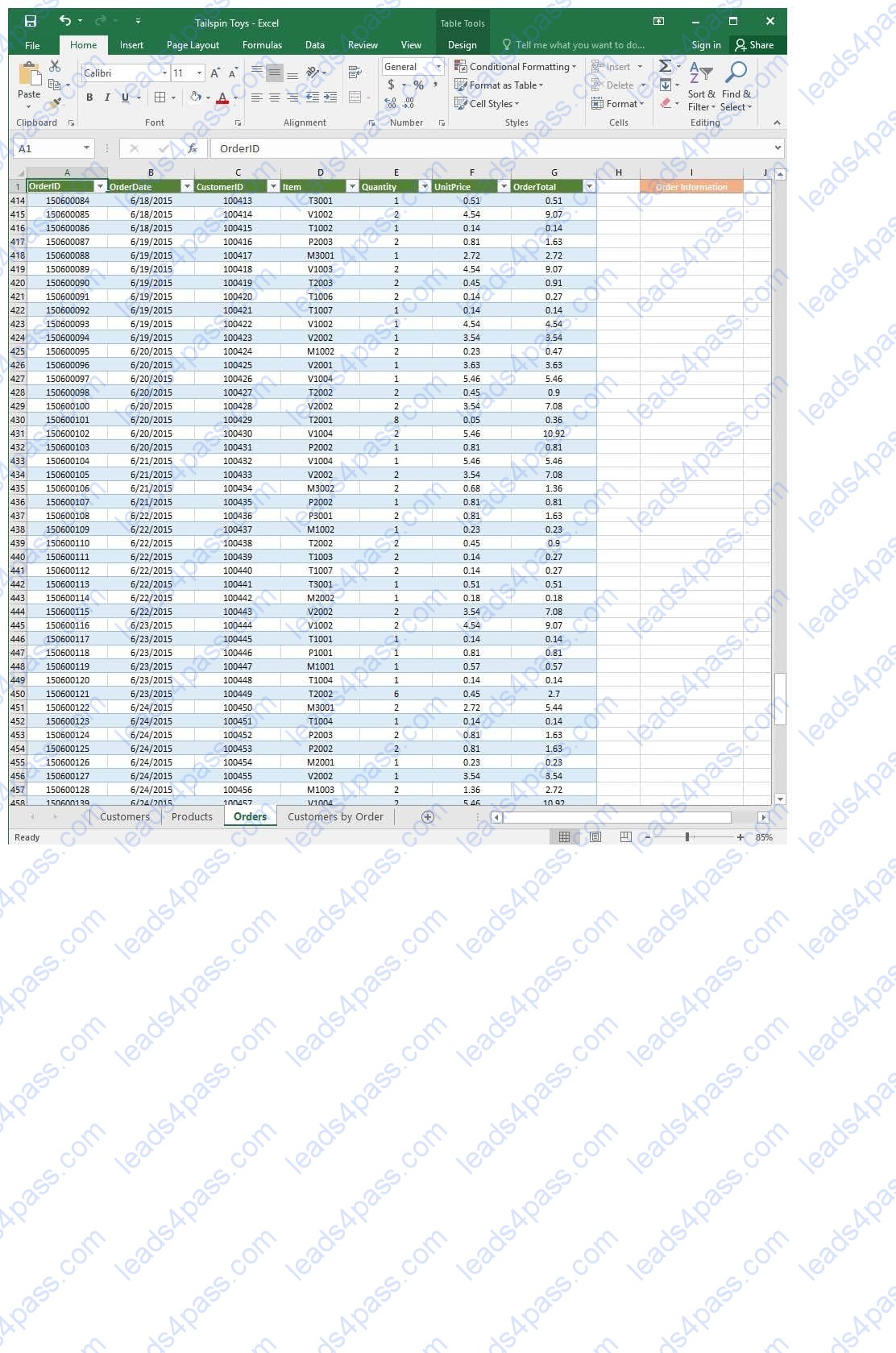
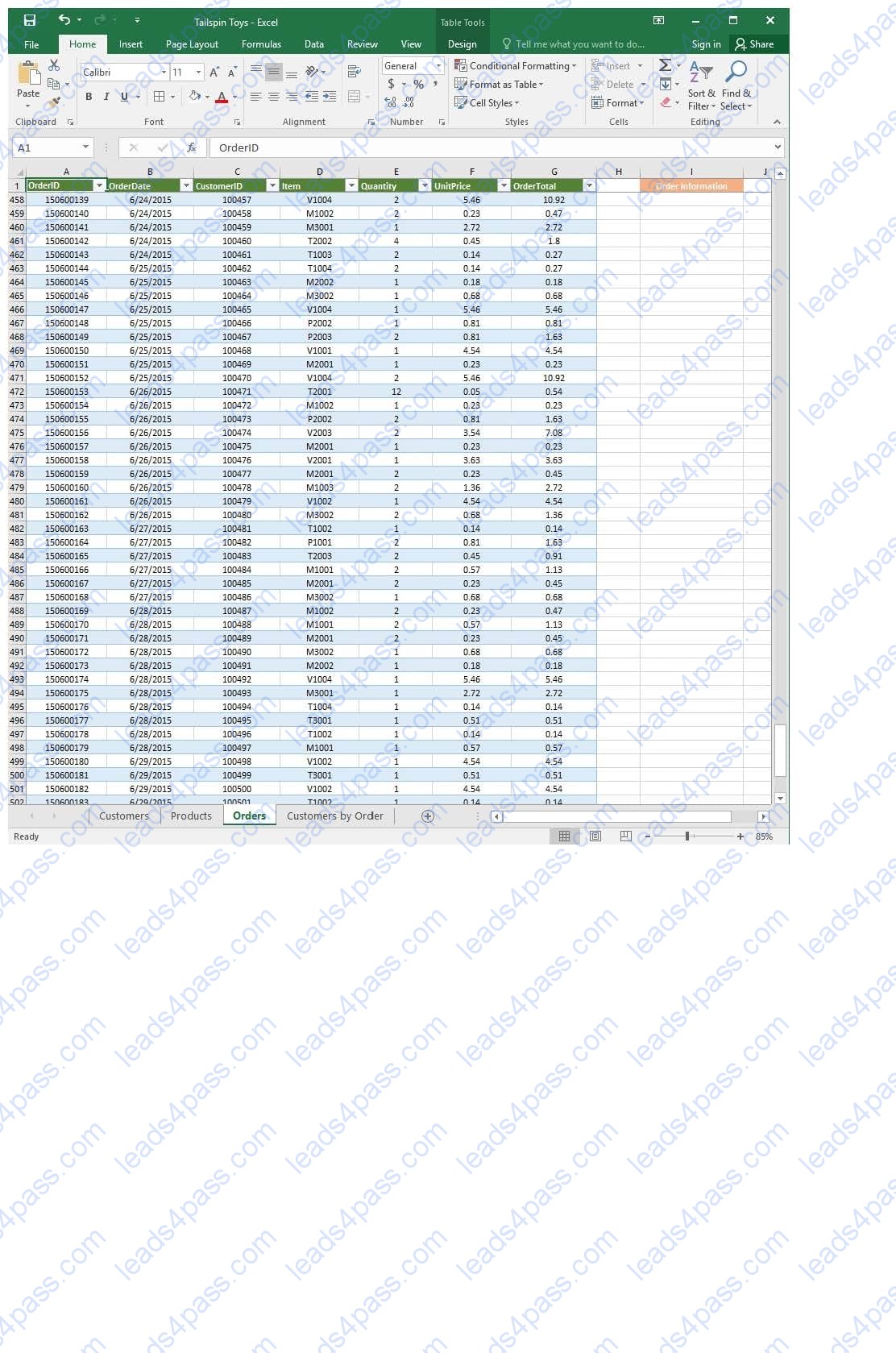
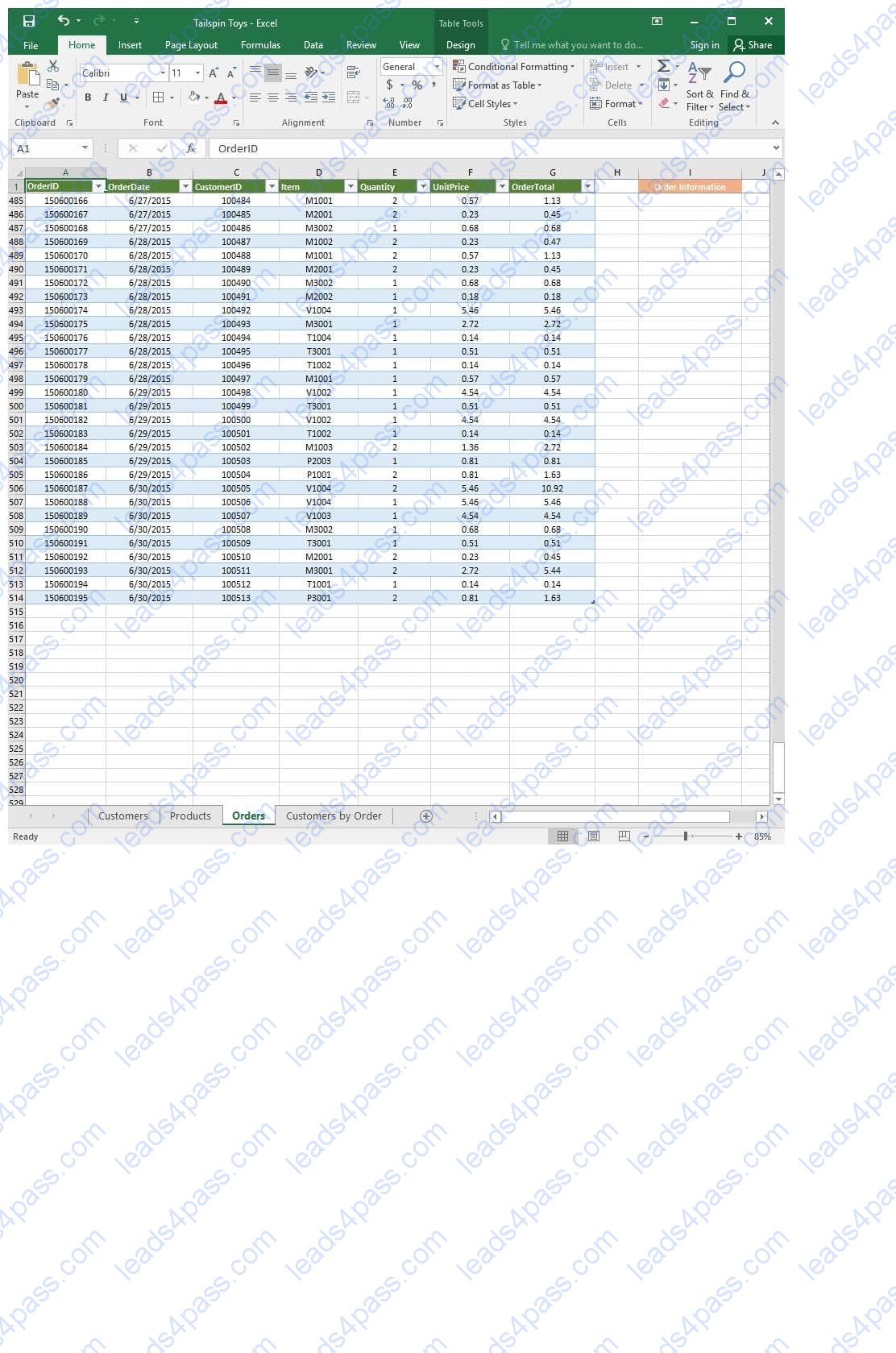
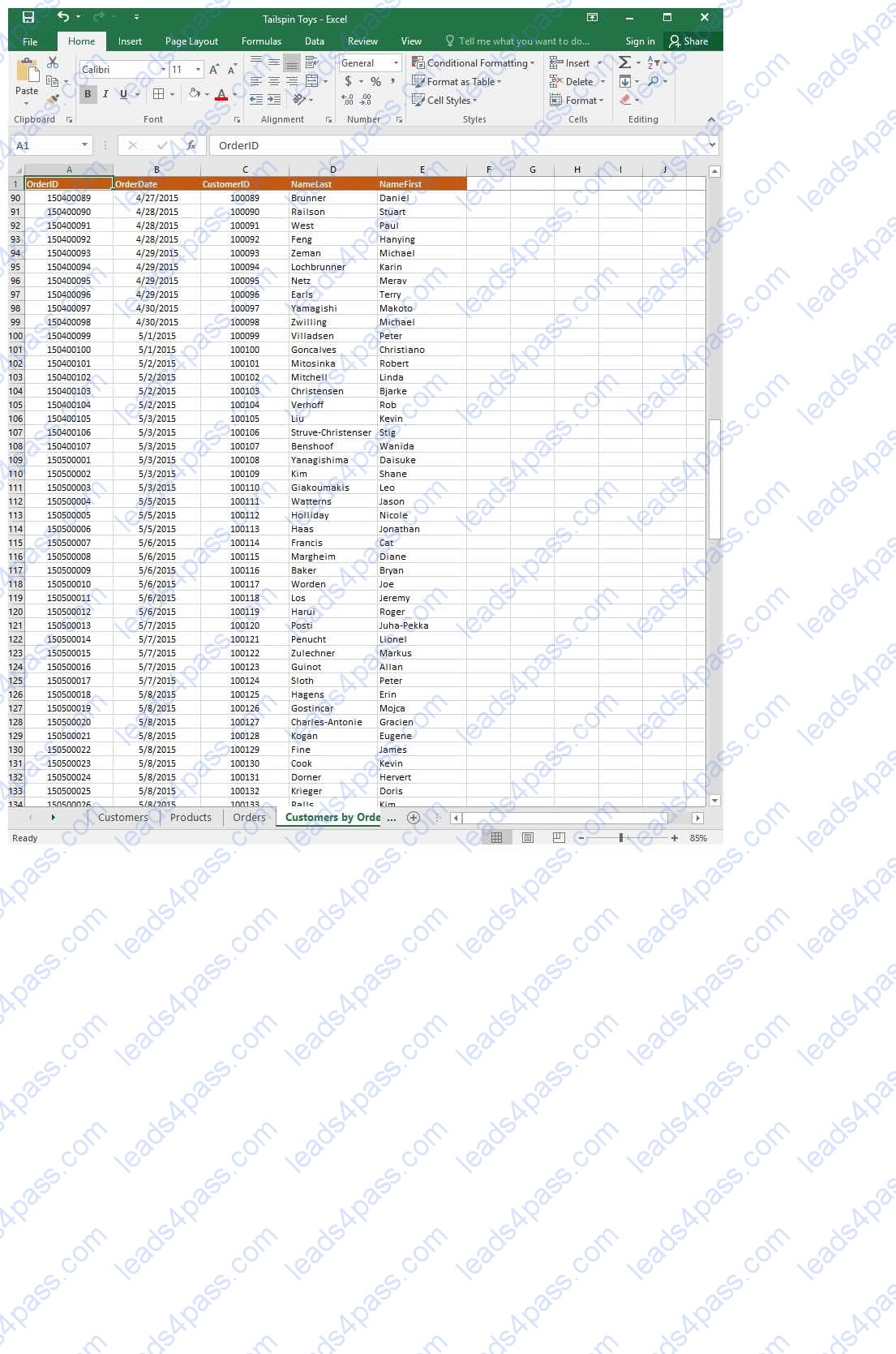
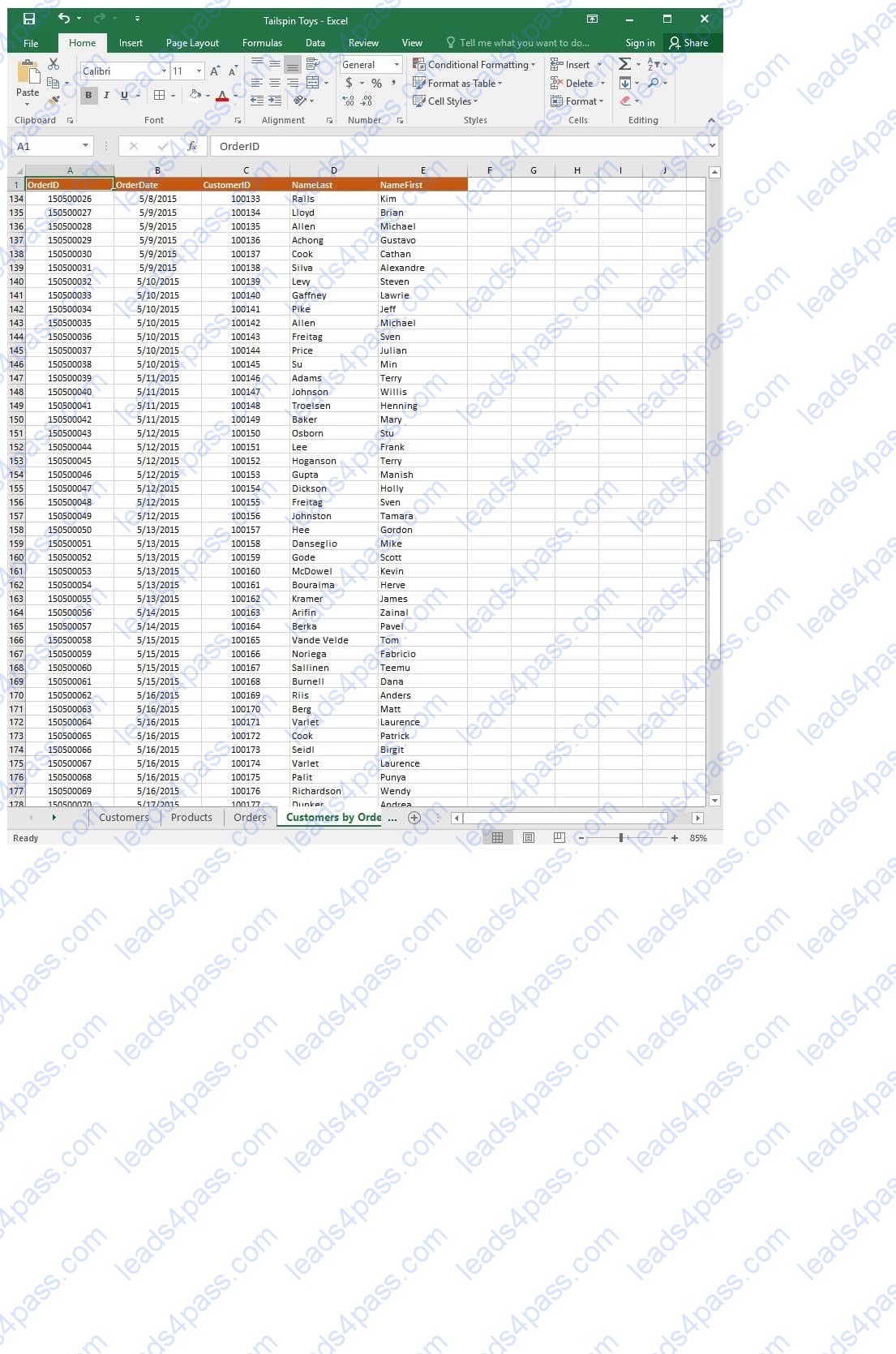
On the “Orders” worksheet, use an automatic formatting method to format cells in the “OrderTotal” column that contain above-average values by applying Green Fill with Dark Green Text. Use a technique that automatically updates the formatting if the column values change.
SIMULATION
Project 3 of 7: Tree Inventory Overview
You are updating the inventory worksheet for a local tree farm.
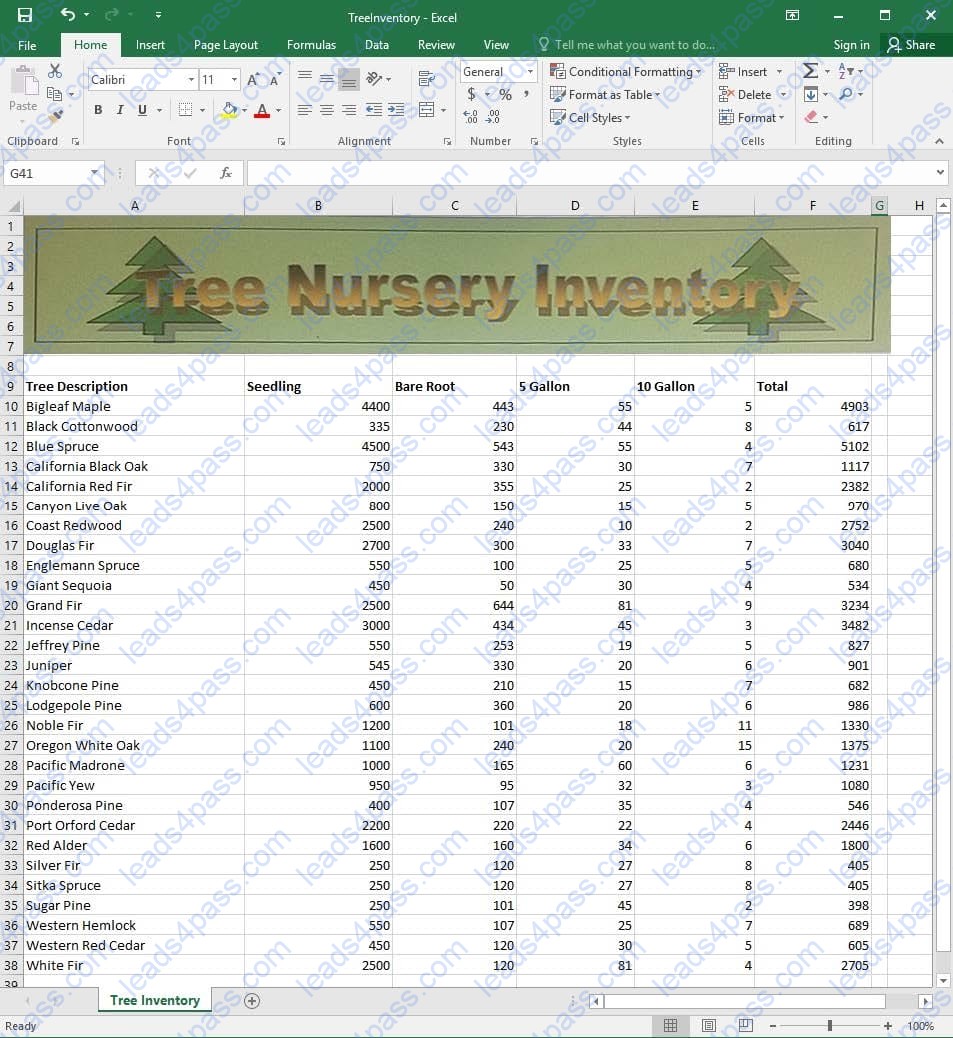
Configure the worksheet so that row 9 and the WordArt remain visible as you scroll vertically.
SIMULATION
Project 4 of 7: Car Inventory
Overview
You manage the office of a used car business. You have been asked to prepare the inventory list for a big annual sale.
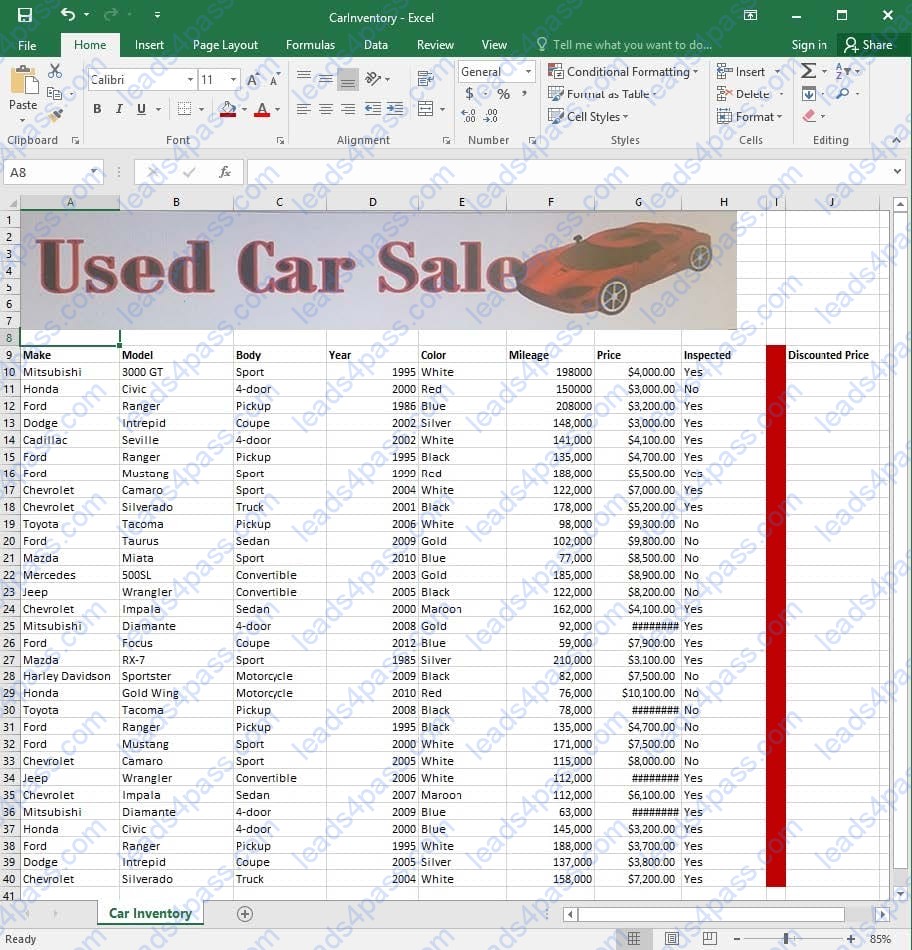
Modify the cell formatting of cell J9 to display the text on two lines.
SIMULATION
Project 5 of 7: City Sports Overview
The city events manager wants to analyze the enrollment changes over the past five years for various adult and youth sports programs. You have been tasked to prepare tables for the analysis.
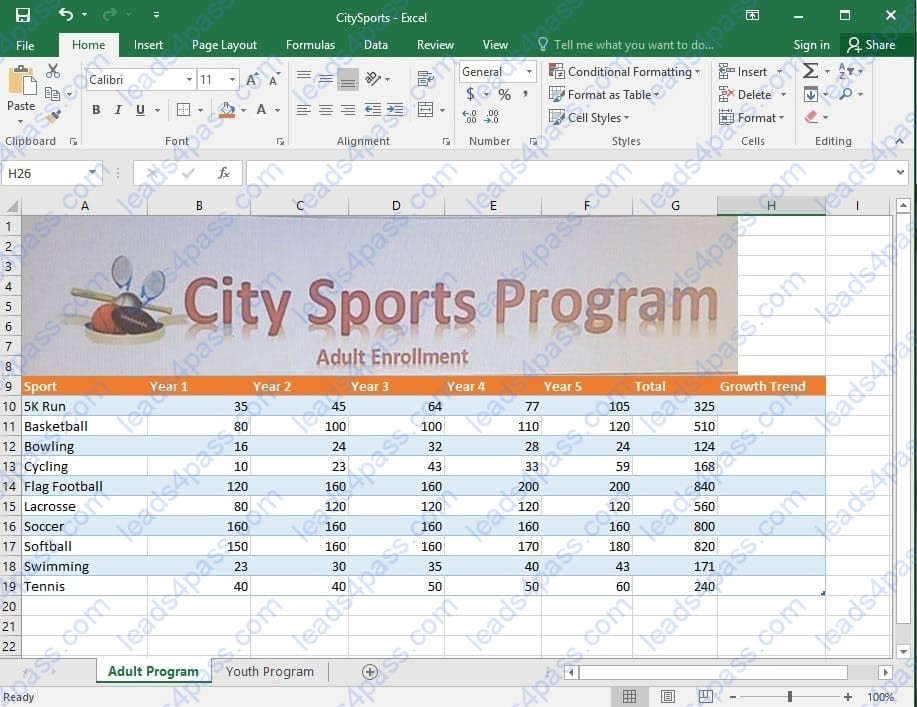
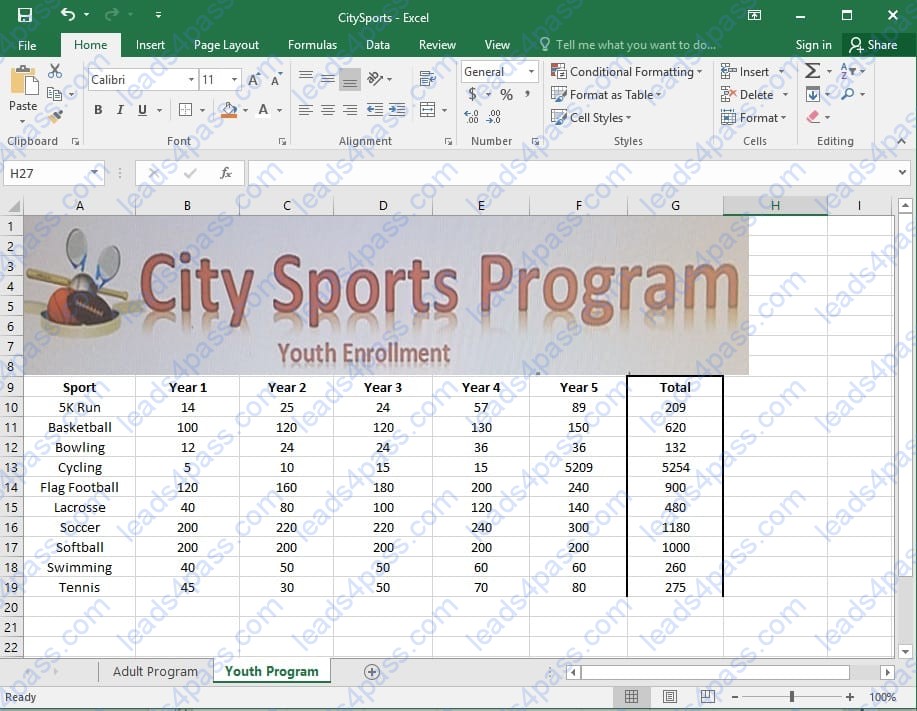
On the “Adult Program” worksheet, insert a Column sparkline for each sport that shows the enrollment for the past five years.
SIMULATION
Project 6 of 7: Bike Tours Overview
You are the owner of a small bicycle tour company summarizing trail rides that have been booked for the next six months.
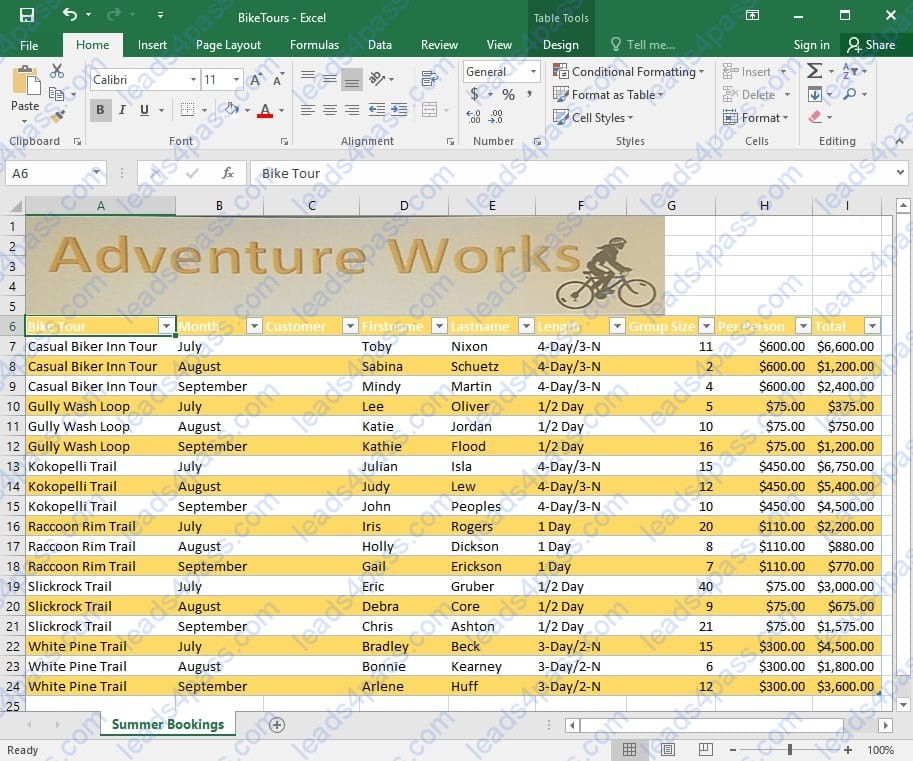
In cell C8 on the “Summer Bookings” worksheet, insert a function that joins the customer “Lastname” to the customer “Firstname” separated by a comma and space. (Example: Campbell, David).
SIMULATION
Project 7 of 7: Farmers Market
Overview
You are the Director of a local farmers’ market. You are creating and modifying charts for a report which shows the amounts and variety of products sold during the season.
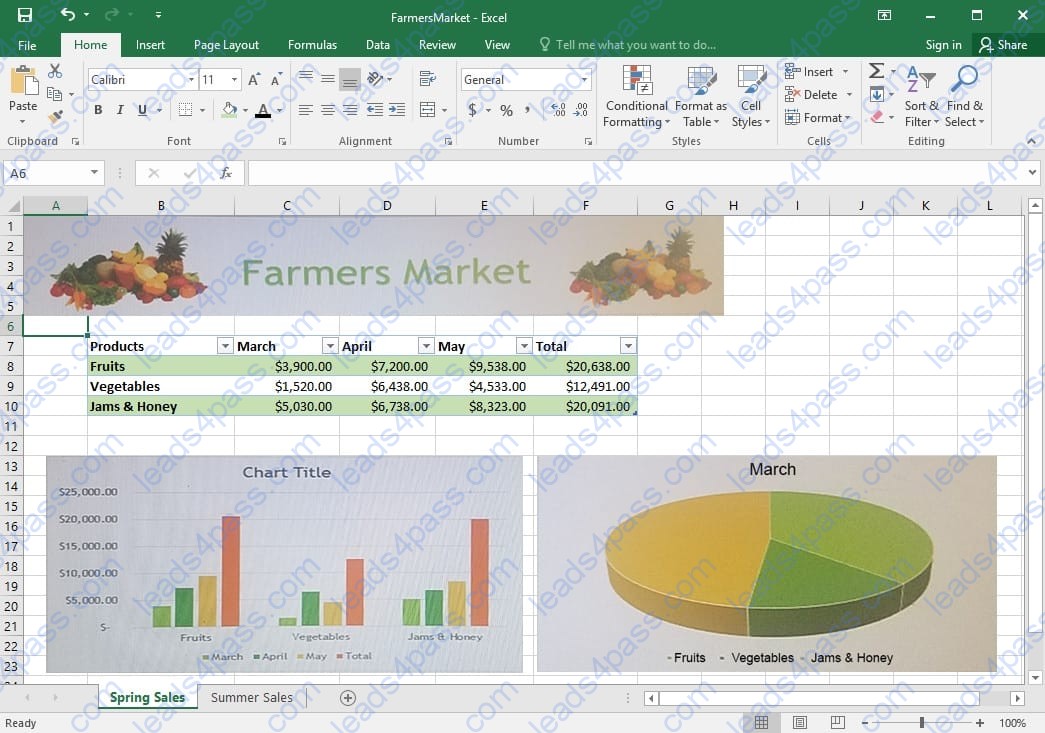
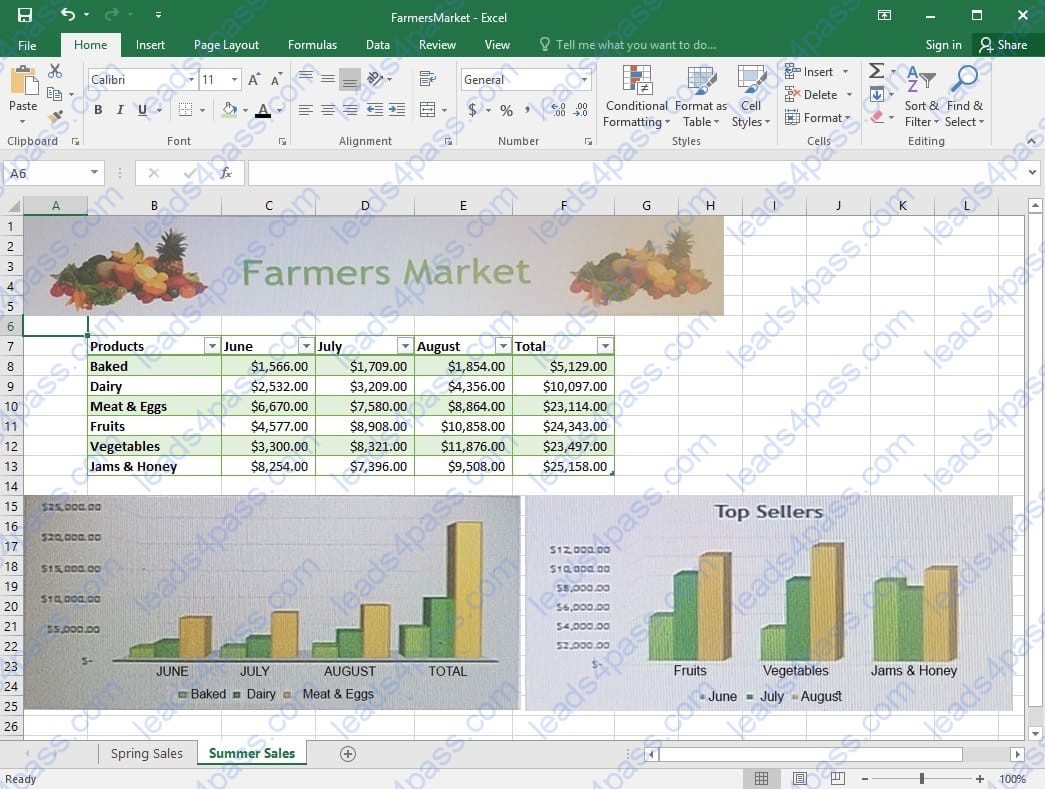
On the “Summer Sales” worksheet, use the data in the “Products” and “Total” columns only to create a 3-D Pie chart. Position the new chart to the right of the column charts.
SIMULATION
Project 7 of 7: Farmers Market
Overview
You are the Director of a local farmers’ market. You are creating and modifying charts for a report which shows the amounts and variety of products sold during the season.
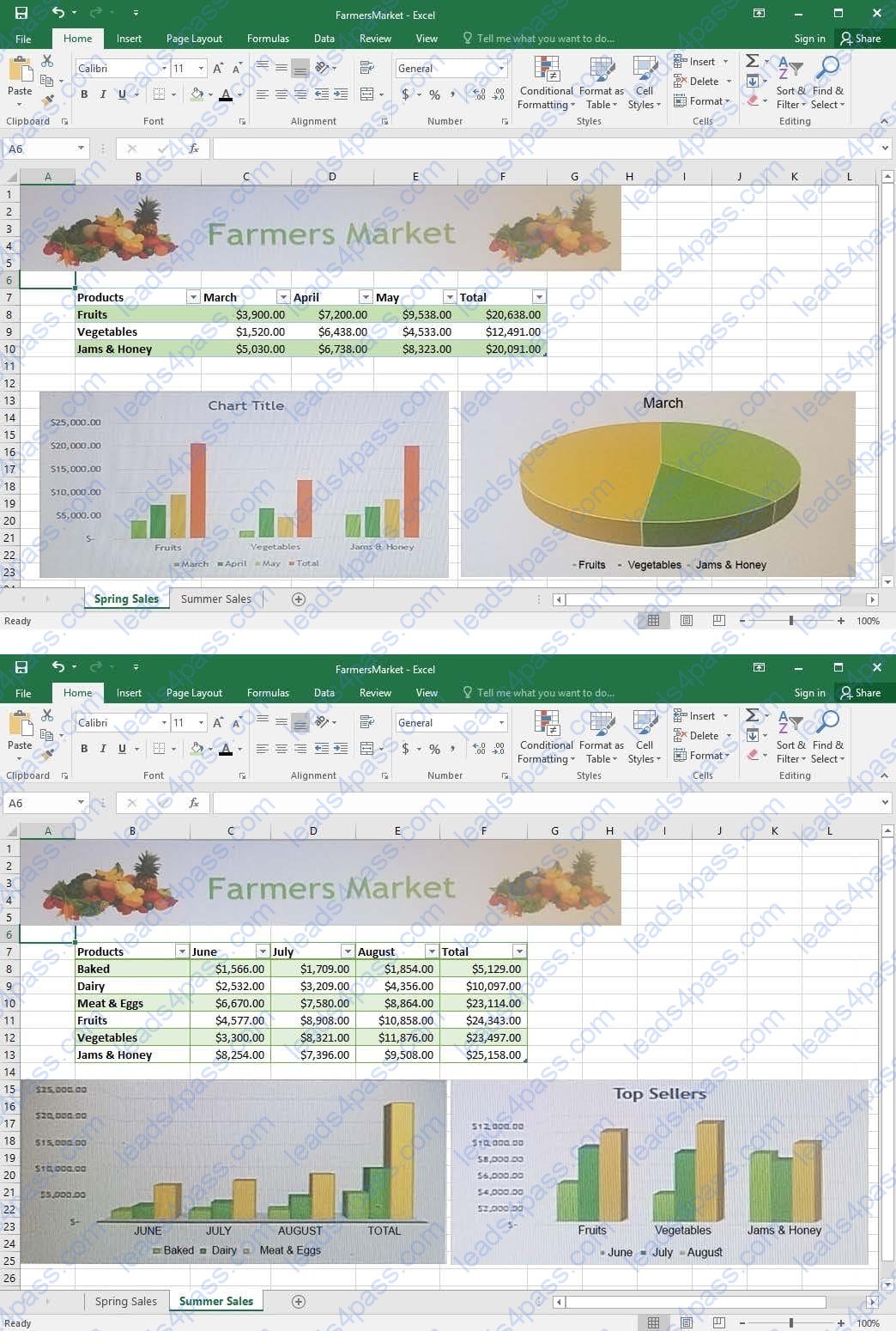
On the “Spring Sales” worksheet, apply Style 3 and Monochromatic Color 2 (Monochromatic Palette 2) to the 3-D Pie chart.
SIMULATION
Project 7 of 7: Farmers Market
Overview
You are the Director of a local farmers’ market. You are creating and modifying charts for a report which shows the amounts and variety of products sold during the season.
On the “Summer Sales” worksheet, switch the rows with the columns on the first column chart.





All rights are reserved by
leads4pass.com. Any changes, copy or trademarks abuse will be
regarded as infringement.
leads4pass.com will reserve the right to pursue accountability.
Copyright © 2004-
2026 leads4pass.com.